

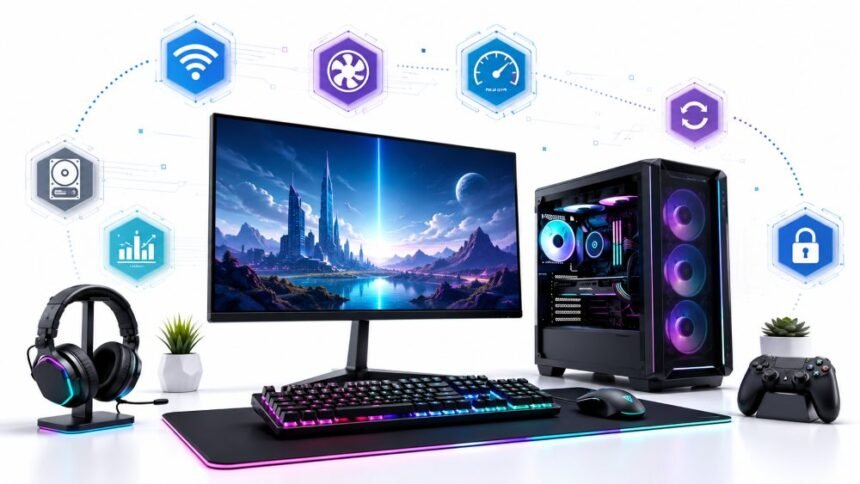
It is frustrating when the controller disconnects during the most exciting parts of a game – no one enjoys that. A game not accepting an input device also causes quite a problem for game masters. With such errors, players are advised to check out their controllers and see if any problems can be fixed. Besides taking care of your peripherals, making sure your game rig performs consistently at its best also means cultivating good computing habits. They will give you the same degree of gaming fun and reliability as hardware-only fixes can.
Updating drivers and preventing your save files from being lost by various means are just two examples of digital hygiene that you should incorporate daily to avoid situations that could be very frustrating. Whether you are a professional gamer, a YouTuber, or simply someone who occasionally enjoys getting into one for a few minutes, these tech tricks will allow your gaming rig to keep running smoothly up to 2026.
Update Drivers And Firmware Regularly
An outdated software version is one of the main factors why systems perform slowly. Driver software for graphics cards, firmware for the motherboard itself, firmware for various controllers, and OS updates usually contain bug fixes, compatibility enhancements, and security patches.
If a controller of yours starts functioning weirdly without any noticeable reason, before you conclude it’s a hardware failure, you can try changing the firmware version. But updating GPU drivers usually brings a performance boost and solves the problem with new games that you’ve downloaded.
Creating a habit of periodically checking for any firmware/driver updates every few weeks not only gets you the latest changes but also helps prevent a lot of frequent gaming issues from getting serious.
Organize Controller Profiles
Many modern controllers allow users to create numerous customizable profiles that will include completely different button assignments, sensitivity settings, trigger ranges, etc. dead zones, etc., as well as stick responsiveness settings and much more.
In case you play a game that you know thoroughly, why should you spend your time changing all such small settings? Just keep a backup of your ideal configurations in good condition. Clear naming of profiles, like “FPS Competitive, ” “Racing, ” or “Platformer,” helps game-changing without the need for remapping.
Also, some companies have features that allow the user to back up and then load previously saved profiles easily on new computers or after reinstalling the software, etc.
Before replacing hardware, learn basic troubleshooting skills. If something goes wrong, replacing hardware may seem like an easy fix, but the problem could sometimes be a software issue.
Check the most obvious solutions before replacing the controller or buying a new headset.
Start with these simple steps:
- Turn off your device and start up again.
- See if another USB port or Bluetooth device helps
- Reinstall drivers on your computer.
- Make sure your controller is adjusted to work correctly.
- Look at your firmware for updates.
- Use a diagnostic tool to check the controller.
These troubleshooting techniques will help you identify a hardware or software issue, saving your money and time as well.
Take Good Care of Storage
At the moment, the average size of new game releases is so massive that there are games today that are as big as 110 or even 100s of more gigabytes. If you don’t manage your storage wisely, a lack of space could affect the game experience on your PC.
Games on a gamer’s SSD with only a small amount of available space may have a slower frame rate performance or worse. And, the older the disks get, the lower their ability to be kept secure against data loss or corruption. One should get rid of the files that are not used anymore. In addition, the gamer should delete the apps that are no longer being played. Also, it’s a good idea to check the health condition of the drive by using the operating system’s native tools or the tools that are provided by the manufacturers.
It will be less troublesome and traumatic if a drive that is about to be out of service is replaced before it fails.
Guarding Your Game Saves and Personal Items
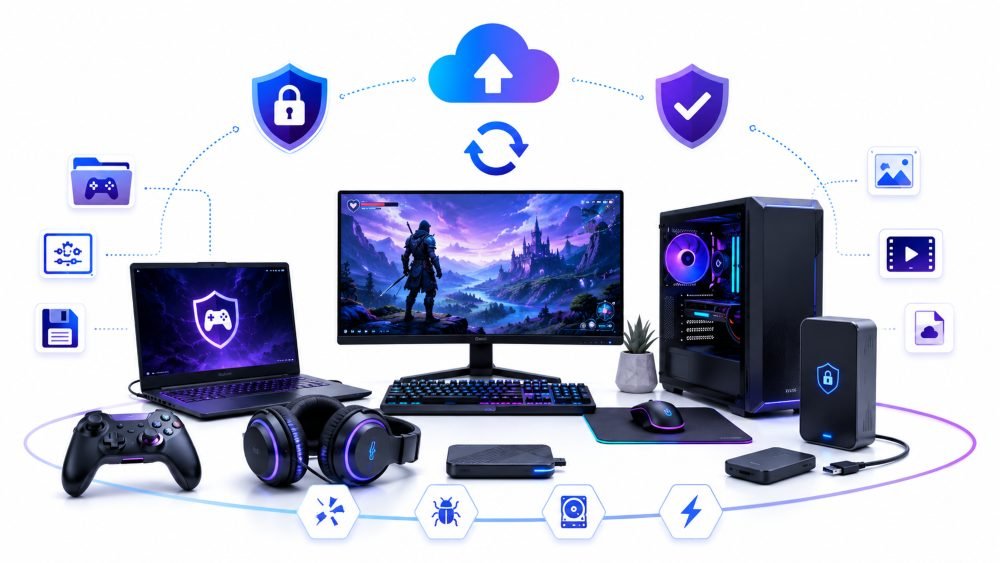
Games are time-consuming, and many gamers spend hundreds, or even thousands, of hours just saving, tweaking the controller, taking screenshots, modding the game, and producing streaming assets. Tragically, a few others store their all-time favorite pieces of work just on the hard drive of their personal computer or on an external disk.
It could take no time at all after a broken SSD, accidentally deleted files, malware, or even being robbed to have your laptop lost for you to completely lose not only the work itself but also the time you spent making the work. A way to limit that possibility is by creating safe backups and using cloud storage.
Making a secure copy of all the stuff you keep, like game saves, your controller profiles, streaming overlays and recordings, would allow you to access those any time and also keep them away from a single storage device, making them less susceptible to loss or damage.
Keep Your Streaming Assets Neat and Tidy
Streamers typically have lots of different files to handle, from graphics used on-screen to music rights, logos, templates for editing your videos, and so on.
If content creators can manage all these things easily and quickly, then they will make more content. Sorting all your assets in well-named folders by your project or game, for example, would quite a bit boost productivity. Also, sticking to a particular system for naming your files will save you from having to overwrite some of your most precious work by accident when you are in an editing frenzy.
A clean and tidy work environment can be really helpful; you would find yourself using a computer less and getting more content done.
Turn On Multi-Factor Authentication
Gaming accounts often carry valuable game purchases, rare skins, and many years of gameplay progress.
If you have multi-factor authentication (MFA) enabled, then your password alone is not enough for anyone to log in to your account. Also, the U.S. Cybersecurity and Infrastructure Security Agency (CISA) is strongly recommending using MFA because with it, account hacking becomes very difficult for cybercriminals even though they could have been in possession of your password.
Check Game Files When Issues Happen
Not all game crashes indicate that the game needs to be reinstalled completely. Steam and other platforms come with a feature for validating game files that identifies and informs you about missing or damaged files automatically. Usually, running these tests will fix game crashes, missing textures, or starting-up errors quickly.
File verification should always be the first method of fixing a problem before you decide to redownload that entire copy of the game.
Practise Safe Downloading
Game modifications, overlays, game controller utilities, and performance-enhancing tools can add a great deal to one’s gaming experience, but they should only be downloaded from trustworthy and verified sources.
The National Cyber Security Centre (NCSC) recommends downloading software only from reputable providers and updating antivirus programs regularly to minimize the risk of computer viruses and hacked apps.
Keeping your files safe also means protecting the devices they are stored on. Malware, phishing attempts, and unsecured networks can put game saves, account credentials, and personal information at risk. Alongside regular backups, using trusted security software and a VPN adds another layer of protection for gamers. If you are looking to save on these essential tools, you can find a nordvpn antivirus coupon code to secure your system while staying within your budget.
Conclusion
Quality gaming is not only a matter of top-end hardware or good controls. It is a combination of digital habits that, if adopted smartly, will make a big difference in protecting one’s progress, ensuring a good gameplay experience, and minimizing the number of technical issues.
Sometimes, technical issues appear, but there are many little things you can do to keep your gaming progress. Actions such as software updates, control layout management, regular data verification, keeping free storage space, etc., are all types of small routines that help one maintain their gaming life. Plus regular hardware diagnostics, these digital habits will make sure your gaming system is always ready for gameplay sessions and that the time you have put into your games doesn’t go to total system losses from preventable technical issues.