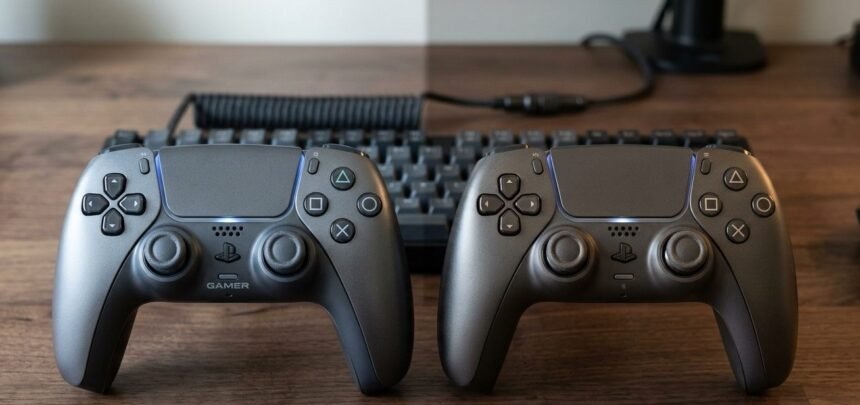
I bought two of the exact same controllers, same model, same batch, ordered in the same shipment, specifically so I would have an identical backup ready to go. When I finally tested them side by side months later, they were not identical at all. One reported perfectly centered sticks at rest. The other reported a slight but consistent 1-degree offset on the right stick, present from the very first test, not something that had developed over time. Two identical controllers can test differently on the same PC, straight out of the box, and understanding why saved me from wrongly assuming mine had somehow failed.
Why Identical Controllers Can Test Differently at All
Controller manufacturing variance is the honest, unglamorous answer for why identical controllers can test differently at all, and it exists in every mass-produced electronic device, not just controllers. This is simply controller manufacturing variance at work. No manufacturing process, no matter how automated, produces perfectly identical results across every single unit. Component tolerances, the tiny acceptable variation ranges every part is manufactured within, mean that two potentiometers built to the same specification can still differ from each other by a small, entirely normal margin.
This is not a defect in either unit. It is the expected result of manufacturing tolerances that every component in every mass-produced device operates within. A potentiometer rated for a specific resistance range might land anywhere within that range depending on the exact manufacturing run, the specific machine that produced it, even the ambient temperature in the factory on the day it was made. Two units built one minute apart on the same production line can still land at different points within an identical tolerance range.
Batch variation gamepad differences compound this further. Controllers made in different manufacturing batches, even under the same model name, can use components sourced from different suppliers depending on availability at the time of production, a common practice across consumer electronics generally. A controller you buy today and one you buy in six months under the identical model number can genuinely contain internally different components, even though nothing about the external packaging or listing changes to reflect that.
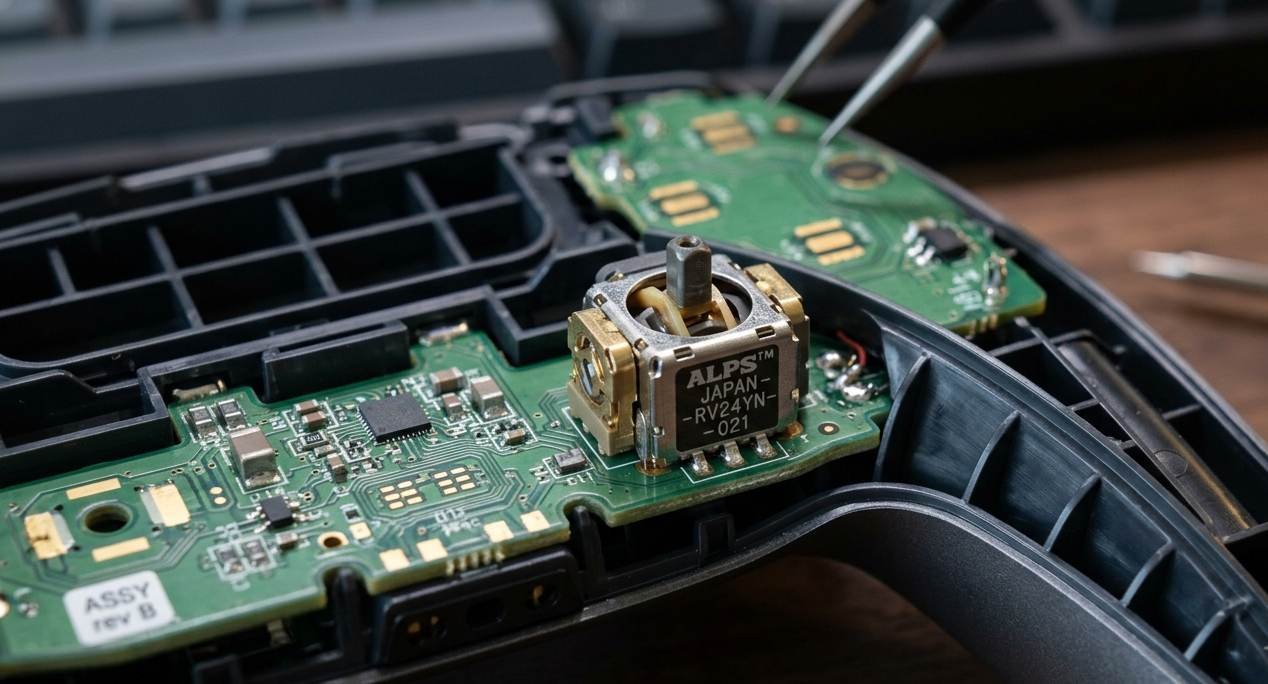
I confirmed this once by opening two units of the same controller purchased eight months apart. The internal potentiometer modules carried different supplier markings printed directly on the component, despite the outer shell, buttons, and packaging being visually identical in every way I could check. Neither controller performed worse than the other in practice, but the internals were not sourced from the same manufacturer, which on its own explains why small performance differences between them were entirely expected rather than a sign anything had gone wrong.
What Actually Causes the Test Differences You See
This is the most common reason identical controllers can test differently in a calibration baseline specifically. Controller inconsistency shows up most visibly in calibration baselines, exactly the kind of small offset I found between my two units. A 1 to 2 degree difference in resting stick position between two otherwise identical controllers is well within normal manufacturing tolerance and does not indicate either unit is defective. Software calibration exists specifically to correct for this kind of small, expected variance, which is part of why calibration is a normal step rather than a sign something has gone wrong.
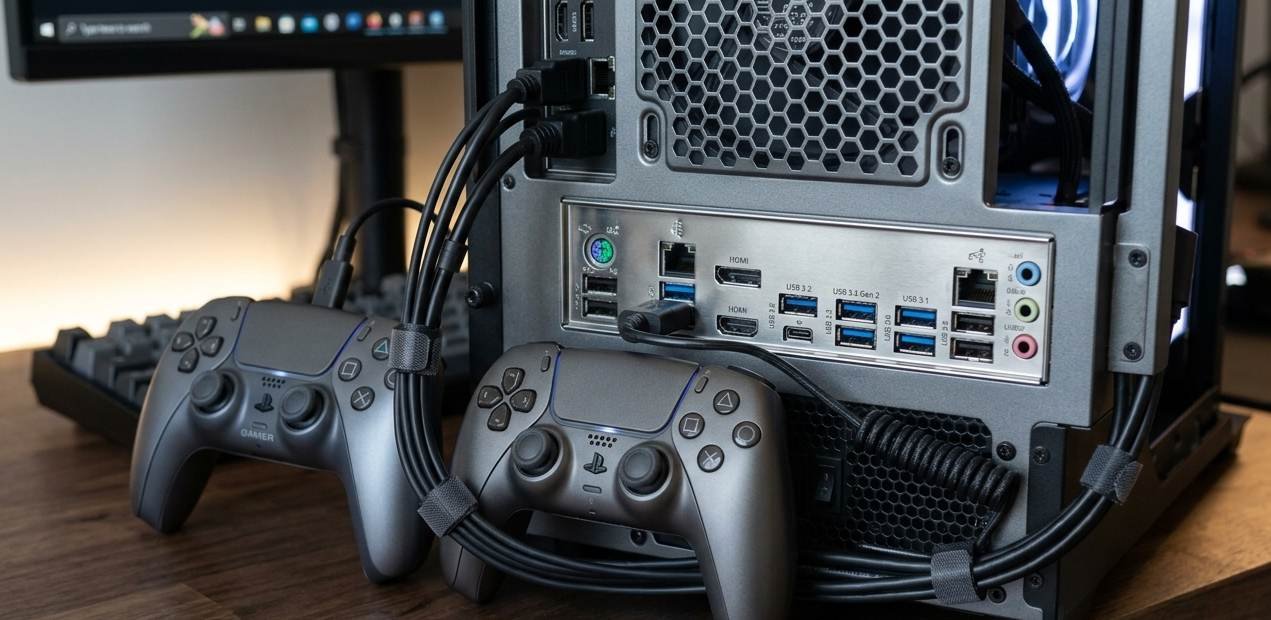
USB port controller testing introduces its own variable that has nothing to do with the controllers themselves. Different USB ports on the same PC can supply slightly different voltage or exhibit different polling behavior depending on which internal controller chip they are wired to, particularly on older motherboards with a combination of USB 2.0 and USB 3.0 controllers sharing bandwidth differently. This is the core risk of sloppy USB port controller testing: introducing a variable that has nothing to do with the controllers and everything to do with the ports.
Controller quality control processes catch major defects reliably: dead sticks, non-functional buttons, obvious mechanical failures. But they are not designed to catch or flag minor variance within normal tolerance, because that variance is not a quality failure to begin with. A controller reporting a 1 degree offset at rest passes quality control exactly as it should, since 1 degree is well inside acceptable manufacturing tolerance for the component. This kind of minor controller inconsistency is the norm, not the exception, across virtually every mass-produced electronic device on the market.
What This Means for How You Should Actually Test Controllers
Never assume a single controller’s test results represent every unit of that model, especially when comparing performance claims or troubleshooting a specific complaint you have read about online. Your unit’s baseline may differ meaningfully from someone else’s unit of the identical model, and neither of you is wrong; you are simply looking at two different points within the same normal manufacturing tolerance range.
When testing multiple controllers for genuine comparison, use the same USB port for each test in sequence rather than different ports, and calibrate each controller individually before comparing results rather than assuming factory calibration is identical across units. This isolates the variable you are actually trying to measure, real performance differences, from variables introduced by your specific testing setup that have nothing to do with the controllers themselves.
If you own multiple identical controllers and notice a consistent difference between them, check first whether the difference falls within a reasonable tolerance range, generally a few degrees of stick offset or a small variance in trigger travel, before assuming one unit is defective. A meaningful, actionable difference is usually larger and more obviously wrong than typical manufacturing variance, closer to consistent double-digit drift or a completely unresponsive input rather than a small, stable offset present since day one.
Quick Checklist — Understanding Controller Test Variance
Do not assume two identical controllers will produce identical test results out of the box.
Small differences in resting stick position, a few degrees, are usually normal manufacturing tolerance.
Test multiple controllers using the same USB port in sequence to remove that variable.
Calibrate each controller individually rather than assuming factory calibration is identical across units.
Batch variation: gamepad differences, supplier changes under the same model number can exist without any listing change.
Distinguish normal variance, small and stable since day one, from an actual defect, larger and often worsening.
Do not read one person’s online test result as universal proof about how your specific unit will perform.
Controller quality control catches major defects reliably but is not designed to flag minor within-tolerance variance.
Two controllers coming off the exact same production line, an hour apart, are close enough to call identical for almost every practical purpose, but identical controllers can test differently anyway, in small and usually harmless ways, and knowing that is the difference between correctly shrugging off a normal offset and wrongly returning a perfectly good controller.