Starting A Gamepad Blog On WordPress? Don’t Forget These HostGator Coupons
Plenty of controller blogs start the same way. You fix your own stick drift, write up what worked, and realize you…

Shopping for a new controller and now TMR Or Hall Effect Sticks instead of Hall effect. I play mostly shooters on PC and some Rocket League. Is TMR actually better or is it just the new marketing word? And how do both compare to the normal sticks in a DualSense, which I honestly like the feel of. I don't want to downgrade my aim just to avoid drift.
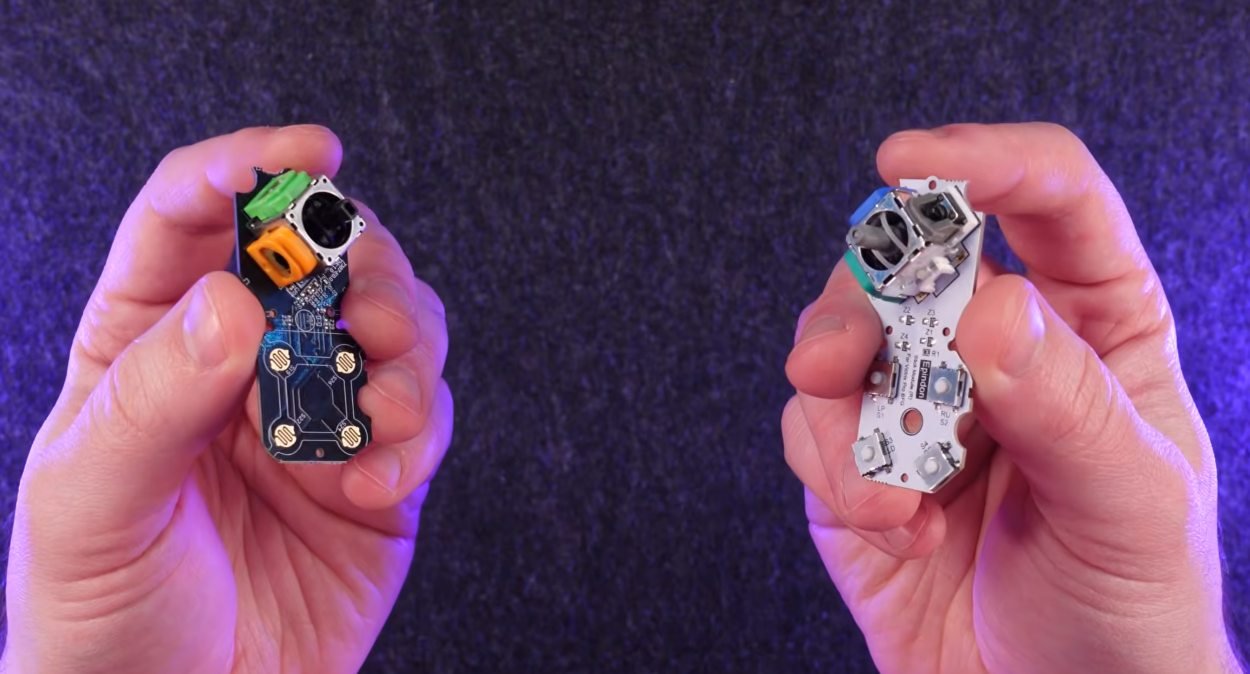
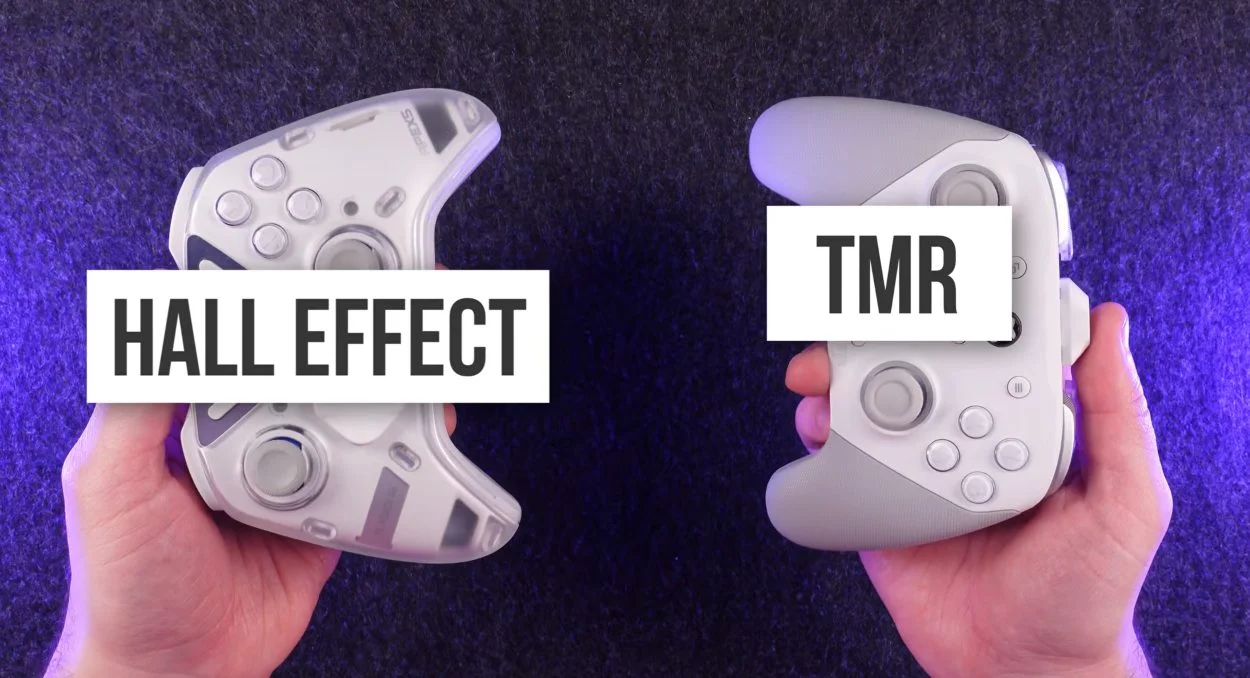
Both TMR and Hall effect avoid the contact wear behind classic drift. TMR sensors draw far less power and often feel tighter around centre, but the controller's firmware deadzone and stick tension matter more to aim than the sensor label. Test any pad in its first week.

Fair question, because both terms get used loosely on product pages.
Here is the real difference. Standard sticks, often called ALPS-style or potentiometer sticks, read position through a wiper sliding on a carbon track. That contact is what wears and causes classic drift. Hall effect sticks put a magnet on the stick and measure its field with a sensor that never touches it. TMR, short for tunnel magnetoresistance, uses the same magnet idea with a different sensing element that changes resistance with the field instead of producing a voltage.
In practice TMR has two concrete advantages. It draws much less power: GuliKit quotes roughly 0.1 to 0.3 mA for a TMR sensor against roughly 0.5 to 2 mA for a linear Hall sensor. That matters for battery life in wireless pads and is why TMR modules can drop into controllers designed for potentiometer sticks without circuit changes. Many players also find TMR pads feel tighter around centre than early Hall effect pads.
What I would not believe is that TMR has dramatically higher resolution. Even GuliKit says resolution depends mainly on how precisely the controller's own chip samples the sensor, not on the sensor type. The things that actually decide how your aim feels are the firmware deadzone, the response curve and the spring tension.
For a shooter player who likes the DualSense feel, I would lean TMR, but buy from a retailer with an easy return and test the deadzone in the first week. A magnetic stick with a fat firmware deadzone will feel worse than your DualSense, whatever the box says.
Tested on: Applies to TMR, Hall effect and potentiometer-stick controllers on Windows 11. Power figures quoted from GuliKit's TMR technical notes; sensor principles per published manufacturer explanations.
Checked by Chloe Henderson on . How we verify answers
Hardware Reviewer And Input Performance Specialist at Gamepad Tester
Garrett reviews gaming controllers the slow way. Instead of a week of impressions he runs a fixed battery of measurements on every pad: resting deadzone on both sticks, raw polling rate over wired and wireless, trigger travel consistency, and how the face buttons and stick modules hold up over extended use. The result is a review that can be checked rather than argued with, which is why his numbers are cited in the buying guides here. On Gamepad Tester he leads the reviews and buying topic, and signs off answers that recommend one controller over another.
 Calder WrightFront-End Web Architect And Gamepad API Lead
 Elena RostovaHardware Diagnostics Engineer
 Venom’s Tech (Abhishek)Peripheral Reviewer And Tech Journalist
 Chloe HendersonHall Effect And Thumbstick Analyst
 Thiago AlvesHardware Repair Educator
 Devon MillerLow Latency And Input Timing Engineer
 Liam DaviesBluetooth And Wireless Test Engineer
 Nadia BrooksEsports Performance Consultant
Each answer is written by the specialist who owns that part of the hardware, tested on a real controller, and checked by a second team member. How we verify answers
Answers are free general guidance from the Gamepad Tester Team and the community. Opening a controller or replacing a thumbstick module can void your warranty, so check the maker's support or warranty first. Battery and soldering work carries a real risk of damage or injury.
Every test runs in your own browser with the Gamepad API. No sign up, no download, and your controller data never leaves your device.
Plenty of controller blogs start the same way. You fix your own stick drift, write up what worked, and realize you…
If you play games on a PC, whether that means ranked matches every night or a slow campaign on the weekend, you know…
Sony has not announced the PlayStation 6. That is the honest starting point, because almost everything circulating…
The newest replies from players and the Gamepad Tester Team.