How To Brief An Outsourced SEO Partner So Nothing Gets Lost In Translation
Handing SEO work to an outside team can free up your in-house staff and bring in expertise you don't have internally…

Ask about stick drift, dead buttons, drifting triggers, vibration that stopped working, Bluetooth pairing or which controller to buy. Every answer is tested on real hardware and checked by the Gamepad Tester Team, and it is free.
Wired is genuinely faster, but by roughly 5 to 10ms, which is below what most players can perceive. The real argument for wired is consistency and…
This is early-stage wear showing up thermally. Warm plastic and a worn carbon track shift the reported centre, which is why it only appears after an…
You are probably not imagining it, but the controller is not the cause. A clean controller with a floaty feel almost always points to the display…
If it runs on a data cable but will not charge, the usual causes are a worn charging port or a battery that has aged past the point where the charge…
Your numbers are good. Wired 11ms and Bluetooth 19ms are both in the normal band. Worry above roughly 25ms wired or 40ms wireless, or if the figure…
It identifies as an Xbox 360 pad on purpose, so games recognise it without a driver. That is normal. The wrong button positions are a firmware…
Repair it. All three of your faults are replaceable parts, together they come to a fraction of a new controller, and none of them need soldering…
A button that works under hard pressure and misses under light pressure is a worn conductive pad or a contaminated membrane. Cleaning fixes it…
Individual presses perfect but simultaneous presses dropping points at the encoder board's scan rate or its report rate, not the switches. Check the…
Entirely repairable, and it is one of the cheaper fixes. A completely dead direction is a worn contact or a torn membrane dome, not a failed board…
Yes, it works, and it is a good diagnostic for exactly this. The Adaptive Controller presents as one standard gamepad, so the tester shows you what…
Enumerating correctly with all inputs at zero usually means the pad is in an analog or digital mode the host is not reading, or it is a clone…
This is usually Safari needing a button press plus a focused window, or an old macOS build. Chrome on macOS is the reliable test. Also check nothing…
A pair that holds for five to ten seconds then drops is nearly always a stale pairing record or a Bluetooth adapter power-saving setting, not the…
Yes, for your situation it is worth it. Hall effect sticks do not wear the way potentiometers do, so they genuinely remove the common drift cause…
Tell us which button, stick or trigger misbehaves, when it started and what the Gamepad Tester reading shows. A screenshot of the test page helps most.
The member who knows your controller best reproduces the fault on the same pad, confirms the fix, and a second member reviews the answer before it goes live.
You get a short answer, the step by step fix, and the exact controller, firmware and system it was tested on. Other players can reply with what worked for them.
The six faults players ask about most, each with the free tool that confirms it.
Read the resting value, recalibrate, then decide if the module is worn.
Find out whether the contact is dead or the mapping is wrong.
Check the analog travel on both triggers and reset the range.
Test each motor separately before you open anything.
Work through the reset, the pairing mode and the dongle.
Measure the real lag, then cut it wired or wireless.
Every test runs in your own browser with the Gamepad API. No sign up, no download, and your controller data never leaves your device.
Handing SEO work to an outside team can free up your in-house staff and bring in expertise you don't have internally…
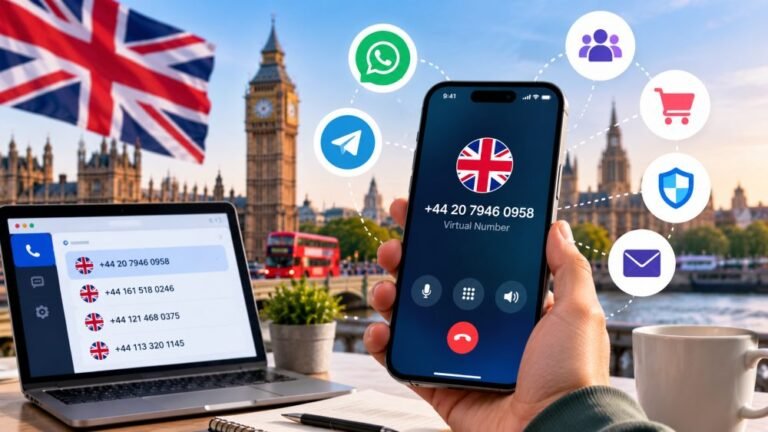
The way people communicate online has changed significantly in recent years. From managing international projects to…
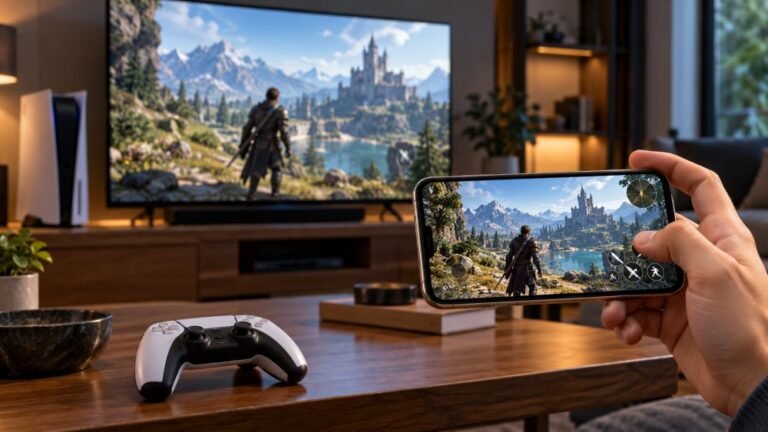
Mobile gaming has become an increasingly popular way to enjoy video games, with smartphones now capable of running…
Web developers and hardware testers who build the Gamepad Tester tools and check every answer on real PS5, PS4, Xbox, Nintendo Switch and PC controllers.

Front-End Web Architect And Gamepad API Lead
Builds the browser test scripts behind Gamepad Tester and keeps them accurate at high polling rates.
1 answers · Profile

Hardware Diagnostics Engineer
Runs the bench tests that measure deadzone error and stick circularity on competitive controllers.
2 answers · Profile

Hardware Reviewer And Input Performance Specialist
Reviews controllers on measured numbers: deadzones, polling rate and how long the parts actually last.
1 answers · Profile

Peripheral Reviewer And Tech Journalist
Covers mobile controllers, budget pads and third-party stick drift in close detail.
Gamepad Tester Team · Profile

Hall Effect And Thumbstick Analyst
Tests hall effect sticks against standard potentiometers for accuracy, drift and magnetic error.
2 answers · Profile

Hardware Repair Educator
Shows players how to use a test result to find and fix a fault themselves.
1 answers · Profile

Low Latency And Input Timing Engineer
Makes sure a latency reading shows the controller's real delay and not the network's.
1 answers · Profile

Bluetooth And Wireless Test Engineer
Diagnoses packet drops, jitter and dropouts on controllers tested over wireless.
2 answers · Profile
Yes. Asking, reading the answers and replying are all free. There is no account to create, no limit on questions and nothing to buy.
The Gamepad Tester Team, the people who build and maintain the Gamepad Tester tools. Every answer names the team member who wrote it, the exact controller it was tested on and the date it was last checked. Other players can reply with their own experience too.
Most questions get a verified answer within about 2 working days. Tick the email box and we will tell you the moment it is published.
A team member reproduces the fault on the same kind of controller, confirms the fix works, lists the hardware and firmware it was tested on, and a second member reviews it before the badge is added.
Yes. Buying and review questions are welcome. We compare pads we have actually tested, we say plainly when we have not tested something, and we are never paid to recommend a brand.
Your email is never published. Only your first name and the first letter of your surname appear, or the word Player if you leave the name empty.
Please do. A screenshot of the Gamepad Tester page, a short clip of the fault, or a text log all help us answer faster. Location data is stripped from photos on upload.
Only as a last resort. Opening a pad or replacing a stick module usually voids the warranty and needs soldering. We always give you the settings and warranty route first, and we say when a repair is not worth the cost.
The newest replies from players and the Gamepad Tester Team.