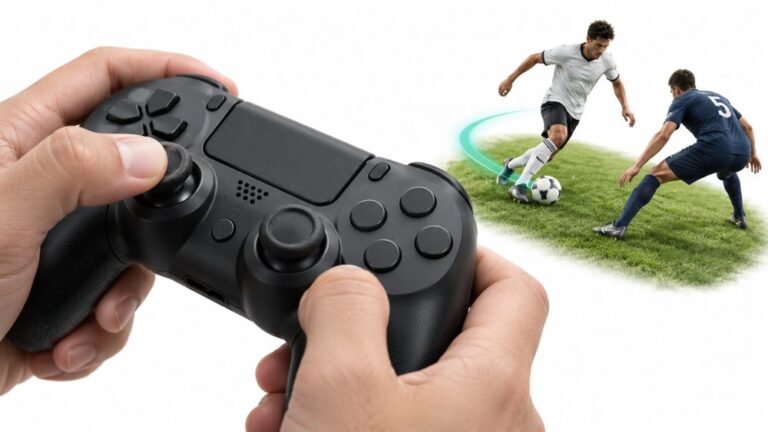
Why Sports Games Feel Better With a Controller
Ask a room full of sports gamers what they play with, and most will hold up an imaginary controller. Ask them why, and…

My Xbox Elite Series 2 left trigger has stopped being analog. On your trigger test it sits at 0 and then suddenly jumps to 1.00 with a click, nothing in between. In racing games I can't brake gently anymore. The right trigger is smooth. Is the trigger sensor dead?
Check the trigger lock on the back first. The Elite Series 2 has trigger stops, and in the shortest setting the trigger behaves almost like a button, jumping from 0 to full. Sliding the lock back to full travel restores the analog pull.

Before anything else, turn the controller over. The Elite Series 2 has trigger locks, small sliders on the back beside each trigger, with three positions. In the full position you get the normal analog pull. In the shorter positions the trigger's travel is physically limited, and in the shortest one a very short pull with a click registers as a full press. In the test that looks exactly like what you describe: 0, then straight to 1.00.
The locks are easy to knock during play or in a bag, and the click makes it feel as if something broke. Your right trigger being smooth fits too, since only one lock moved.
If the lock is already in the full travel position and the trigger still jumps, look at the profile next. The Xbox Accessories app lets you adjust trigger settings per profile, so a profile with extreme trigger dead zones can produce the same 0 to 1 behaviour. Switching profiles with the profile button, or checking the trigger settings for the active profile, rules that out.
Only if both of those are normal would I suspect hardware, and with an Elite a warranty claim is the right route if you are still covered.
Tested on: Applies to Xbox Elite Wireless Controller Series 2 (Model 1797) on Windows 11 with Chrome or Edge. Trigger lock and profile behaviour per Xbox support's Elite Series 2 configuration guide.
Checked by Calder Wright on . How we verify answers
Hardware Reviewer And Input Performance Specialist at Gamepad Tester
Garrett reviews gaming controllers the slow way. Instead of a week of impressions he runs a fixed battery of measurements on every pad: resting deadzone on both sticks, raw polling rate over wired and wireless, trigger travel consistency, and how the face buttons and stick modules hold up over extended use. The result is a review that can be checked rather than argued with, which is why his numbers are cited in the buying guides here. On Gamepad Tester he leads the reviews and buying topic, and signs off answers that recommend one controller over another.
 Calder WrightFront-End Web Architect And Gamepad API Lead
 Elena RostovaHardware Diagnostics Engineer
 Venom’s Tech (Abhishek)Peripheral Reviewer And Tech Journalist
 Chloe HendersonHall Effect And Thumbstick Analyst
 Thiago AlvesHardware Repair Educator
 Devon MillerLow Latency And Input Timing Engineer
 Liam DaviesBluetooth And Wireless Test Engineer
 Nadia BrooksEsports Performance Consultant
Each answer is written by the specialist who owns that part of the hardware, tested on a real controller, and checked by a second team member. How we verify answers
Answers are free general guidance from the Gamepad Tester Team and the community. Opening a controller or replacing a thumbstick module can void your warranty, so check the maker's support or warranty first. Battery and soldering work carries a real risk of damage or injury.
Every test runs in your own browser with the Gamepad API. No sign up, no download, and your controller data never leaves your device.
Ask a room full of sports gamers what they play with, and most will hold up an imaginary controller. Ask them why, and…
There is a particular kind of bad session that never gets diagnosed. You lose a duel you should have won. Your car…
World of Warcraft Classic is built around smart decisions. Your class, spec, talents, gear, keybinds, and reaction…
The newest replies from players and the Gamepad Tester Team.

