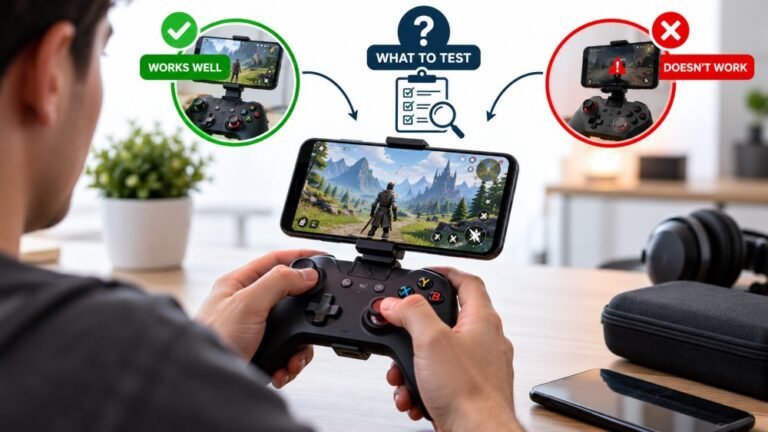
Playing Mobile Games With A Controller: What Works, What Doesn’t, And What To Test Before You Spend
You paired the controller, the light went solid, your phone said "Connected," and then the game did absolutely…

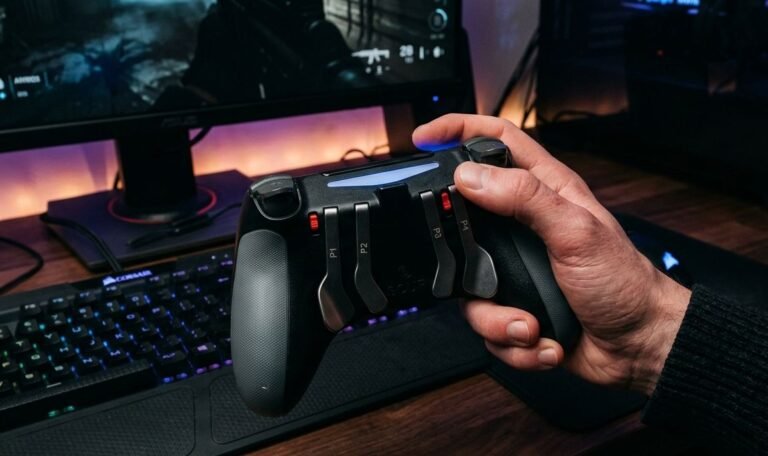
I use an Xbox Elite Series 2 with the back paddles, and I'm setting it up for my brother, who has limited hand mobility. The four paddles don't show as separate buttons on your button test; they either do nothing or copy A, B, X or Y. How do I check they work and set them up properly?
That is expected. The paddles have no buttons of their own in XInput or in the browser's standard layout; they send whichever button you assign to them. Assign them in the Xbox Accessories app and the button test shows the assigned button lighting up.

What you are seeing is correct, and once you know why, the paddles become very flexible for your brother.
The Xbox controller standard on Windows, XInput, defines a fixed set of buttons, and browsers use a similar fixed layout of 17 buttons. Neither has a slot for a paddle. So the Elite does not report paddles as new buttons; each paddle sends whatever existing button you assign to it. Unassigned, a paddle sends nothing. Assigned to A, it sends A, and the button test shows A lighting up.
That is also the right way to test them: assign each paddle to a different button, press it, and confirm the expected button lights. It proves the switch under each paddle works.
For limited hand mobility, the useful idea is to move frequently used actions to wherever is easiest to press. If the face buttons are hard to reach, put the most used actions on the paddles. If the triggers are hard to pull, their functions can be mapped elsewhere too. Profiles let you keep a different layout for each game and switch with the profile button.
Run the button test after every change to confirm the controller sends what you intended. If you later need more inputs or switch-based play, the Xbox Adaptive Controller is designed for exactly that.
Tested on: Applies to Xbox Elite Wireless Controller Series 2 on Windows 11 with Edge or Chrome. Paddle assignment per Xbox support's Elite Series 2 configuration guide; button layout per the W3C Gamepad standard mapping.
Checked by Garrett Lindsay on . How we verify answers
Accessibility And Adaptive Controller Specialist at Gamepad Tester
Xavier is an accessibility consultant and hardware engineer. He audits gamepad applications against the setups disabled players actually use: the Xbox Adaptive Controller with external switches and joysticks attached, one-handed configurations, remapped layouts and heavily modified input chains. These setups report themselves to a browser differently from a standard pad, so they break assumptions that nobody tests for. On Gamepad Tester he checks that the tools work with adaptive hardware, and answers the remapping and accessibility questions in the Q&A.
 Calder WrightFront-End Web Architect And Gamepad API Lead
 Elena RostovaHardware Diagnostics Engineer
 Garrett LindsayHardware Reviewer And Input Performance Specialist
 Venom’s Tech (Abhishek)Peripheral Reviewer And Tech Journalist
 Chloe HendersonHall Effect And Thumbstick Analyst
 Thiago AlvesHardware Repair Educator
 Devon MillerLow Latency And Input Timing Engineer
 Liam DaviesBluetooth And Wireless Test Engineer
Each answer is written by the specialist who owns that part of the hardware, tested on a real controller, and checked by a second team member. How we verify answers
Answers are free general guidance from the Gamepad Tester Team and the community. Opening a controller or replacing a thumbstick module can void your warranty, so check the maker's support or warranty first. Battery and soldering work carries a real risk of damage or injury.
Every test runs in your own browser with the Gamepad API. No sign up, no download, and your controller data never leaves your device.
You paired the controller, the light went solid, your phone said "Connected," and then the game did absolutely…
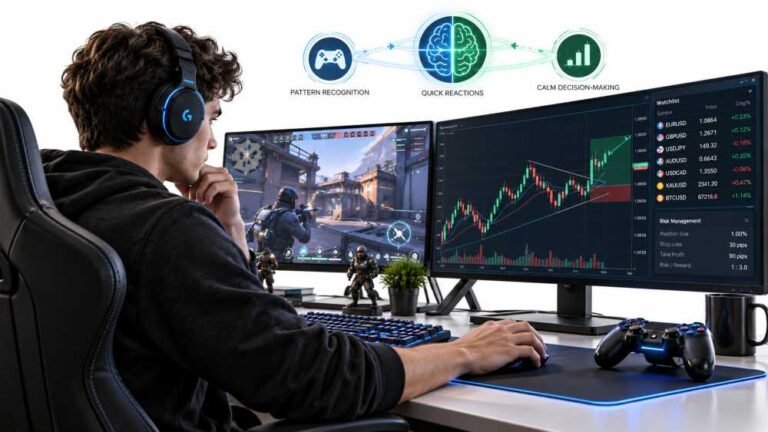
Gaming and trading look like separate worlds until you sit down and do both. One rewards reaction speed, pattern…
The Xbox Elite Series 2 seemed amazing for the first two weeks. Interchangeable thumbsticks, adjustable trigger locks…
The newest replies from players and the Gamepad Tester Team.