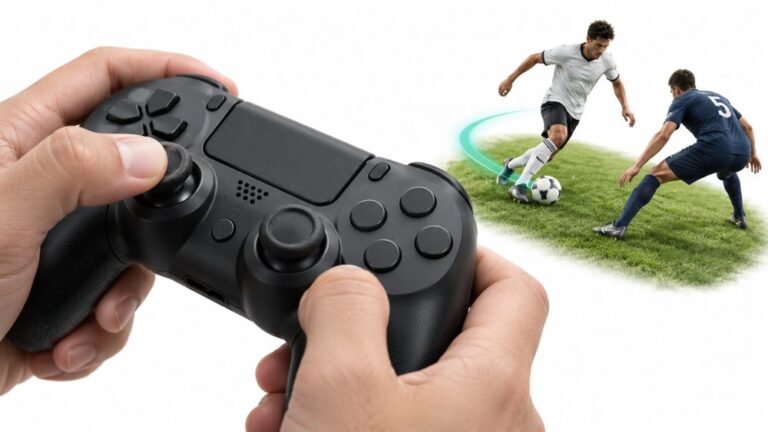
Why Sports Games Feel Better With a Controller
Ask a room full of sports gamers what they play with, and most will hold up an imaginary controller. Ask them why, and…

Bought a cheaper PS5 controller from a third party brand for my daughter and the triggers have no resistance at all, totally flat compared to my DualSense. Is it broken or do only Sony controllers have adaptive triggers? Also is there any way to test adaptive triggers on your site?
Nothing is broken. Adaptive triggers are a Sony DualSense and DualSense Edge feature, and most third-party PS5 controllers leave them out. Browsers cannot drive adaptive triggers, so feel them in a PS5 game; our trigger test checks the analog travel instead.

The controller is fine. Adaptive triggers, the motorised resistance that makes a trigger stiffen or click, are built into Sony's DualSense and DualSense Edge. Most third-party and licensed PS5 controllers leave them out because the mechanism adds cost and size, so a flat trigger is normal on those. Check the box or product page: a pad that has them says so prominently.
On testing: browsers can read how far a trigger is pulled, but they cannot drive a DualSense's adaptive trigger motors. The Gamepad API has an effect called trigger-rumble in Chrome and Edge, but that is for the small vibration motors inside Xbox controller triggers, a different feature. So no website, ours included, can make a DualSense trigger stiffen.
What our trigger pressure test does tell you is whether the analog travel is healthy: each trigger should rest at 0.00 and rise smoothly to 1.00 at full pull. That matters on a budget controller, because some third-party triggers are digital and jump straight from 0 to 1. They feel fine in menus but make gentle acceleration in racing games impossible.
To feel adaptive triggers on a genuine DualSense, play a PS5 game that supports them; the effect depends entirely on the game.
Tested on: Applies to DualSense, DualSense Edge and third-party PS5 controllers on Windows 11 with Chrome or Edge. Trigger-rumble support per MDN browser compatibility data.
Checked by Camila Ferreira on . How we verify answers
Browser Compatibility Tester at Gamepad Tester
Simon audits browser compatibility. The Gamepad API is implemented unevenly: a DualSense exposes adaptive triggers and haptics in one browser and not another, button indexes shift between engines, and Safari and Chrome disagree on when a controller becomes visible to a page. He tests each release of the tools here across Chromium and WebKit builds and documents the differences instead of hiding them. On Gamepad Tester he handles the questions where a controller works in one browser but not another, and reviews the rumble and haptics answers.
 Calder WrightFront-End Web Architect And Gamepad API Lead
 Elena RostovaHardware Diagnostics Engineer
 Garrett LindsayHardware Reviewer And Input Performance Specialist
 Venom’s Tech (Abhishek)Peripheral Reviewer And Tech Journalist
 Chloe HendersonHall Effect And Thumbstick Analyst
 Thiago AlvesHardware Repair Educator
 Devon MillerLow Latency And Input Timing Engineer
 Liam DaviesBluetooth And Wireless Test Engineer
Each answer is written by the specialist who owns that part of the hardware, tested on a real controller, and checked by a second team member. How we verify answers
Answers are free general guidance from the Gamepad Tester Team and the community. Opening a controller or replacing a thumbstick module can void your warranty, so check the maker's support or warranty first. Battery and soldering work carries a real risk of damage or injury.
Every test runs in your own browser with the Gamepad API. No sign up, no download, and your controller data never leaves your device.
Ask a room full of sports gamers what they play with, and most will hold up an imaginary controller. Ask them why, and…
There is a particular kind of bad session that never gets diagnosed. You lose a duel you should have won. Your car…
World of Warcraft Classic is built around smart decisions. Your class, spec, talents, gear, keybinds, and reaction…
The newest replies from players and the Gamepad Tester Team.

