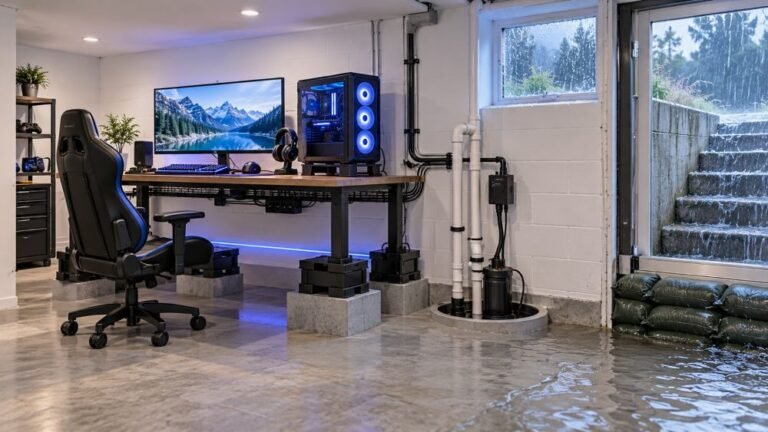
How To Protect A Basement Gaming Setup From Storm Flooding
The basement is the obvious place to put a gaming room. It is cooler, it is quieter, nobody complains about the noise…

My PS5 controller only lasts around DualSense Battery 4 hours of play before it dies. It's about 2 years old. Is that normal for a DualSense or is the battery going bad? Anything I can do to make it last longer without buying a new one?
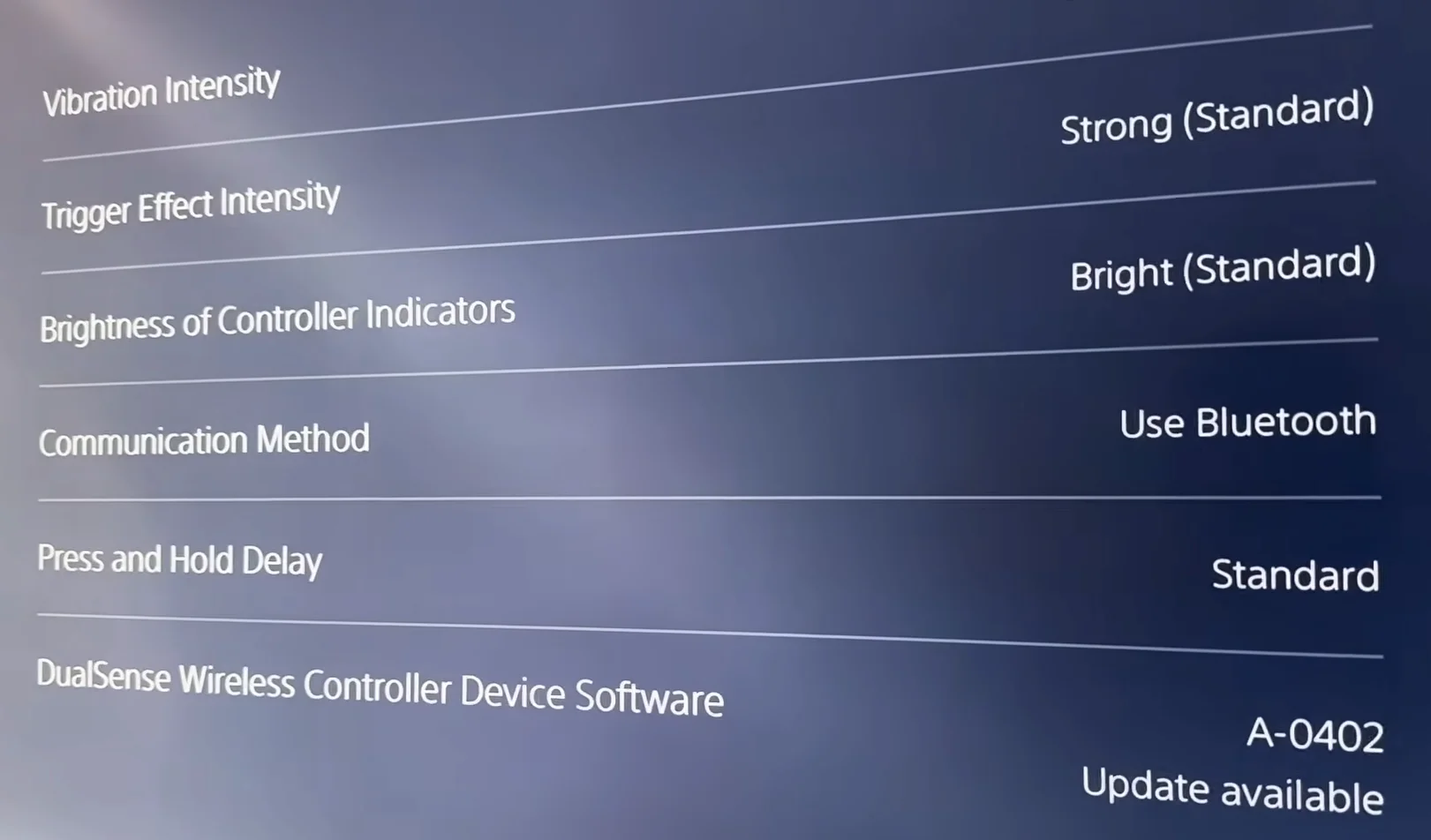
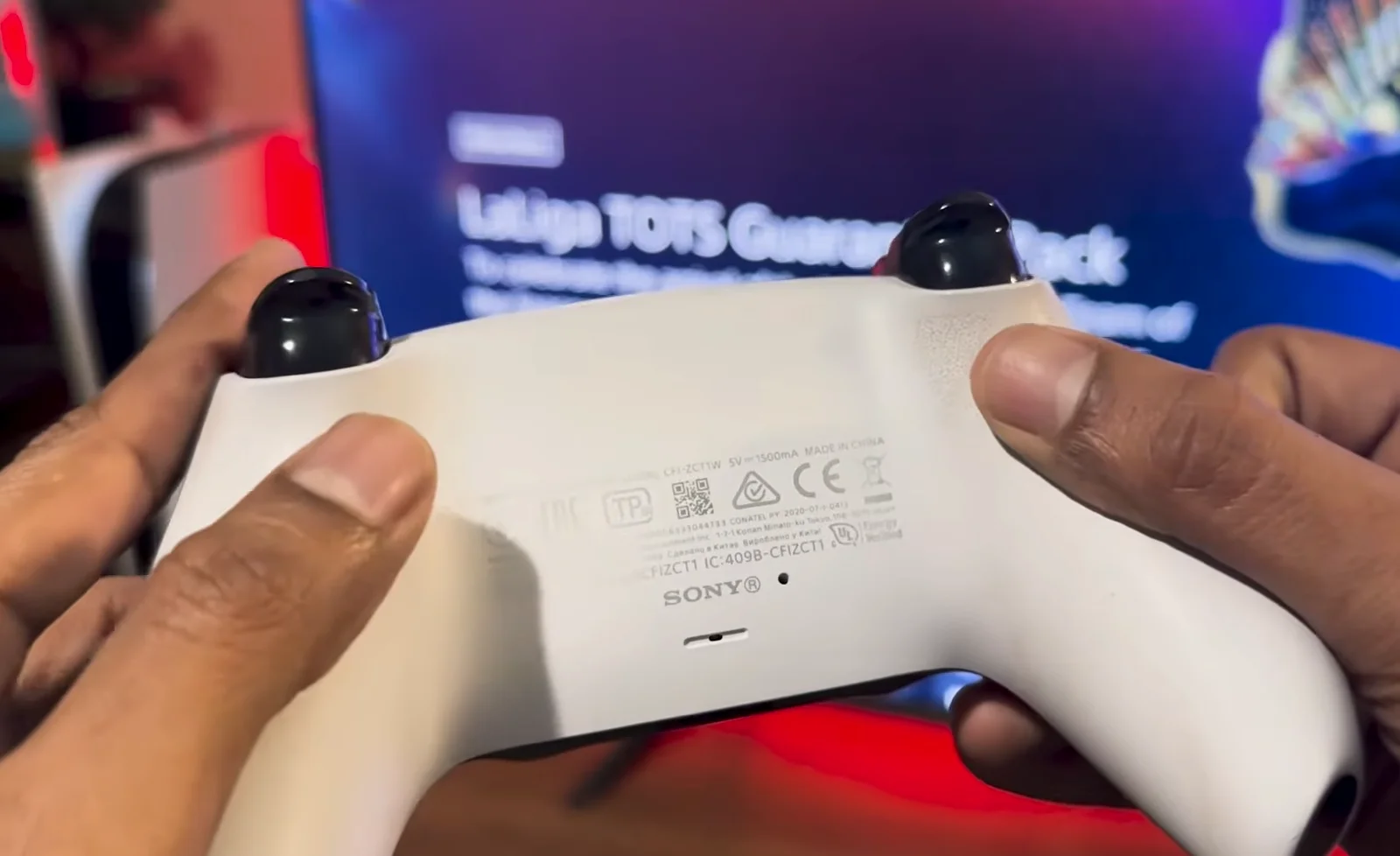
Four hours is on the short side but plausible for a two year old DualSense in games that use heavy haptics and trigger effects. Lowering vibration, trigger effect intensity and light brightness on the PS5 extends it noticeably. A runtime that keeps falling, or sudden shutdowns at 30 to 40 percent, points to a worn battery.

Four hours is short, but it is not necessarily a sign the battery is failing. The DualSense has a fairly small battery for everything it powers: the haptic actuators, the adaptive trigger motors, the light bar, the speaker and the microphone. Sony does not publish a single runtime figure, and real-world reports vary a lot by game, from well under five hours in games that lean on haptics and trigger effects to noticeably more in lighter ones. Add two years of charge cycles, which gradually reduce any lithium-ion battery's capacity, and four hours is plausible for a healthy but used controller.
The good news is that the biggest drains are adjustable on the PS5. In the controller settings you can lower vibration intensity, trigger effect intensity and the brightness of the controller indicators. Turning off the controller speaker and muting the mic when you do not need them helps too. The biggest single gains usually come from vibration and trigger effects.
To judge the battery fairly, compare like with like: same game, same settings, full charge. If the runtime keeps dropping month by month, or the controller dies suddenly at a reported 30 to 40 percent, the battery is wearing out. Battery replacement is a known repair, and a shop can do it.
Tested on: Applies to DualSense CFI-ZCT1W on PS5 with current system software. Settings paths per the PS5 Accessories and Power Saving menus.
Checked by Camila Ferreira on . How we verify answers
Hardware QA Lead at Gamepad Tester
Sneha leads manual hardware QA. Her lab takes controllers that arrive with no published specifications, mostly budget and mobile pads, and puts each one through the same fixed set of checks: every button and axis registers, deadzones are inside tolerance, rumble motors both run, the battery holds its claimed runtime, and the pad still passes after a charge cycle or two. Pads that fail are documented rather than quietly dropped. On Gamepad Tester she reviews the answers about cheap controllers behaving unpredictably and about battery and charging faults.
 Calder WrightFront-End Web Architect And Gamepad API Lead
 Elena RostovaHardware Diagnostics Engineer
 Garrett LindsayHardware Reviewer And Input Performance Specialist
 Venom’s Tech (Abhishek)Peripheral Reviewer And Tech Journalist
 Chloe HendersonHall Effect And Thumbstick Analyst
 Thiago AlvesHardware Repair Educator
 Devon MillerLow Latency And Input Timing Engineer
 Liam DaviesBluetooth And Wireless Test Engineer
Each answer is written by the specialist who owns that part of the hardware, tested on a real controller, and checked by a second team member. How we verify answers
Answers are free general guidance from the Gamepad Tester Team and the community. Opening a controller or replacing a thumbstick module can void your warranty, so check the maker's support or warranty first. Battery and soldering work carries a real risk of damage or injury.
Every test runs in your own browser with the Gamepad API. No sign up, no download, and your controller data never leaves your device.
The basement is the obvious place to put a gaming room. It is cooler, it is quieter, nobody complains about the noise…
Long gaming sessions quickly expose controller flaws like fatigue, stick drift, wireless latency, and inconsistent…
Whether you're a casual gamer or a competitive player, a malfunctioning controller can ruin your gaming experience…
The newest replies from players and the Gamepad Tester Team.