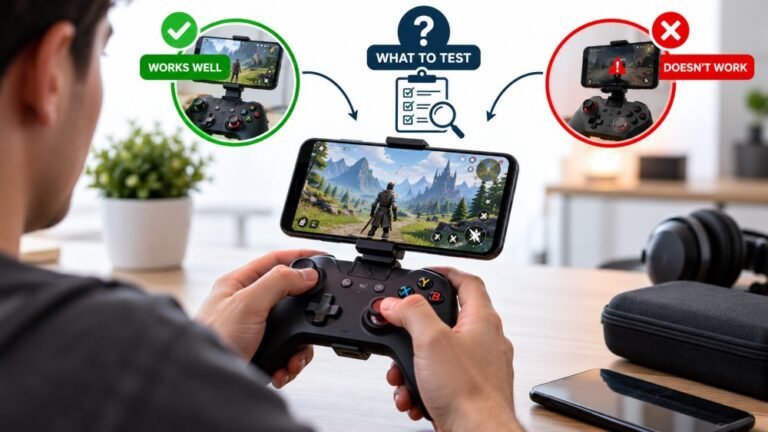
Playing Mobile Games With A Controller: What Works, What Doesn’t, And What To Test Before You Spend
You paired the controller, the light went solid, your phone said "Connected," and then the game did absolutely…

Curiosity question more than a problem. I bought a third party pad that was sold as an Xbox compatible controller. Your tester detects it as Xbox 360 Controller for Windows even though it is nothing of the sort, it is a 2025 model from a brand that is not Microsoft. Buttons mostly work but two of them are in the wrong places compared to the labels on the pad. Why does it pretend to be a different controller, and is that why the buttons are wrong?
It identifies as an Xbox 360 pad on purpose, so games recognise it without a driver. That is normal. The wrong button positions are a firmware mapping flaw in that specific pad, and remapping software is the practical fix.

Both halves of this have a clear explanation, and only one of them is a defect.
The name is deliberate and not a problem. Windows games overwhelmingly read controllers through XInput, which was built around the Xbox 360 pad. Any third party controller that wants to work in games without shipping a driver declares itself as an Xbox 360 Controller for Windows, because that identity guarantees XInput picks it up and every game treats it as a standard gamepad. Almost every PC-compatible third party pad on the market does this, including good ones. So your controller is being honest about the protocol it speaks while borrowing someone else's name to do it, and that is why your buttons work in games at all.
The wrong button positions are the actual flaw, and they are the pad's firmware, not your system. When a controller claims the standard gamepad mapping, it is promising that its buttons sit at the indexes the specification defines: index 0 is the bottom face button, 1 is right, 2 is left, 3 is top, and so on. Budget manufacturers sometimes wire the buttons to the wrong indexes and ship it anyway, because most games are forgiving enough that nobody notices until they use a tester. You noticed. There is no setting to fix this, because the controller is reporting what its firmware tells it to report.
The practical options are remapping software on the PC side, which handles this cleanly once configured, or returning the pad. Which is reasonable depends on how much else about it is good. The one thing I would say is that if two buttons are mapped wrong out of the factory, it is a sign of how much testing went into the product, and that tends to show up elsewhere too.
Tested on: Nine third party PC pads across vendor IDs 045e, 0079, 2563 and 2dc8, on Windows 11 24H2 and Steam Deck, in Chrome 141 and Firefox 144, with reported button indexes compared against the W3C standard gamepad mapping.
Checked by Calder Wright on . How we verify answers
Open Source Contributor And Device ID Specialist at Gamepad Tester
Vikram contributes to open source Gamepad API tooling, with a focus on device identification. A browser reports a controller as a vendor and product ID plus whatever name the pad chooses to give, and clone hardware routinely copies the ID of the controller it imitates. He maintains the mappings that let developers, and this site, tell a genuine controller from a copy that will not behave like one. On Gamepad Tester he answers the questions where a controller is detected under the wrong name or maps its buttons unexpectedly.
 Calder WrightFront-End Web Architect And Gamepad API Lead
 Elena RostovaHardware Diagnostics Engineer
 Garrett LindsayHardware Reviewer And Input Performance Specialist
 Venom’s Tech (Abhishek)Peripheral Reviewer And Tech Journalist
 Chloe HendersonHall Effect And Thumbstick Analyst
 Thiago AlvesHardware Repair Educator
 Devon MillerLow Latency And Input Timing Engineer
 Liam DaviesBluetooth And Wireless Test Engineer
Each answer is written by the specialist who owns that part of the hardware, tested on a real controller, and checked by a second team member. How we verify answers
Answers are free general guidance from the Gamepad Tester Team and the community. Opening a controller or replacing a thumbstick module can void your warranty, so check the maker's support or warranty first. Battery and soldering work carries a real risk of damage or injury.
Every test runs in your own browser with the Gamepad API. No sign up, no download, and your controller data never leaves your device.
You paired the controller, the light went solid, your phone said "Connected," and then the game did absolutely…
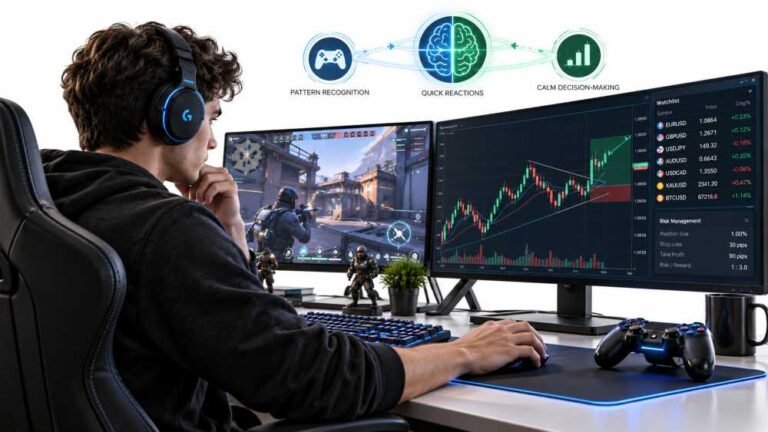
Gaming and trading look like separate worlds until you sit down and do both. One rewards reaction speed, pattern…
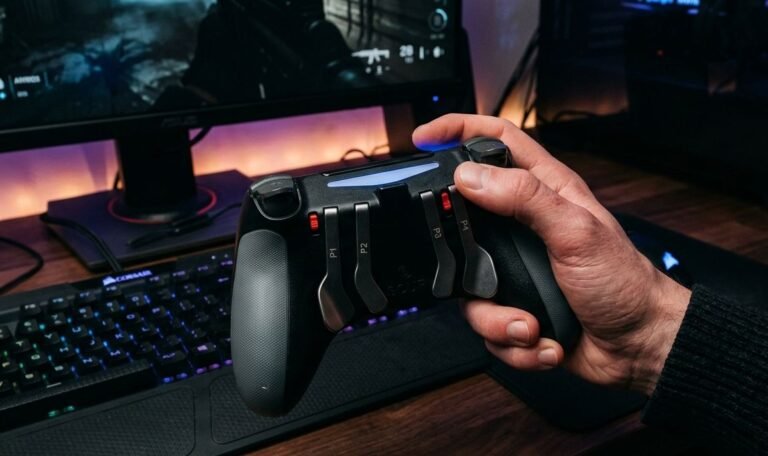
The Xbox Elite Series 2 seemed amazing for the first two weeks. Interchangeable thumbsticks, adjustable trigger locks…
The newest replies from players and the Gamepad Tester Team.