How Well Do Console Games Really Translate To Mobile Gaming?
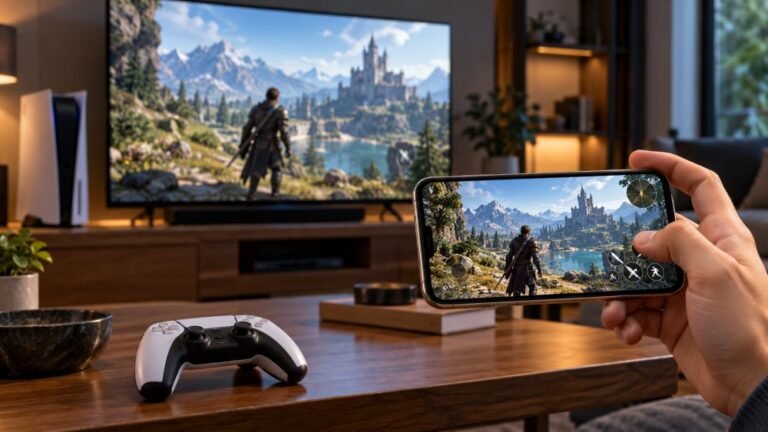
Mobile gaming has become an increasingly popular way to enjoy video games, with smartphones now capable of running…

can i play cod mobile with a controller? i have an old ps4 controller and a cheap bluetooth one from amazon. the cheap one connects to my phone but the buttons are wrong in game. do i need a specific one? also does using a controller put me against controller players only or am i still against touchscreen people?
Yes. Call of Duty: Mobile officially supports PS4 controllers (except the first generation), PS5, Xbox One and Xbox Series controllers, plus the Backbone One. Unofficial pads may connect but map wrongly. Using a controller matches you with other controller players.

Yes, and your PS4 controller is the better choice of the two. Call of Duty: Mobile supports a short list of controllers officially: DualShock 4 controllers except the first generation, the PS5 DualSense, Xbox One and Xbox Series controllers, and the Backbone One. Those connect over Bluetooth on Android and iPhone and get correct button prompts.
Unofficial Bluetooth pads are hit and miss. They often connect fine at the phone level but report their buttons in a different order, which is exactly the wrong buttons you are seeing. Some work fully, some partly, some not at all, and game updates can change that.
Before you blame the game, check what the cheap pad actually sends. Open the gamepad tester in Chrome on the phone, tap the page and press each button. If buttons light in an odd order, or the triggers show as plain buttons with no travel, the pad is presenting a non-standard layout the game cannot map. Many of these pads have a mode switch, so try their other modes and re-test.
To tell a first-generation DualShock 4 apart: the original CUH-ZCT1 shows its light only on the top edge, while the later CUH-ZCT2 also has a thin light strip visible at the top of the touchpad. The model number on the back label confirms it.
On matchmaking, using a controller places you with other controller players rather than touchscreen players.
Tested on: Applies to DualShock 4 CUH-ZCT2 and generic Bluetooth pads on Android 16 with Chrome. Supported controller list per Android Authority's Call of Duty: Mobile controller guide.
Checked by Chris Evans Jr. on . How we verify answers
Mobile And WebView Compatibility Engineer at Gamepad Tester
Priya works on WebView compatibility. A large share of mobile traffic reaches a page from inside another app's embedded browser, where viewport sizing, permissions and input handling all differ from the standalone browser on the same phone. She tests how the tools scale and behave inside Android WebView containers so a player who opens a test from a link in a chat app is not handed a broken layout or a controller the page cannot see. On Gamepad Tester she reviews the mobile tooling answers.
 Calder WrightFront-End Web Architect And Gamepad API Lead
 Elena RostovaHardware Diagnostics Engineer
 Garrett LindsayHardware Reviewer And Input Performance Specialist
 Venom’s Tech (Abhishek)Peripheral Reviewer And Tech Journalist
 Chloe HendersonHall Effect And Thumbstick Analyst
 Thiago AlvesHardware Repair Educator
 Devon MillerLow Latency And Input Timing Engineer
 Liam DaviesBluetooth And Wireless Test Engineer
Each answer is written by the specialist who owns that part of the hardware, tested on a real controller, and checked by a second team member. How we verify answers
Answers are free general guidance from the Gamepad Tester Team and the community. Opening a controller or replacing a thumbstick module can void your warranty, so check the maker's support or warranty first. Battery and soldering work carries a real risk of damage or injury.
Every test runs in your own browser with the Gamepad API. No sign up, no download, and your controller data never leaves your device.
Mobile gaming has become an increasingly popular way to enjoy video games, with smartphones now capable of running…
There is a particular kind of bad session that never gets diagnosed. You lose a duel you should have won. Your car…
Gaming does not always have to be complicated. Many players enjoy games that are easy to pick up and fun to play…
The newest replies from players and the Gamepad Tester Team.