How Well Do Console Games Really Translate To Mobile Gaming?
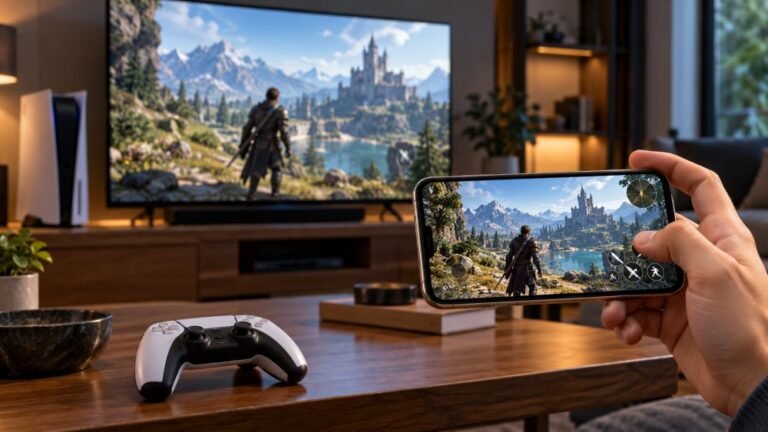
Mobile gaming has become an increasingly popular way to enjoy video games, with smartphones now capable of running…

Trying to play eFootball on my iPhone with my PS5 controller. It connects fine and works in the menus, but in some modes the game just ignores the controller and I have to use touch. Is my controller broken or is this how the game works? Also is there a minimum iOS version? My cousin's older iPhone won't even pair it.
Your controller is fine. When eFootball added controller support on mobile it was limited to certain modes rather than all of them, so touch-only modes are expected. For pairing, a DualSense needs iOS 14.5 or later on iPhone.

This is the game, not your controller. When eFootball brought controller support to mobile in its v5.3.0 update, it covered modes against the AI rather than every mode. In the other modes the game falls back to touch, even though the controller is connected. Konami adjusts features between updates, so check the in-game notices after each update rather than relying on older guides, this answer included.
You can confirm the controller itself is healthy in a minute. Open the gamepad tester in Safari, tap the page and press each button. If every button and both sticks read correctly there, nothing is wrong at the controller or Bluetooth level.
On your cousin's phone: the DualSense needs iOS 14.5 or later, and the DualShock 4 needs iOS 13 or later. An iPhone that cannot run 14.5 will not pair a DualSense properly. If the phone is just behind on updates, updating iOS fixes it. If the hardware cannot go that far, a DualShock 4 may still work on iOS 13.
Tested on: Applies to DualSense on iPhone with iOS 26 and Safari. Mobile controller support scope per GamingonPhone's eFootball 2026 v5.3.0 guide; minimum iOS versions per Sony's controller compatibility information.
Checked by Priya Patel on . How we verify answers
Mobile Browser Compatibility Engineer at Gamepad Tester
Chris works on mobile web input. Phone browsers are the hardest place to test a controller: a Bluetooth clip-on pad may connect to the phone but stay invisible to the page, iOS and Android expose the Gamepad API at different moments, and a backgrounded tab stops polling entirely. He works through those cases so a mobile player gets the same test result a desktop player would. On Gamepad Tester he answers the mobile questions, including controllers that pair with a phone but send no input to the browser.
 Calder WrightFront-End Web Architect And Gamepad API Lead
 Elena RostovaHardware Diagnostics Engineer
 Garrett LindsayHardware Reviewer And Input Performance Specialist
 Venom’s Tech (Abhishek)Peripheral Reviewer And Tech Journalist
 Chloe HendersonHall Effect And Thumbstick Analyst
 Thiago AlvesHardware Repair Educator
 Devon MillerLow Latency And Input Timing Engineer
 Liam DaviesBluetooth And Wireless Test Engineer
Each answer is written by the specialist who owns that part of the hardware, tested on a real controller, and checked by a second team member. How we verify answers
Answers are free general guidance from the Gamepad Tester Team and the community. Opening a controller or replacing a thumbstick module can void your warranty, so check the maker's support or warranty first. Battery and soldering work carries a real risk of damage or injury.
Every test runs in your own browser with the Gamepad API. No sign up, no download, and your controller data never leaves your device.
Mobile gaming has become an increasingly popular way to enjoy video games, with smartphones now capable of running…
There is a particular kind of bad session that never gets diagnosed. You lose a duel you should have won. Your car…
Gaming does not always have to be complicated. Many players enjoy games that are easy to pick up and fun to play…
The newest replies from players and the Gamepad Tester Team.