How To Brief An Outsourced SEO Partner So Nothing Gets Lost In Translation
Handing SEO work to an outside team can free up your in-house staff and bring in expertise you don't have internally…

My controller rumbles fine in games but your vibration test does nothing at all when I press play. Buttons and sticks show up fine on the same page. I'm on Firefox on Windows, Xbox Series pad over USB. Did I miss a setting?
It is the browser. Firefox reads controllers but does not support the Gamepad API's rumble feature, so no web page can vibrate a controller in Firefox. Use Chrome or Edge for the vibration test; Safari on Mac supports it too.

You did not miss anything, and your controller is fine. This is a gap in browser support.
Reading a controller and vibrating it are two different parts of the Gamepad API. Reading buttons and sticks works in every major browser. Vibration goes through a separate feature called the vibration actuator, and support is uneven: Chrome and Edge support it, Safari on macOS added it in version 16.4, and Firefox does not support it. On iPhone and iPad, no browser does.
So in Firefox the test page cannot send the rumble command at all. Games work because they talk to the controller through Windows directly, not through a browser.
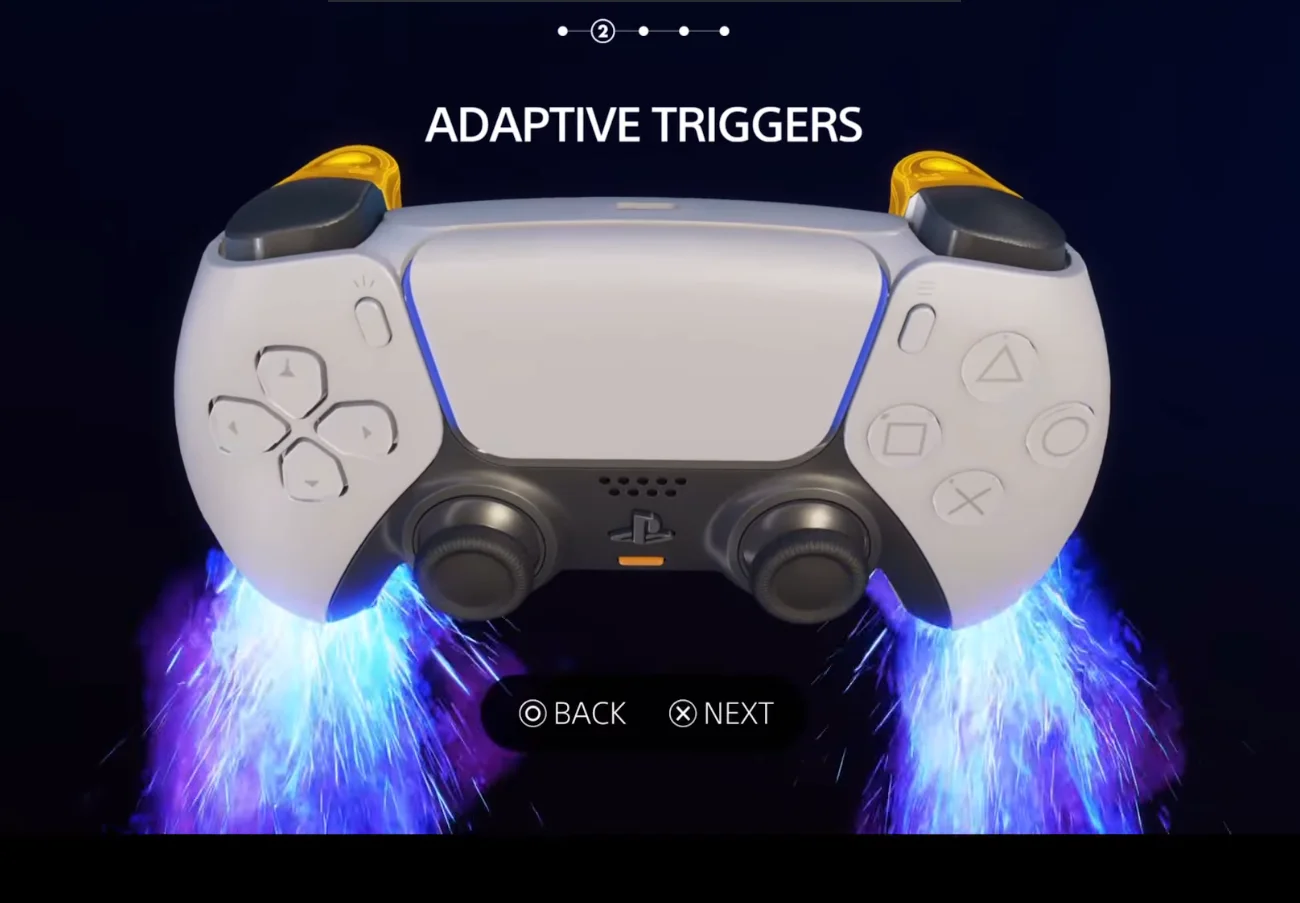
There is also a newer effect called trigger-rumble, supported in Chrome and Edge from version 126, which drives the small motors inside Xbox controller triggers. If you want to test those on your Series controller, Chrome or Edge on Windows is the place.
Open the same test in Chrome or Edge and you should feel it straight away.
Tested on: Applies to Xbox Wireless Controller Model 1914 on Windows 11 with Firefox, Chrome and Edge. Browser support per MDN compatibility data for GamepadHapticActuator and vibrationActuator.
Checked by Camila Ferreira on . How we verify answers
Browser Compatibility Tester at Gamepad Tester
Simon audits browser compatibility. The Gamepad API is implemented unevenly: a DualSense exposes adaptive triggers and haptics in one browser and not another, button indexes shift between engines, and Safari and Chrome disagree on when a controller becomes visible to a page. He tests each release of the tools here across Chromium and WebKit builds and documents the differences instead of hiding them. On Gamepad Tester he handles the questions where a controller works in one browser but not another, and reviews the rumble and haptics answers.
 Calder WrightFront-End Web Architect And Gamepad API Lead
 Elena RostovaHardware Diagnostics Engineer
 Garrett LindsayHardware Reviewer And Input Performance Specialist
 Venom’s Tech (Abhishek)Peripheral Reviewer And Tech Journalist
 Chloe HendersonHall Effect And Thumbstick Analyst
 Thiago AlvesHardware Repair Educator
 Devon MillerLow Latency And Input Timing Engineer
 Liam DaviesBluetooth And Wireless Test Engineer
Each answer is written by the specialist who owns that part of the hardware, tested on a real controller, and checked by a second team member. How we verify answers
Answers are free general guidance from the Gamepad Tester Team and the community. Opening a controller or replacing a thumbstick module can void your warranty, so check the maker's support or warranty first. Battery and soldering work carries a real risk of damage or injury.
Every test runs in your own browser with the Gamepad API. No sign up, no download, and your controller data never leaves your device.
Handing SEO work to an outside team can free up your in-house staff and bring in expertise you don't have internally…
The way people communicate online has changed significantly in recent years. From managing international projects to…
Mobile gaming has become an increasingly popular way to enjoy video games, with smartphones now capable of running…
The newest replies from players and the Gamepad Tester Team.