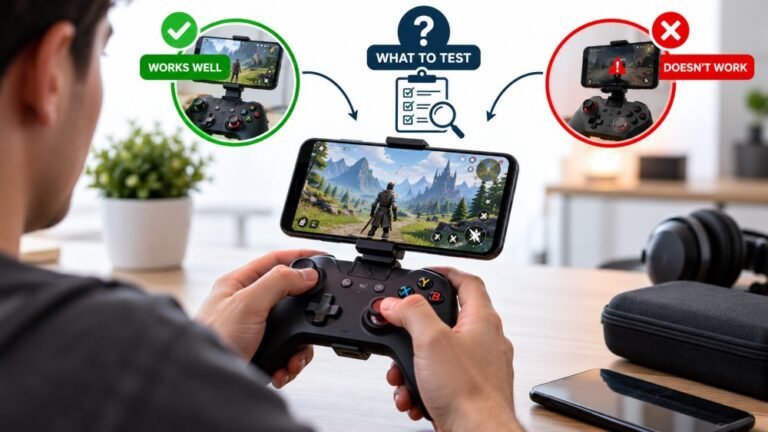
Playing Mobile Games With A Controller: What Works, What Doesn’t, And What To Test Before You Spend
You paired the controller, the light went solid, your phone said "Connected," and then the game did absolutely…

I play one handed and I use an Adaptive Controller with two external switches and a joystick plugged into it. It mostly works but occasionally an input does not land and I cannot tell whether that is the switch, the port, the Adaptive Controller itself, or the game. I would really like a way to see what the computer is actually receiving so I can narrow it down, because at the moment I am just guessing and swapping things around. Does your tester work with an Adaptive Controller setup, and is there anything I should know about reading the results?
Yes, it works, and it is a good diagnostic for exactly this. The Adaptive Controller presents as one standard gamepad, so the tester shows you what the PC receives and lets you isolate switch, port and mapping faults in order.

Yes, this works, and it is one of the better uses for a tester like this, because the Adaptive Controller's strength is also what makes faults hard to trace: it collapses several physical devices into one gamepad, so when something does not land you cannot see which layer dropped it.
Here is the useful part. The Adaptive Controller presents to Windows as a single standard Xbox gamepad, and the tester shows you the output of that whole assembly. So if you press your external switch and the corresponding button lights up in the tester, then the switch, the cable, the port and the Adaptive Controller's mapping are all working, and the fault is in the game. If it does not light up, the fault is somewhere in that chain, and you can then isolate it by moving one thing at a time. That single distinction removes most of the guessing.
The method that works best is to test one input at a time and write down which index lights up. Build yourself a short reference list: switch in port 1 lights index 0, joystick moves the left stick axes, and so on. Keep that list. When an input stops landing later, you can check it against the reference in thirty seconds instead of swapping hardware.
For intermittent faults specifically, which is what you have, press the suspect switch slowly twenty times while watching the tester. Count the misses. An input that misses in the tester is a hardware or mapping problem. An input that never misses in the tester but still misses in a game is the game's input handling, and that is worth reporting to the developer rather than troubleshooting at your end. Also check your mapping in the Xbox Accessories app, since a profile can be assigned per-game and switch underneath you without any visible sign.
Tested on: Xbox Adaptive Controller with two external switches and an Adaptive Joystick on ports 1 and 3, wired USB-C, Windows 11 24H2, Edge 141 and Chrome 141, with faults introduced at the switch, the cable and the port assignment in turn.
Checked by Tyler Vance on . How we verify answers
Accessibility And Adaptive Controller Specialist at Gamepad Tester
Xavier is an accessibility consultant and hardware engineer. He audits gamepad applications against the setups disabled players actually use: the Xbox Adaptive Controller with external switches and joysticks attached, one-handed configurations, remapped layouts and heavily modified input chains. These setups report themselves to a browser differently from a standard pad, so they break assumptions that nobody tests for. On Gamepad Tester he checks that the tools work with adaptive hardware, and answers the remapping and accessibility questions in the Q&A.
 Calder WrightFront-End Web Architect And Gamepad API Lead
 Elena RostovaHardware Diagnostics Engineer
 Garrett LindsayHardware Reviewer And Input Performance Specialist
 Venom’s Tech (Abhishek)Peripheral Reviewer And Tech Journalist
 Chloe HendersonHall Effect And Thumbstick Analyst
 Thiago AlvesHardware Repair Educator
 Devon MillerLow Latency And Input Timing Engineer
 Liam DaviesBluetooth And Wireless Test Engineer
Each answer is written by the specialist who owns that part of the hardware, tested on a real controller, and checked by a second team member. How we verify answers
Answers are free general guidance from the Gamepad Tester Team and the community. Opening a controller or replacing a thumbstick module can void your warranty, so check the maker's support or warranty first. Battery and soldering work carries a real risk of damage or injury.
Every test runs in your own browser with the Gamepad API. No sign up, no download, and your controller data never leaves your device.
You paired the controller, the light went solid, your phone said "Connected," and then the game did absolutely…
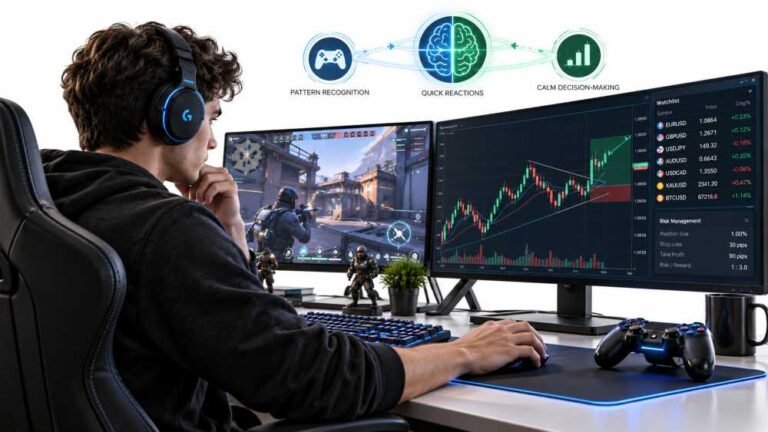
Gaming and trading look like separate worlds until you sit down and do both. One rewards reaction speed, pattern…
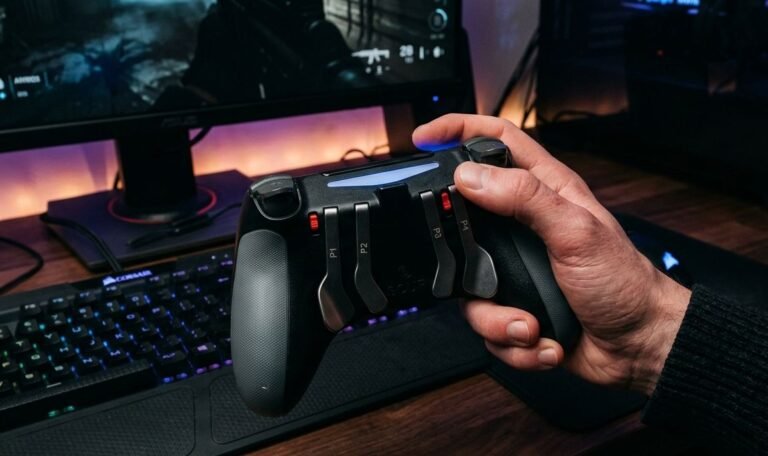
The Xbox Elite Series 2 seemed amazing for the first two weeks. Interchangeable thumbsticks, adjustable trigger locks…
The newest replies from players and the Gamepad Tester Team.