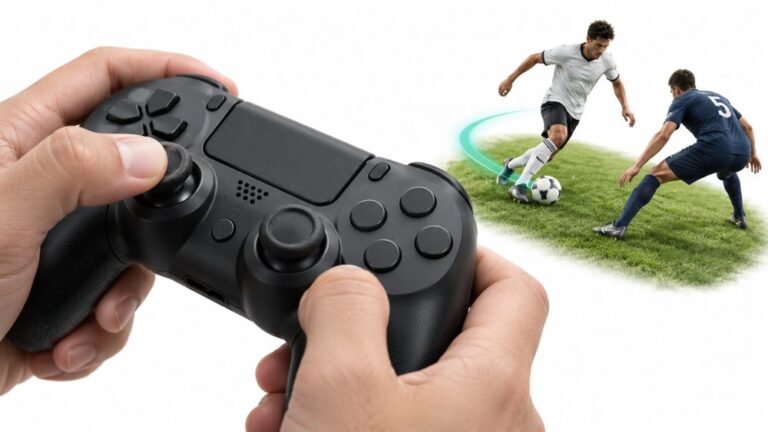
Why Sports Games Feel Better With a Controller
Ask a room full of sports gamers what they play with, and most will hold up an imaginary controller. Ask them why, and…

Noticed this when my braking felt weak in racing games. On your trigger test L2 goes from 0.00 up to about 0.52 and stops, even when I squeeze it as hard as I can and it is physically bottomed out. R2 goes all the way to 1.00 no problem. So one trigger has lost its top half. The trigger does not feel different, it travels the same distance and feels normal, it just does not report past half. Any idea what causes that?
The trigger's potentiometer arm has slipped on its shaft, so the sensor is only sweeping part of its range while the trigger travels fully. It is a reseat job, not a sensor failure.

The detail that solves this is that the trigger still feels normal. That tells us the mechanism is travelling its full distance, so the problem is the sensor's relationship to that travel, not the travel itself.
An analog trigger works by rotating a small potentiometer as you squeeze. The sensor has a fixed electrical range, and the trigger's arm is meant to sweep it from one end to the other across the full pull. If that arm slips on its shaft, or the gear that drives it skips a tooth, the trigger keeps moving the same physical distance but only sweeps part of the sensor's range. The reading then starts at zero, climbs normally, and stops early, which is exactly your 0.52 ceiling. A failing sensor looks different: you get noise, dead spots partway through the pull, or a value that jumps around rather than a clean stop at a consistent number. A consistent ceiling is positional.
There is also a software possibility worth eliminating first, because it costs nothing. If any remapping tool, vendor utility or Steam Input configuration has a trigger output range or sensitivity curve applied, you can get a clipped ceiling with perfectly healthy hardware. Close all of that and retest in a clean browser session before you open anything.
If it is hardware, the repair is reseating the trigger's potentiometer arm so it engages across the full range. No soldering. The part sits in the trigger assembly on the shoulder of the controller. If the arm or gear teeth are visibly damaged rather than just slipped, the whole trigger assembly is an inexpensive replacement part and dropping in a new one is easier than repairing teeth.
And a word on the workaround you will find elsewhere: do not fix this by raising in-game trigger sensitivity so half travel counts as full. You lose all your fine control over braking and throttle, which is the thing you noticed was wrong in the first place.
Tested on: DualSense CFI-ZCT1W firmware 0460 and DualSense Edge, wired USB-C, Windows 11 24H2, Chrome 141 and Firefox 144. Reproduced a 0.48 to 0.55 ceiling by deliberately slipping the trigger potentiometer arm on a donor unit, and separately by applying a Steam Input trigger range.
Checked by Alistair Thorne on . How we verify answers
Calibration And Signal Processing Programmer at Gamepad Tester
Arjun writes the maths between a controller and the screen. A raw axis value is noisy, unscaled and centred imperfectly, so his filters handle the parts that decide whether a test is useful: removing sensor noise without hiding a genuine fault, normalising ranges across controllers that report differently, and plotting the result as a clean graph where real drift is visible and jitter is not mistaken for it. On Gamepad Tester he maintains the calibration maths in the deadzone and drift tests, and explains in answers what a given reading does and does not prove.
 Calder WrightFront-End Web Architect And Gamepad API Lead
 Elena RostovaHardware Diagnostics Engineer
 Garrett LindsayHardware Reviewer And Input Performance Specialist
 Venom’s Tech (Abhishek)Peripheral Reviewer And Tech Journalist
 Chloe HendersonHall Effect And Thumbstick Analyst
 Thiago AlvesHardware Repair Educator
 Devon MillerLow Latency And Input Timing Engineer
 Liam DaviesBluetooth And Wireless Test Engineer
Each answer is written by the specialist who owns that part of the hardware, tested on a real controller, and checked by a second team member. How we verify answers
Answers are free general guidance from the Gamepad Tester Team and the community. Opening a controller or replacing a thumbstick module can void your warranty, so check the maker's support or warranty first. Battery and soldering work carries a real risk of damage or injury.
Every test runs in your own browser with the Gamepad API. No sign up, no download, and your controller data never leaves your device.
Ask a room full of sports gamers what they play with, and most will hold up an imaginary controller. Ask them why, and…
There is a particular kind of bad session that never gets diagnosed. You lose a duel you should have won. Your car…
World of Warcraft Classic is built around smart decisions. Your class, spec, talents, gear, keybinds, and reaction…
The newest replies from players and the Gamepad Tester Team.

