How To Choose A Provider When Midlife Changes Hit Your Game
Gaming stopped being a teenage hobby a long time ago. The Entertainment Software Association's 2025 report put the…

My Android Phone Screen has a 120Hz display and it's set to high refresh rate in settings, but your refresh rate test in Chrome shows 60. Scrolling in settings looks smooth though. Is the 120Hz fake? Battery saver is off.
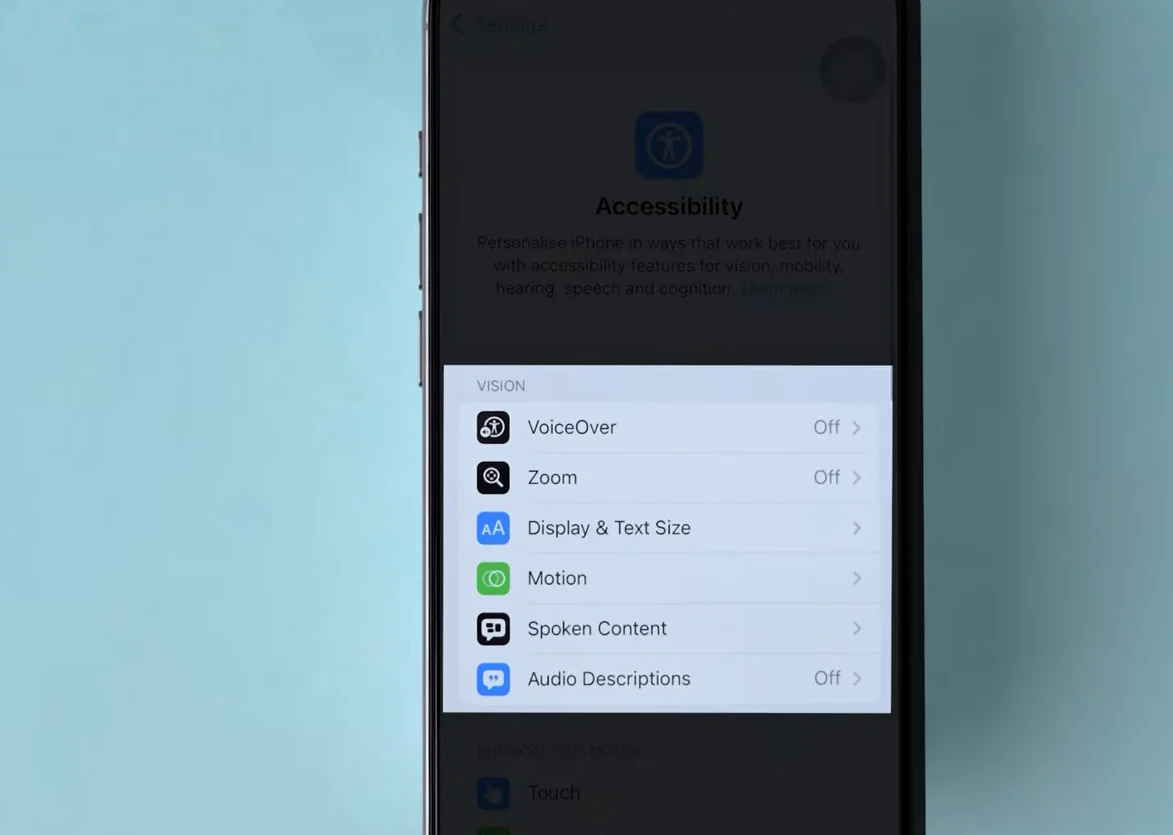
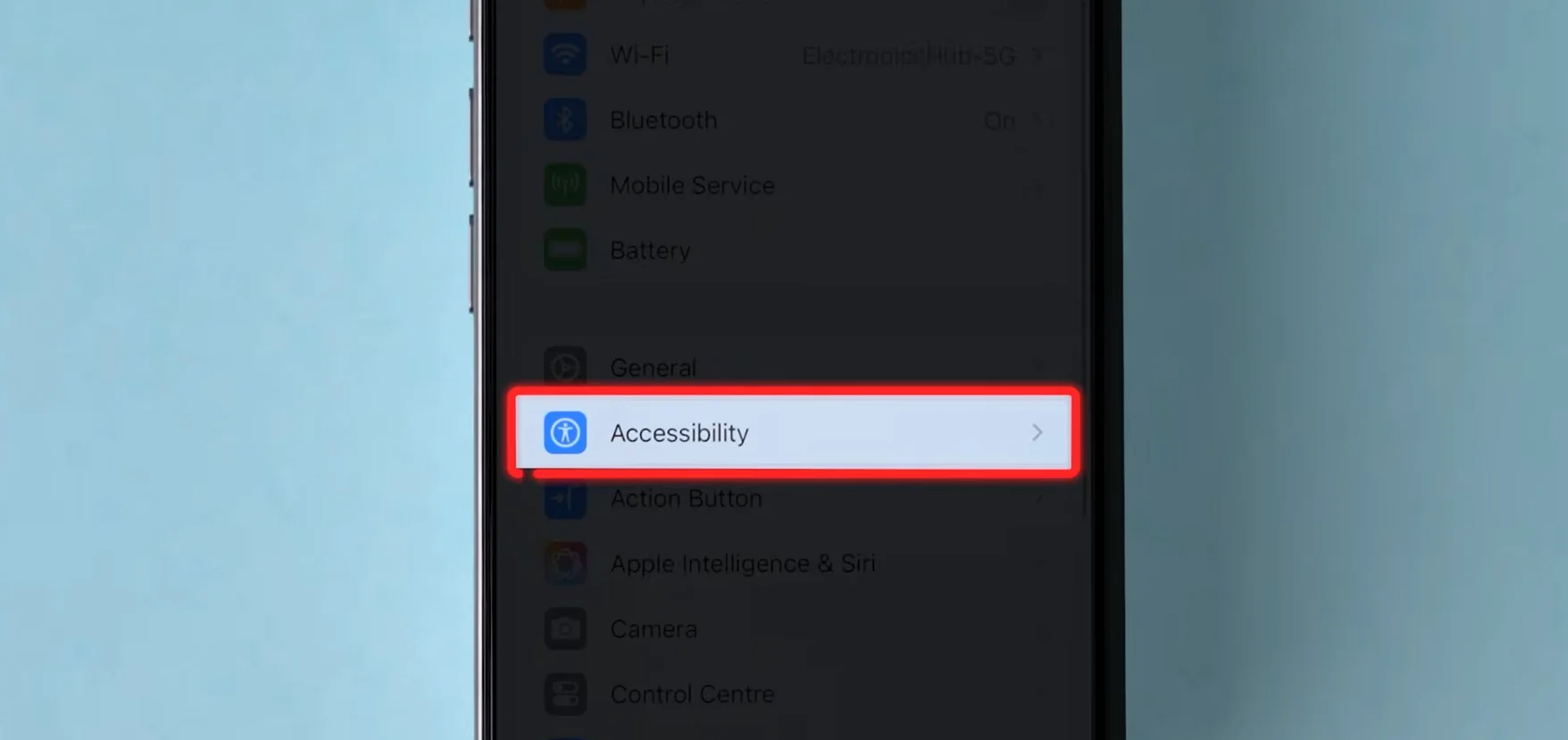
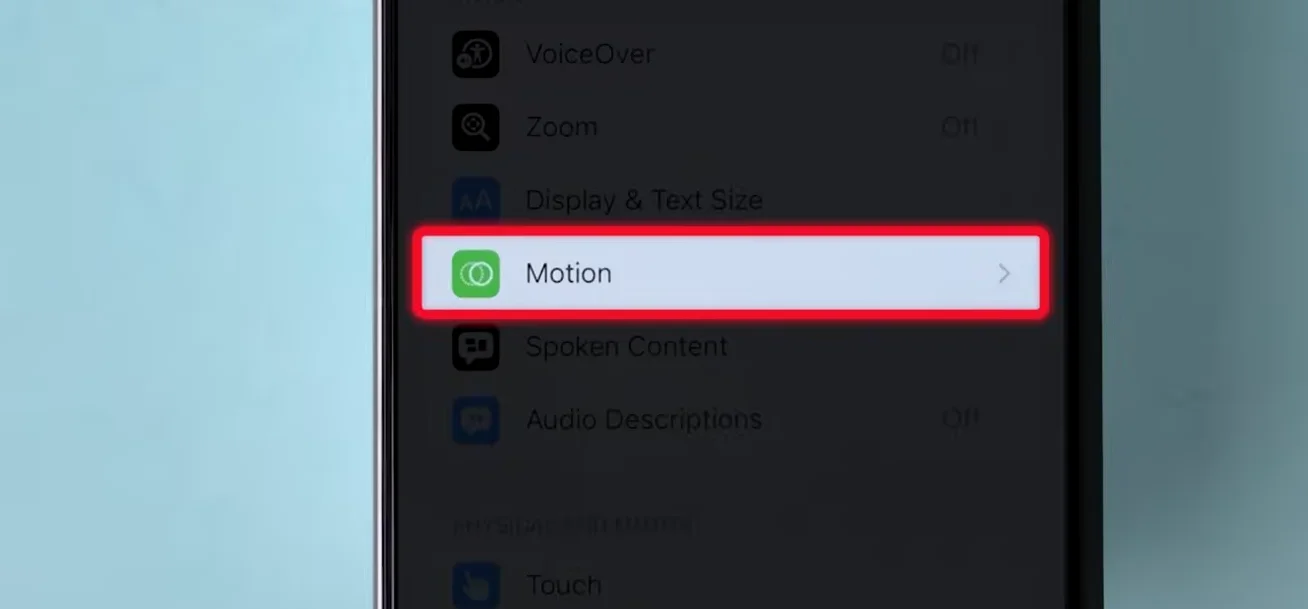
The 120Hz is real. Many phones use adaptive refresh and give some apps, often including the browser, 60Hz to save power, while menus and scrolling run at 120. A test that reads 60 in the browser reflects that policy, not the panel.

Your 120Hz is almost certainly real; what you are seeing is how the phone decides where to use it. Most high refresh Android phones use adaptive refresh. The phone raises or lowers the rate depending on what is on screen and which app is in front. Settings menus, the home screen and scrolling get 120Hz, because that is where you notice smoothness. Some phones give certain apps, video and sometimes browser content a lower rate to save battery.
A browser refresh rate test measures how often the browser is allowed to draw. If the phone caps the browser at 60, the test reads 60 even though the panel can do 120. The test is accurate about what the browser gets, but that is not the same as what the panel can do.
A few checks confirm it. Some phones list per-app refresh settings, or a force peak refresh rate option in Developer options. Another browser may be treated differently, so try one. And while you touch and scroll during the test, some phones raise the rate briefly, so the reading can jump.
Also look at power settings beyond battery saver. Many phones have separate power modes or game modes that limit refresh rate on their own. iPhones with ProMotion do something similar: Low Power Mode caps them at 60Hz.
Tested on: Applies to adaptive refresh Android phones on Android 16 with Chrome. ProMotion Low Power Mode behaviour per Apple user community reports.
Checked by Isabela Costa on . How we verify answers
Mobile And WebView Compatibility Engineer at Gamepad Tester
Priya works on WebView compatibility. A large share of mobile traffic reaches a page from inside another app's embedded browser, where viewport sizing, permissions and input handling all differ from the standalone browser on the same phone. She tests how the tools scale and behave inside Android WebView containers so a player who opens a test from a link in a chat app is not handed a broken layout or a controller the page cannot see. On Gamepad Tester she reviews the mobile tooling answers.
 Calder WrightFront-End Web Architect And Gamepad API Lead
 Elena RostovaHardware Diagnostics Engineer
 Garrett LindsayHardware Reviewer And Input Performance Specialist
 Venom’s Tech (Abhishek)Peripheral Reviewer And Tech Journalist
 Chloe HendersonHall Effect And Thumbstick Analyst
 Thiago AlvesHardware Repair Educator
 Devon MillerLow Latency And Input Timing Engineer
 Liam DaviesBluetooth And Wireless Test Engineer
Each answer is written by the specialist who owns that part of the hardware, tested on a real controller, and checked by a second team member. How we verify answers
Answers are free general guidance from the Gamepad Tester Team and the community. Opening a controller or replacing a thumbstick module can void your warranty, so check the maker's support or warranty first. Battery and soldering work carries a real risk of damage or injury.
Every test runs in your own browser with the Gamepad API. No sign up, no download, and your controller data never leaves your device.
Gaming stopped being a teenage hobby a long time ago. The Entertainment Software Association's 2025 report put the…
Android RPGs no longer feel like small games made to fill a few spare minutes. Some now offer large open worlds…
Esports viewing has changed a lot. Fans no longer watch only for big kills, clutch rounds, final scores, or highlight…
The newest replies from players and the Gamepad Tester Team.