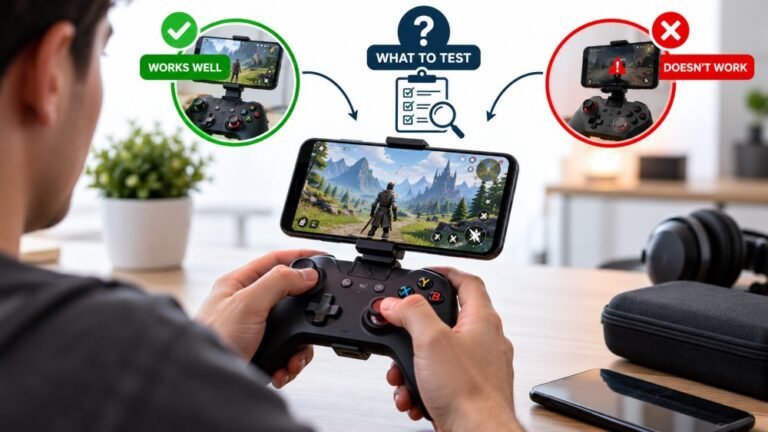
Playing Mobile Games With A Controller: What Works, What Doesn’t, And What To Test Before You Spend
You paired the controller, the light went solid, your phone said "Connected," and then the game did absolutely…

Setting up local co-op on PC for me and my partner. Two controllers, both work, but the order keeps changing. Sometimes my controller is player 1, sometimes it's player 2. Your tester shows them in different slots depending on which one I plugged in first. Is there a way to lock the order? Also one game only lets one gamepad work at a time, is that a PC limit?
Player order follows connection order in most cases, both in the browser and in Windows. Turn the controllers on in the same order every session, or reorder them in Steam. A game that accepts only one controller has its own limit; PC supports several at once.

What you are seeing is normal, and a simple routine makes it predictable.
Browsers number controllers in the order they connect. The first one gets slot 0, the next slot 1, and so on, which is exactly what our tester shows. XInput, which most Windows games use for Xbox-style controllers, works in a similar way with four slots, and the controller's Xbox button light shows the player number it was given.
So the order changes because the connection order changes. A controller that wakes from sleep first, or a USB port that starts up first when the PC boots, takes player 1.
To lock it, make the order a habit. Start with both controllers off, turn on player 1's controller and wait until it is recognised, then turn on player 2's. If you play through Steam, its controller settings let you reorder controllers, and that order holds for the session.
On the one-controller game: that is the game. PC has no general one-gamepad limit; XInput supports four at once, and browsers and Steam support more. Some games simply support a single player only, or treat a second controller as another input for player 1. Check the game's store page for local co-op support before trying workarounds.
Tested on: Applies to Xbox-compatible controllers on Windows 11 with Edge or Chrome. Slot behaviour per the W3C Gamepad specification's index rules.
Checked by Calder Wright on . How we verify answers
UI And Visual Feedback Designer at Gamepad Tester
Marcus is a UI and UX designer specialising in controller mapping interfaces, with a background in real-time 3D and WebGL controller models. His work here is the visual side of diagnosis: an on-screen pad that matches the controller in the player's hands, button and trigger states that respond the instant an input is read, and a layout where an abnormal reading stands out without needing a legend. On Gamepad Tester he designs the tester interfaces and reviews answers that depend on reading the on-screen display correctly.
 Calder WrightFront-End Web Architect And Gamepad API Lead
 Elena RostovaHardware Diagnostics Engineer
 Garrett LindsayHardware Reviewer And Input Performance Specialist
 Venom’s Tech (Abhishek)Peripheral Reviewer And Tech Journalist
 Chloe HendersonHall Effect And Thumbstick Analyst
 Thiago AlvesHardware Repair Educator
 Devon MillerLow Latency And Input Timing Engineer
 Liam DaviesBluetooth And Wireless Test Engineer
Each answer is written by the specialist who owns that part of the hardware, tested on a real controller, and checked by a second team member. How we verify answers
Answers are free general guidance from the Gamepad Tester Team and the community. Opening a controller or replacing a thumbstick module can void your warranty, so check the maker's support or warranty first. Battery and soldering work carries a real risk of damage or injury.
Every test runs in your own browser with the Gamepad API. No sign up, no download, and your controller data never leaves your device.
You paired the controller, the light went solid, your phone said "Connected," and then the game did absolutely…
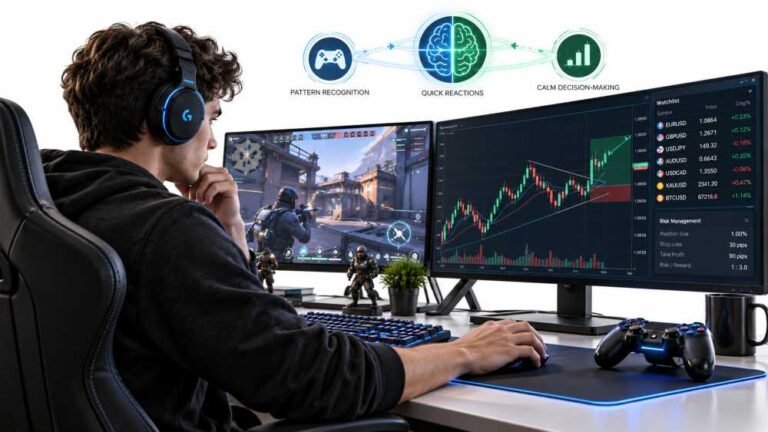
Gaming and trading look like separate worlds until you sit down and do both. One rewards reaction speed, pattern…
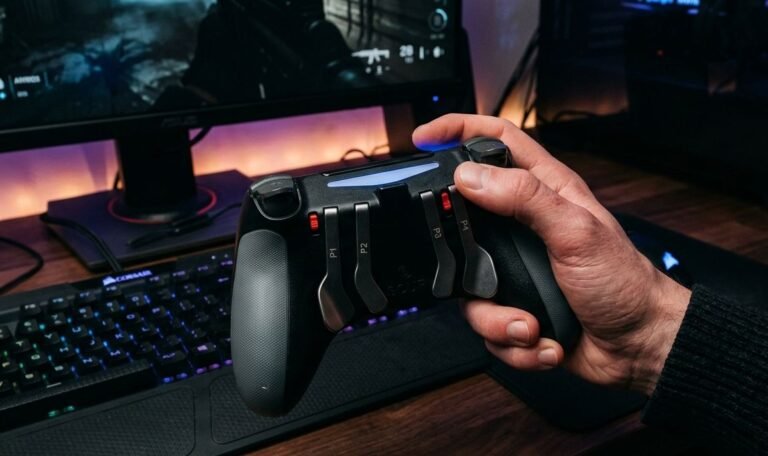
The Xbox Elite Series 2 seemed amazing for the first two weeks. Interchangeable thumbsticks, adjustable trigger locks…
The newest replies from players and the Gamepad Tester Team.