
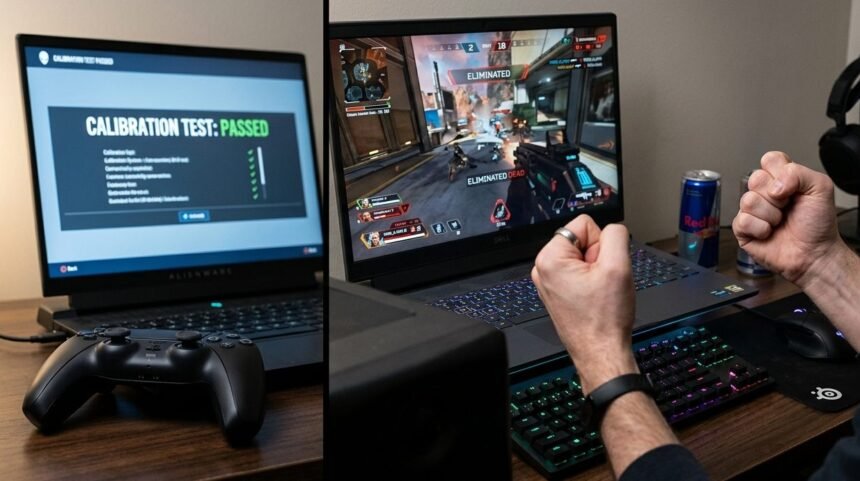
Every button registered correctly. Every stick calibration test returned clean, dead center at rest, full range of motion, no drift on any axis. I ran the controller through three separate diagnostic tools, and it passed every single one. Then I loaded up a match, and the controller still feels wrong in-game, sluggish in a way none of the tests had caught, and I could not explain why a controller which had tested perfectly was making me miss shots I normally land.
Why a Controller Can Pass Every Test and Still Feel Wrong in Game
This is the core gap in controller test vs in-game feel. Diagnostic tools measure whether a signal is technically correct. They check that pressing a button sends the right input, that a stick reports accurate position data, that nothing is physically malfunctioning. What they do not measure is timing relative to everything else happening on your system at the exact moment you act, and timing is what your hands actually feel during real gameplay.
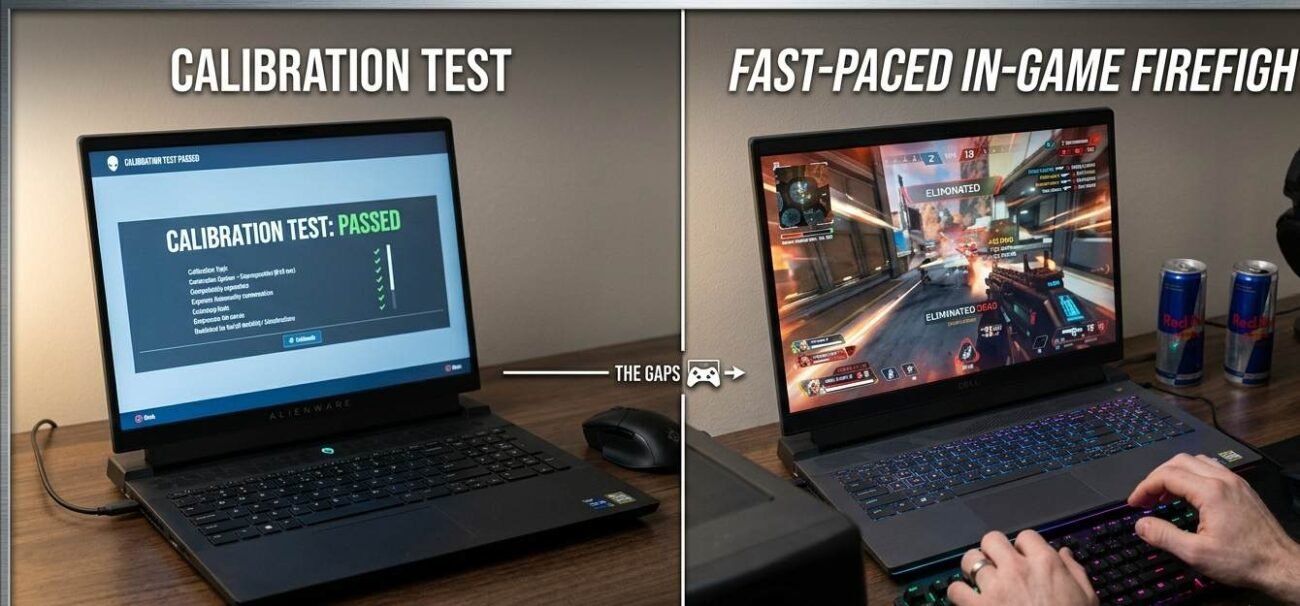
Think of it like a car passing an inspection that checks the engine, brakes, and lights individually, each system working correctly in isolation, while the car still feels sluggish to drive because the transmission shifts a half second later than it should under load. Nothing failed the inspection. The car still does not feel right because the inspection tested components, not the experience of driving it.
The same gap shows up in almost every category of tested electronics, not just controllers. A pair of headphones can measure perfectly flat on a frequency response chart and still sound wrong to a specific listener, because the chart does not capture how a human brain processes that frequency curve in a real room with real content. Controller test software limitations exist for the same underlying reason: a test is a proxy for the experience, never the experience itself, and proxies always miss something real that only shows up under actual use.
Controller test software limitations come from exactly this gap. A calibration tool tests your controller sitting alone, talking directly to a diagnostic program with nothing else competing for system resources. A real game session involves your controller’s signal passing through a wireless connection or USB port, then through the game engine’s input buffer, then through however many frames of rendering delay exist between your input and what appears on screen. Any one of those links can add a small amount of lag that no calibration tool ever touches, because calibration tools do not run inside an actual game.
What Input Lag Perception Actually Measures
Input lag perception is not the same thing as measurable input lag, and the distinction matters more than it sounds like it should. Measurable input lag is a number: milliseconds between action and result. Perception is your brain’s sensitivity to that number, and it changes based on what else is happening around it. The same 40 millisecond delay that feels invisible during casual exploration can feel sluggish and wrong during a tense firefight, because your brain’s threshold for noticing delay drops sharply under focused attention and adrenaline.
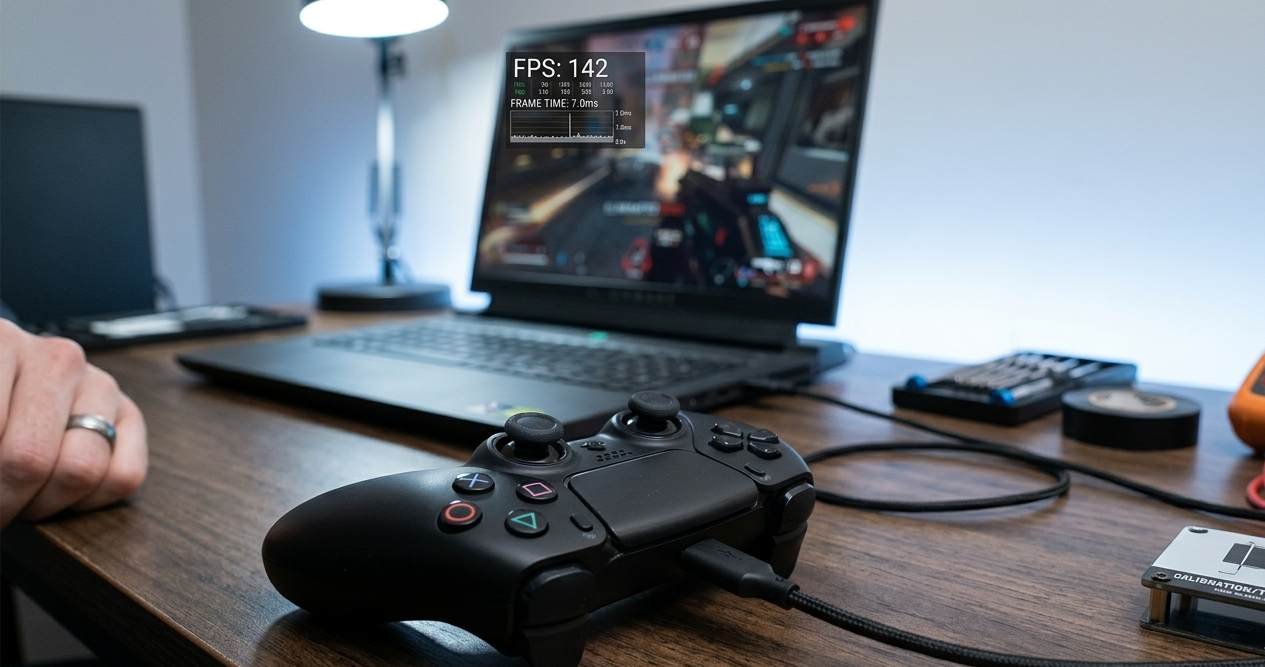
This is why subjective controller feel can shift session to session on the exact same hardware. A controller that appeared perfect during a relaxed evening can start to feel wrong in-game during a stressful ranked push the next day- the textbook case of a controller that feels wrong in-game for reasons that have nothing to do with the hardware, not because anything about the controller changed, but because your perception threshold for the same objective lag moved. Controller muscle memory does not fail randomly, and the same is true of perception: controller diagnostics run in a calm, controlled environment and simply cannot reproduce the perceptual state you are actually in during a clutch moment.
Background operations matter here too, and they rarely show up in a simple stick or button test. A wireless controller sharing bandwidth with other 2.4GHz devices, a USB port being polled inconsistently because of background software, a game running slightly below its target frame rate- all of these add small, inconsistent pockets of extra delay that no calibration tool will ever catch, because a static test does not run under the same system load as an actual play session.
What to Actually Do About a Controller That Feels Wrong
Start by isolating whether the problem is the controller or the connection. Switch to a wired connection temporarily, even on a controller you normally use wirelessly, and play a session in the same game where the wrong feeling shows up. If the sluggishness disappears, the issue was never the controller itself; it was interference or latency somewhere in the wireless chain, and the fix is a better connection, not a new controller.
If the wrong feeling persists on a wired connection, check your game’s frame rate during the sessions where it happens. Input lag perception is tightly linked to frame timing, since inconsistent frame delivery makes input response feel uneven even when the controller itself is reporting perfectly consistent data. A controller cannot feel smooth riding on top of an unstable frame rate, no matter how clean its raw signal is.
Worth checking too is whether the issue tracks a specific game or follows you everywhere. If the wrong feeling only shows up in one title, the problem is more likely that game’s input management or netcode than your controller, since the same hardware behaving normally in every other game rules out a physical fault by itself. If it follows you across every game you play, the investigation correctly stays focused on the controller, the connection, or your own system’s overall performance.
Finally, track when the wrong feeling actually shows up rather than assuming it is constant. If it only appears during long sessions, fatigue is affecting your own reaction timing, not the hardware. If it only appears during high-stress moments, that is perception shifting under pressure, not a hardware fault. If it’s genuinely constant across every session and every game, that is the strongest signal that a controller genuinely feels wrong in-game for a hardware reason rather than a perceptual one, and a full round of controller diagnostics, not just a stick calibration check, is worth running.
The gap between controller test vs in-game feel is not a flaw in the tools; it is simply a mismatch between what they were built to check and what you are actually asking of the controller in the moment.
Quick Checklist — Diagnosing a Controller That Feels Wrong
- Test on a wired connection first to rule out wireless interference before assuming a hardware fault.
- Check your game’s frame rate during sessions where the controller feels wrong; unstable frames distort input feel.
- Note whether the wrong feeling is constant or only shows up under stress or fatigue.
- Remember that passing a calibration test only confirms the signal is correct, not that subjective controller feel is right.
- Rule out background wireless interference from other 2.4GHz devices sharing the same space.
- If the feeling only appears in long sessions, consider your own fatigue before blaming the controller.
- If the feeling is genuinely constant across every game and session, run a full diagnostic pass.
- Do not trust a single clean calibration test as final proof nothing is wrong, given the controller test software limitations covered above.
A controller that feels wrong in-game has usually failed a test no calibration tool ever runs; the only test that actually matters is how it feels in your hands during the moment you needed it to be right.