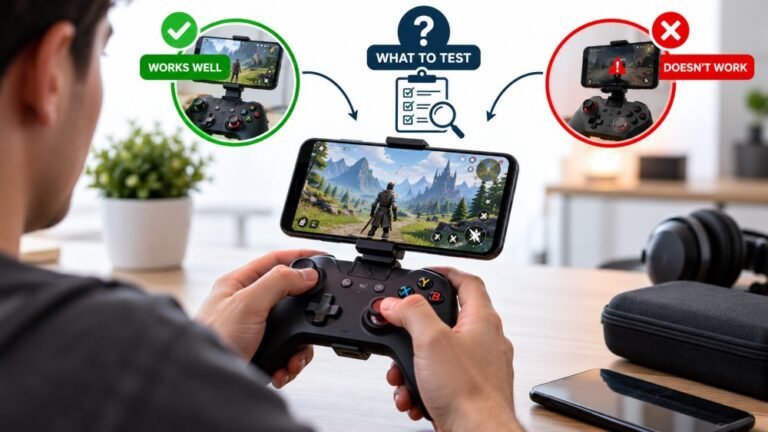
Playing Mobile Games With A Controller: What Works, What Doesn’t, And What To Test Before You Spend
You paired the controller, the light went solid, your phone said "Connected," and then the game did absolutely…

On your touchpad test my finger position tracks perfectly across the whole pad and the click registers, so both halves appear healthy. But in games, swipe gestures do nothing, only the click does anything. Specifically in a couple of games that list touchpad swipe controls in their own control menu. Is this a controller problem, a PC problem, or do those games simply not do it outside a PlayStation console?
Your hardware is fine. The touchpad surface is not exposed through XInput, so on PC games see only the click as a button. Steam Input can expose the surface and restore swipe gestures.

Your hardware is healthy, and your test result proving both halves work is exactly what makes the diagnosis clean.
On a PC, the touchpad is reported in two very different ways. The click is a simple button, and it maps across to XInput as a standard button, which is why every game sees it. The touch surface itself, the position data your test is displaying, is a Sony-specific feature that XInput has no concept of. So a game reading your controller through XInput receives a button press and nothing else, regardless of how perfectly the surface works. The games listing swipe controls in their menus are describing their PlayStation console behaviour, and those menus are frequently not adjusted for the PC build, which is why the options appear and do nothing.
The fix, where a fix exists, is Steam Input. Steam reads the DualSense natively rather than through XInput, so it can see the touch surface, and it can bind swipes, touch zones and trackpad-style movement to whatever the game does understand: keys, buttons or mouse movement. You configure it per game in Steam's controller settings. It is a translation rather than the game truly supporting the touchpad, but in practice it gets you the behaviour you want.
Two honest limits. First, a game that only accepts a discrete input cannot be given a continuous swipe, so you are mapping a swipe to a key press rather than to a smooth gesture. That is fine for a map pan or a weapon wheel and less good for anything analog. Second, over standard Bluetooth on PC the DualSense exposes less than it does over USB, so use the cable for this.
So nothing needs repairing, and whether you get swipe gestures depends on the game and on whether you are willing to configure Steam Input for it.
Tested on: DualSense CFI-ZCT1W over USB-C and Bluetooth on Windows 11 24H2, with Steam Input enabled and disabled, across three PC titles that list touchpad swipe controls in their menus. Surface position data confirmed readable in Chrome 141 over USB in every case while no title responded to swipes without Steam Input.
Checked by Calder Wright on . How we verify answers
UI And Visual Feedback Designer at Gamepad Tester
Marcus is a UI and UX designer specialising in controller mapping interfaces, with a background in real-time 3D and WebGL controller models. His work here is the visual side of diagnosis: an on-screen pad that matches the controller in the player's hands, button and trigger states that respond the instant an input is read, and a layout where an abnormal reading stands out without needing a legend. On Gamepad Tester he designs the tester interfaces and reviews answers that depend on reading the on-screen display correctly.
 Calder WrightFront-End Web Architect And Gamepad API Lead
 Elena RostovaHardware Diagnostics Engineer
 Garrett LindsayHardware Reviewer And Input Performance Specialist
 Venom’s Tech (Abhishek)Peripheral Reviewer And Tech Journalist
 Chloe HendersonHall Effect And Thumbstick Analyst
 Thiago AlvesHardware Repair Educator
 Devon MillerLow Latency And Input Timing Engineer
 Liam DaviesBluetooth And Wireless Test Engineer
Each answer is written by the specialist who owns that part of the hardware, tested on a real controller, and checked by a second team member. How we verify answers
Answers are free general guidance from the Gamepad Tester Team and the community. Opening a controller or replacing a thumbstick module can void your warranty, so check the maker's support or warranty first. Battery and soldering work carries a real risk of damage or injury.
Every test runs in your own browser with the Gamepad API. No sign up, no download, and your controller data never leaves your device.
You paired the controller, the light went solid, your phone said "Connected," and then the game did absolutely…
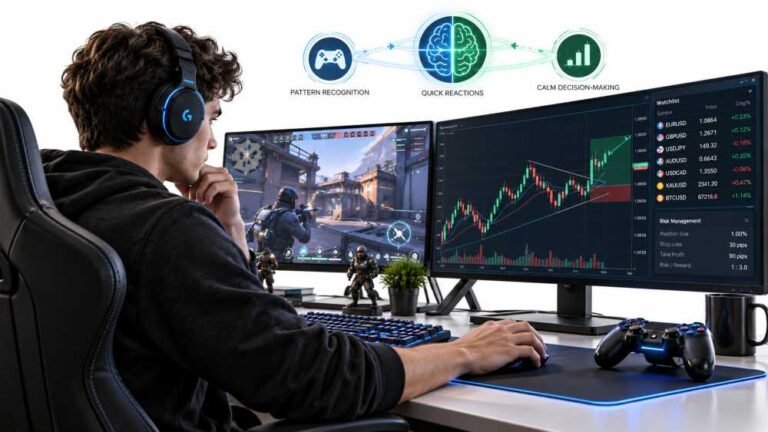
Gaming and trading look like separate worlds until you sit down and do both. One rewards reaction speed, pattern…
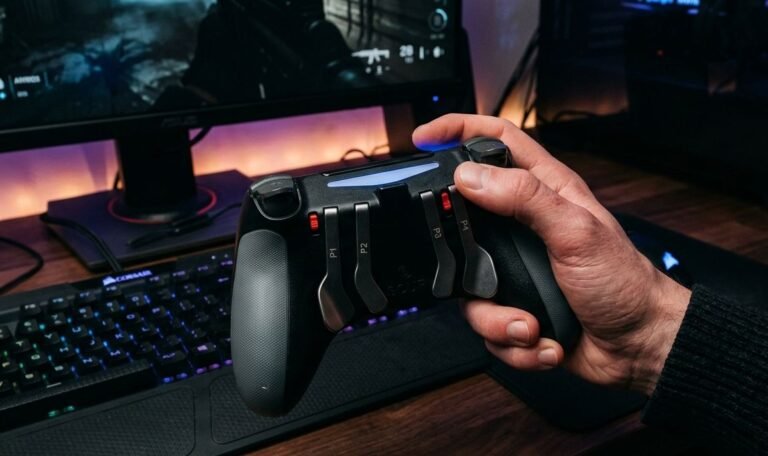
The Xbox Elite Series 2 seemed amazing for the first two weeks. Interchangeable thumbsticks, adjustable trigger locks…
The newest replies from players and the Gamepad Tester Team.