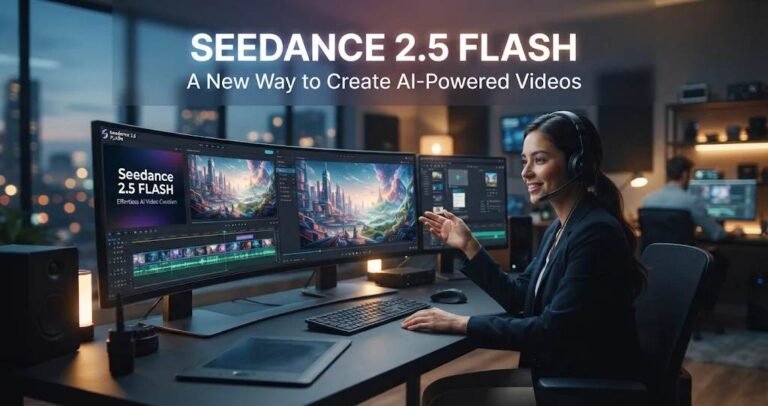
Seedance 2.5 Flash: A New Way to Create AI-Powered Videos
Content creators, marketers, and businesses are finding creating images and videos more and more effortless via AI. As…

My wheel's force feedback feels weak or missing in some games. Can your tester check force feedback? The steering and pedals show fine, but I don't feel anything when I use the vibration test.
No. Browsers can send simple rumble to gamepads, but not force feedback to wheels, so the vibration test cannot check it. Use the wheel maker's software, which usually has a force feedback test, and check each game's force feedback strength settings.

A browser cannot test this, so your result is expected. The Gamepad API can send basic rumble to supported gamepads, but force feedback on wheels, the motor that resists and pushes the wheel, uses a different system that browsers do not access. So our vibration test does nothing on a wheel, even a perfectly working one.
The right tool is the wheel maker's own software. Most wheel apps include a force feedback test or a strength setting with a demo effect. If the wheel pushes back there, the hardware works.
Then check the games. Force feedback strength varies a lot between games, and many have several settings: overall strength, road feel, kerb effects and so on. If it feels weak in only some games, raise their settings. A global strength setting in the wheel software can also limit it everywhere.
Other common causes are the wheel's power supply not connected, since force feedback motors need external power on most wheels, and a wheel in a compatibility mode for a different console.
Our gamepad tester is still useful for wheels: it checks steering centre, range and pedal axes.
Tested on: Applies to USB force feedback wheels on Windows 11. Browser haptic limits per MDN's GamepadHapticActuator documentation.
Checked by Camila Ferreira on . How we verify answers
Retro And Adapter Hardware Specialist at Gamepad Tester
Graham works on legacy input hardware. Older controllers reach a browser through a USB adapter, and the adapter decides what the browser sees: button order changes, axes arrive as buttons, D-pads report as hats, and two adapters for the same console can behave nothing alike. He maps how the common adapters present themselves so that a player with a SNES or Sega pad can read a test result correctly instead of concluding their controller is broken. On Gamepad Tester he answers the adapter and legacy hardware questions.
 Calder WrightFront-End Web Architect And Gamepad API Lead
 Elena RostovaHardware Diagnostics Engineer
 Garrett LindsayHardware Reviewer And Input Performance Specialist
 Venom’s Tech (Abhishek)Peripheral Reviewer And Tech Journalist
 Chloe HendersonHall Effect And Thumbstick Analyst
 Thiago AlvesHardware Repair Educator
 Devon MillerLow Latency And Input Timing Engineer
 Liam DaviesBluetooth And Wireless Test Engineer
Each answer is written by the specialist who owns that part of the hardware, tested on a real controller, and checked by a second team member. How we verify answers
Answers are free general guidance from the Gamepad Tester Team and the community. Opening a controller or replacing a thumbstick module can void your warranty, so check the maker's support or warranty first. Battery and soldering work carries a real risk of damage or injury.
Every test runs in your own browser with the Gamepad API. No sign up, no download, and your controller data never leaves your device.
Content creators, marketers, and businesses are finding creating images and videos more and more effortless via AI. As…
Bilibili Gaming defeated G2 Esports 3-1 in São Paulo on March 22, 2026, to win an international League of Legends…
Most gaming setup advice stops at the desk. The room around it gets ignored, which is strange when the room decides…
The newest replies from players and the Gamepad Tester Team.

