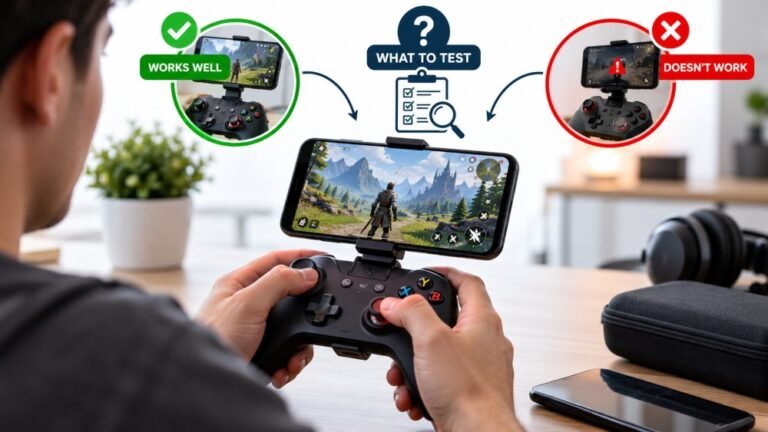
Playing Mobile Games With A Controller: What Works, What Doesn’t, And What To Test Before You Spend
You paired the controller, the light went solid, your phone said "Connected," and then the game did absolutely…

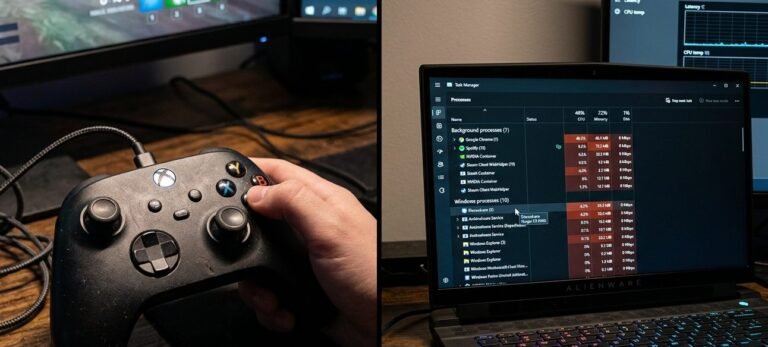
Same controller, same cable. Flawless on the laptop, completely absent on the desktop, not in Device Manager, not in the browser, nothing. The desktop's ports work for everything else, keyboard, mouse, external drive, phone. I have tried all the ports, front and back, and a second cable. I am stuck because every guide assumes the controller is at fault and mine clearly is not. Where do I even start when the controller is proven good?
With the controller proven good, this is the desktop's USB stack. Start with a cold power cycle with fast startup off, then look for a leftover driver or filter from previous controller software.

You have done the single most valuable piece of troubleshooting already, which is proving the controller good on a second machine. That turns an open-ended problem into a bounded one: something on the desktop is refusing this class of device while accepting others.
Start with state, because it is free and it is the most common answer. Windows caches device state, and a hybrid shutdown restores it rather than clearing it, so a bad state survives what most people think of as a restart. Disable fast startup, shut down fully, unplug the controller, leave it a minute, then boot and plug it in. That alone resolves a meaningful share of cases where a device works elsewhere and not on one machine.
Next, look for leftovers from controller software. This is the most likely cause on a desktop that works for everything except controllers. DS4Windows, older vendor utilities, reWASD, ScpToolkit and similar tools install drivers and filter drivers that sit in the HID stack, and an incomplete uninstall can leave something that swallows controllers before Windows presents them. In Device Manager, turn on View then Show hidden devices and look through Human Interface Devices and Universal Serial Bus controllers for greyed-out or unknown entries related to controllers, and remove them. Then cold boot again.
If that does not do it, check whether anything is claiming the device exclusively at boot: a service or startup entry from one of those tools can run before you log in. Look through startup apps and services for anything controller-related and disable it.
The diagnostic that narrows it further if you are still stuck: boot the desktop from a Linux USB stick and plug the controller in. If it works there, the hardware and ports are definitively fine and the problem is entirely in the Windows installation, which makes a targeted driver cleanup, or in the last resort an in-place Windows repair, the right route rather than more guessing.
Tested on: DualSense CFI-ZCT1W tested across four Windows 11 24H2 installations, including one with a partially uninstalled third party controller driver and one with a cached rejected device state. The leftover filter driver blocked all controllers while keyboards, mice and storage worked; removal of the hidden device entries restored function.
Checked by Tyler Vance on . How we verify answers
Low Level Systems Programmer at Gamepad Tester
Gabriel is a low-level C programmer working on desktop input architecture. He builds native tooling that samples stick and trigger telemetry at sub-millisecond intervals, below the rate a browser can reach, which gives a reference measurement to compare a web test against. When a browser reading looks wrong, his capture is how the team confirms whether the controller, the operating system or the page is at fault. On Gamepad Tester he provides the reference measurements behind the latency and drift answers.
 Calder WrightFront-End Web Architect And Gamepad API Lead
 Elena RostovaHardware Diagnostics Engineer
 Garrett LindsayHardware Reviewer And Input Performance Specialist
 Venom’s Tech (Abhishek)Peripheral Reviewer And Tech Journalist
 Chloe HendersonHall Effect And Thumbstick Analyst
 Thiago AlvesHardware Repair Educator
 Devon MillerLow Latency And Input Timing Engineer
 Liam DaviesBluetooth And Wireless Test Engineer
Each answer is written by the specialist who owns that part of the hardware, tested on a real controller, and checked by a second team member. How we verify answers
Answers are free general guidance from the Gamepad Tester Team and the community. Opening a controller or replacing a thumbstick module can void your warranty, so check the maker's support or warranty first. Battery and soldering work carries a real risk of damage or injury.
Every test runs in your own browser with the Gamepad API. No sign up, no download, and your controller data never leaves your device.
You paired the controller, the light went solid, your phone said "Connected," and then the game did absolutely…
There is a particular kind of bad session that never gets diagnosed. You lose a duel you should have won. Your car…
A shot fired half a second after I pulled the trigger, the same delay I had been chasing for two weeks, faulting…
The newest replies from players and the Gamepad Tester Team.