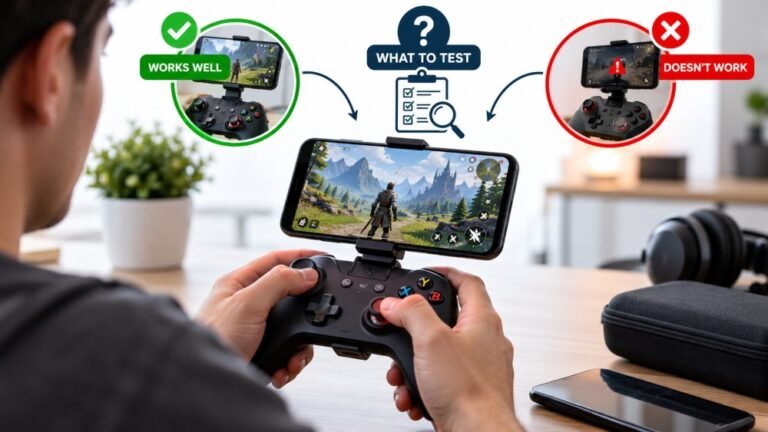
Playing Mobile Games With A Controller: What Works, What Doesn’t, And What To Test Before You Spend
You paired the controller, the light went solid, your phone said "Connected," and then the game did absolutely…

I'm left handed and would much rather aim with the left stick and move with the right. Some games let me swap, many don't. Can I swap the sticks on the controller itself? I have an Xbox Series controller and a PS5.
Yes on both. The Xbox Accessories app can swap the sticks and remap buttons on Xbox Series controllers. On the PS5, Accessibility settings include custom button assignments that can swap the left and right sticks. Steam Input can do it on PC for any game launched through Steam.

You can swap them system-wide, so it works even in games without the option.
On the Xbox Series controller, use the Xbox Accessories app on Windows or the console. Open the controller's settings and you can remap buttons and swap the sticks, and the triggers too if you like. Save it to the controller and it applies everywhere that controller goes, including other consoles and PCs.
On the PS5, open Settings, Accessibility, Controllers, and turn on custom button assignments. There you can reassign buttons and swap the left and right sticks. That applies on the PS5 to games and the system.
On PC, Steam Input can swap sticks and remap anything per game for any controller, including the DualSense, for games launched from Steam.
Use our mapping tool or button test to check the result: after swapping, moving the right stick should change the values our tester shows for the left stick. Some games display prompts based on the original layout, which can be confusing at first, but controls will follow your swap.
Tested on: Applies to Xbox Wireless Controller Model 1914 and DualSense on Windows 11, Xbox and PS5. Remapping options per Xbox support and PS5 accessibility settings.
Checked by Garrett Lindsay on . How we verify answers
Accessibility And Adaptive Controller Specialist at Gamepad Tester
Xavier is an accessibility consultant and hardware engineer. He audits gamepad applications against the setups disabled players actually use: the Xbox Adaptive Controller with external switches and joysticks attached, one-handed configurations, remapped layouts and heavily modified input chains. These setups report themselves to a browser differently from a standard pad, so they break assumptions that nobody tests for. On Gamepad Tester he checks that the tools work with adaptive hardware, and answers the remapping and accessibility questions in the Q&A.
 Calder WrightFront-End Web Architect And Gamepad API Lead
 Elena RostovaHardware Diagnostics Engineer
 Garrett LindsayHardware Reviewer And Input Performance Specialist
 Venom’s Tech (Abhishek)Peripheral Reviewer And Tech Journalist
 Chloe HendersonHall Effect And Thumbstick Analyst
 Thiago AlvesHardware Repair Educator
 Devon MillerLow Latency And Input Timing Engineer
 Liam DaviesBluetooth And Wireless Test Engineer
Each answer is written by the specialist who owns that part of the hardware, tested on a real controller, and checked by a second team member. How we verify answers
Answers are free general guidance from the Gamepad Tester Team and the community. Opening a controller or replacing a thumbstick module can void your warranty, so check the maker's support or warranty first. Battery and soldering work carries a real risk of damage or injury.
Every test runs in your own browser with the Gamepad API. No sign up, no download, and your controller data never leaves your device.
You paired the controller, the light went solid, your phone said "Connected," and then the game did absolutely…
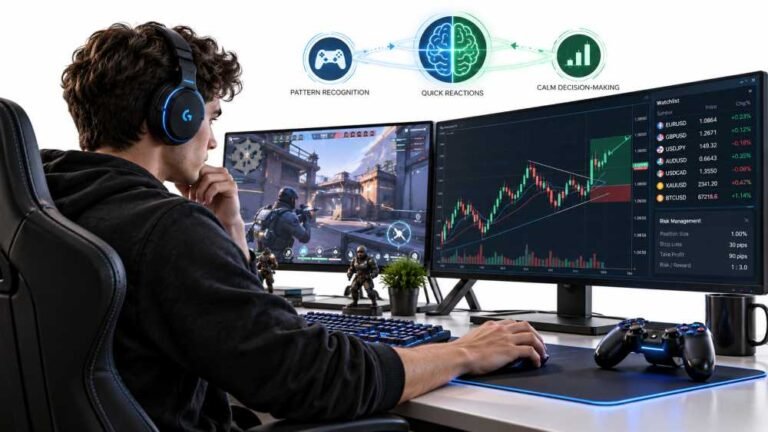
Gaming and trading look like separate worlds until you sit down and do both. One rewards reaction speed, pattern…
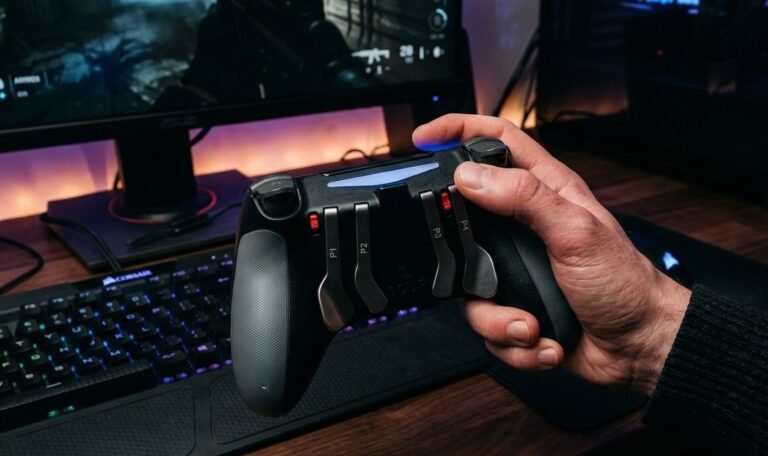
The Xbox Elite Series 2 seemed amazing for the first two weeks. Interchangeable thumbsticks, adjustable trigger locks…
The newest replies from players and the Gamepad Tester Team.