Small Input Problems That Quietly Ruin Your Game Sessions
There is a particular kind of bad session that never gets diagnosed. You lose a duel you should have won. Your car…

I specifically paid extra for a Hall effect controller (8BitDo Ultimate 2C) so I would never deal with drift again, and now after about 5 months the left stick reads around 0.09 on X when I let go. It is not huge but my car slowly steers left in racing games. Customer support told me Hall effect cannot drift. Then what is this? I sometimes use it with my phone on a magnetic phone clip, if that matters.
Hall effect removes wear on the sensor, not every cause of drift. A steady 0.09 offset on a magnetic stick is usually magnetic interference or a calibration offset, both fixable without new parts. Your magnetic phone clip is the first suspect.

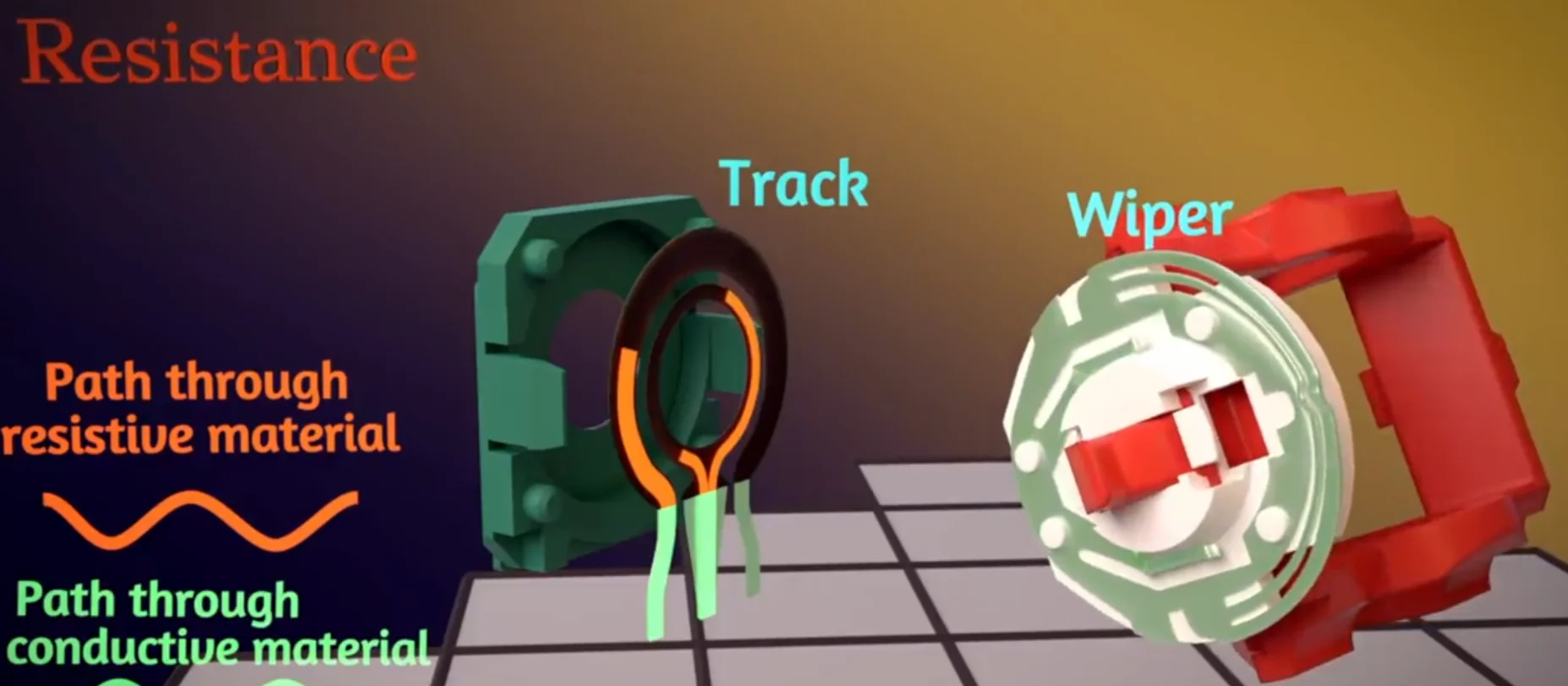
Support gave you half the truth. Hall effect sticks cannot drift for the reason potentiometers do, because nothing rubs on the sensor, so there is no track to wear out. But drift only means the centre reading is not zero, and a magnetic stick can still get there in a few ways.
The most likely one in your case is the phone clip. If it holds the phone with magnets, it sits a few centimetres from the stick magnets. Any nearby magnet adds its own field to what the sensor reads, so the centre shifts. Test with the clip off and the phone away. If the 0.09 drops close to zero, you have your answer, and a clamp-style clip without magnets solves it for good.
The second cause is calibration. Magnetic sticks are calibrated at the factory to map the magnet's position to stick values, and that map can shift slightly after a knock, a firmware update or big temperature changes. A fresh calibration with the stick untouched usually clears a steady offset completely. 8BitDo publishes calibration steps for its controllers, and Ultimate Software handles firmware updates.
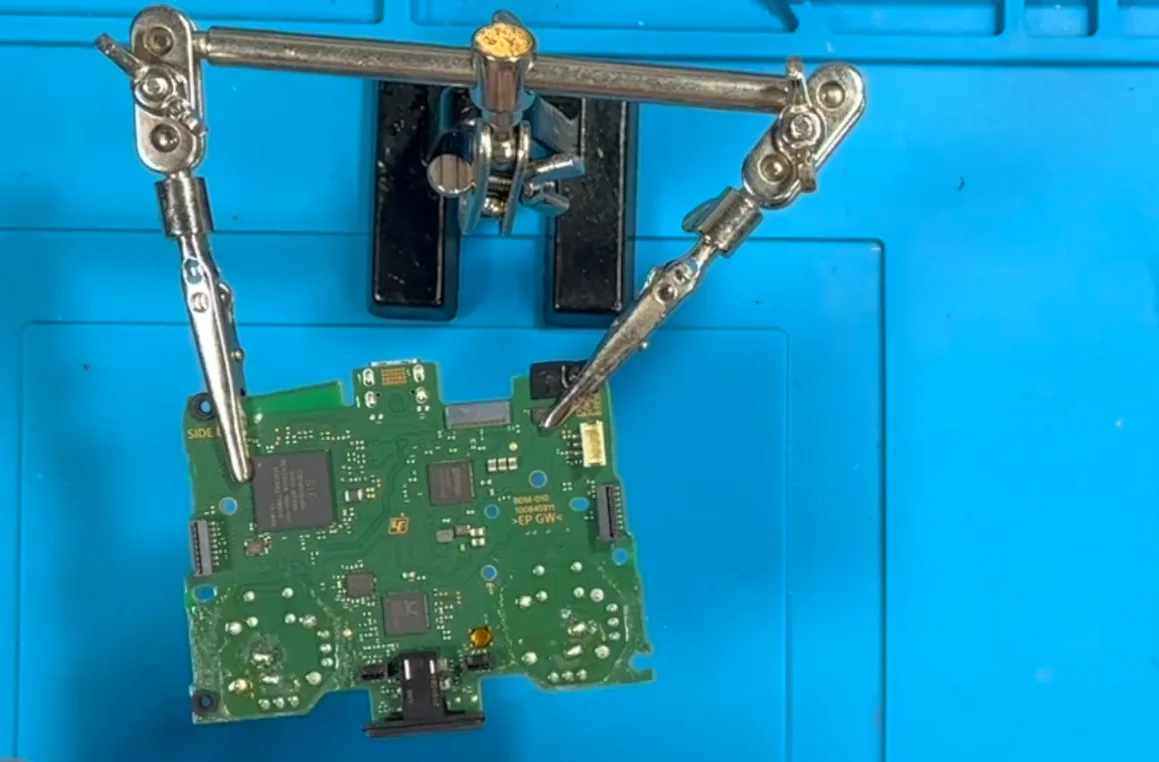
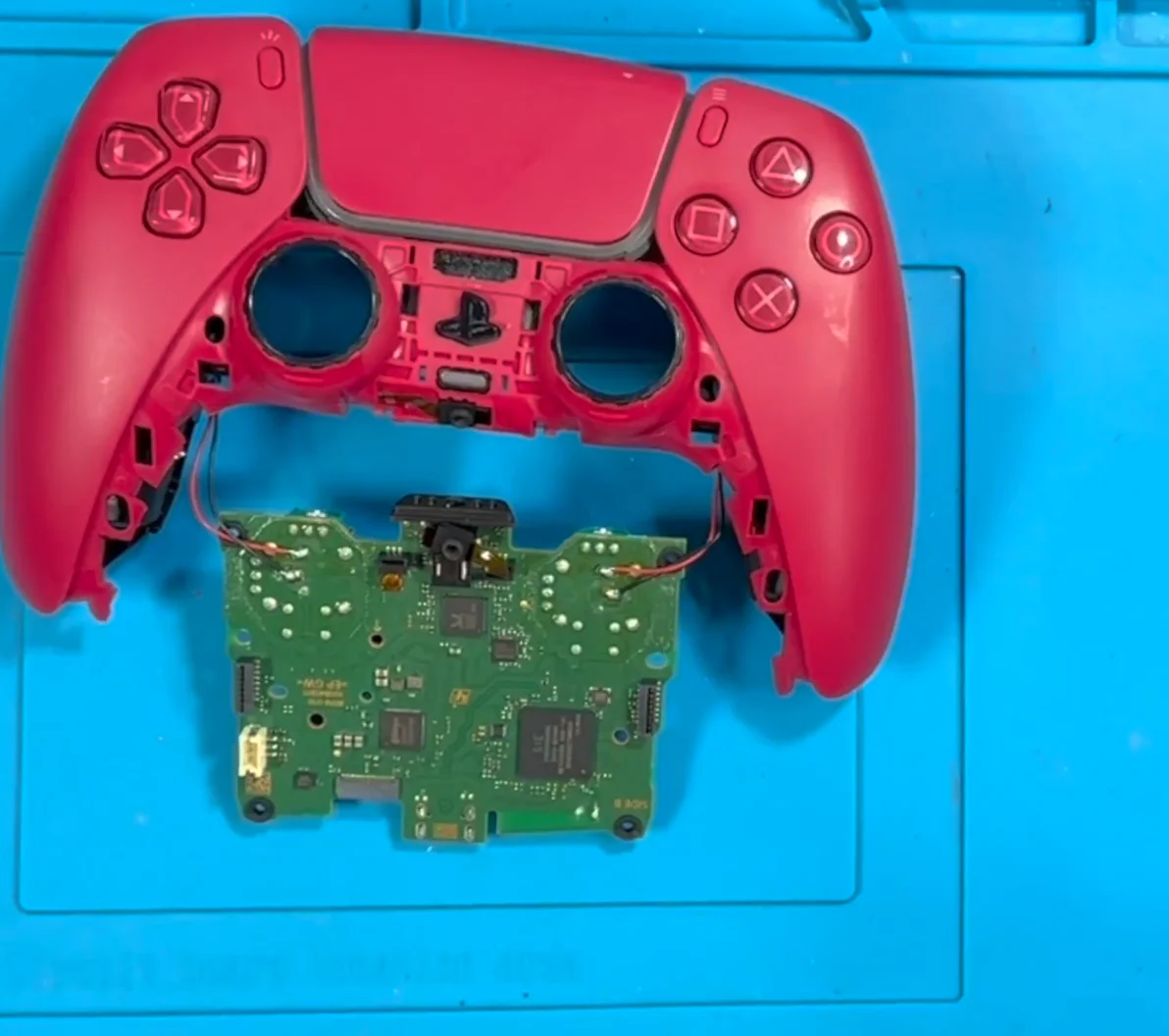
The third cause is mechanical. The spring and gimbal that return the stick to centre can loosen, so the stick physically rests a fraction off centre. If you can feel the stick sitting slightly tilted or loose, that is the issue, and recalibrating only partly hides it.
Steady offsets like yours are almost always the first two. Readings that wander from minute to minute would point elsewhere.
Tested on: Applies to 8BitDo Ultimate 2C and other Hall effect pads on Windows 11 with Chrome or Edge. Interference behaviour follows from how Hall effect sensors measure a magnetic field; calibration per the manufacturer's own procedure.
Checked by Elena Rostova on . How we verify answers
Hall Effect And Thumbstick Analyst at Gamepad Tester
Chloe is a hardware modder who works specifically on thumbstick modules. Her testing compares hall effect sticks with the carbon potentiometers they replace, across the things that actually matter to a player: resting accuracy out of the box, how the reading changes after months of use, and the magnetic interference errors that hall effect sensors can introduce when a module is fitted badly or sits too close to a motor. On Gamepad Tester she answers the questions about whether a hall effect pad or a hall effect mod is worth it, and verifies drift fixes on modules she has fitted herself.
 Calder WrightFront-End Web Architect And Gamepad API Lead
 Elena RostovaHardware Diagnostics Engineer
 Garrett LindsayHardware Reviewer And Input Performance Specialist
 Venom’s Tech (Abhishek)Peripheral Reviewer And Tech Journalist
 Thiago AlvesHardware Repair Educator
 Devon MillerLow Latency And Input Timing Engineer
 Liam DaviesBluetooth And Wireless Test Engineer
 Nadia BrooksEsports Performance Consultant
Each answer is written by the specialist who owns that part of the hardware, tested on a real controller, and checked by a second team member. How we verify answers
Answers are free general guidance from the Gamepad Tester Team and the community. Opening a controller or replacing a thumbstick module can void your warranty, so check the maker's support or warranty first. Battery and soldering work carries a real risk of damage or injury.
Every test runs in your own browser with the Gamepad API. No sign up, no download, and your controller data never leaves your device.
There is a particular kind of bad session that never gets diagnosed. You lose a duel you should have won. Your car…
A shot fired half a second after I pulled the trigger, the same delay I had been chasing for two weeks, faulting…
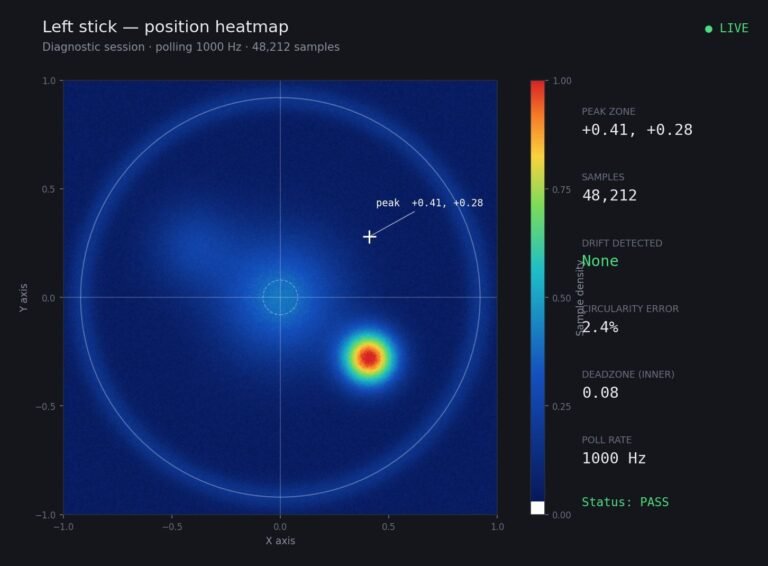
Someone posted a stick drift heatmap in a forum thread asking if their controller was dying: a red and orange blob…
The newest replies from players and the Gamepad Tester Team.