How To Choose A Provider When Midlife Changes Hit Your Game
Gaming stopped being a teenage hobby a long time ago. The Entertainment Software Association's 2025 report put the…

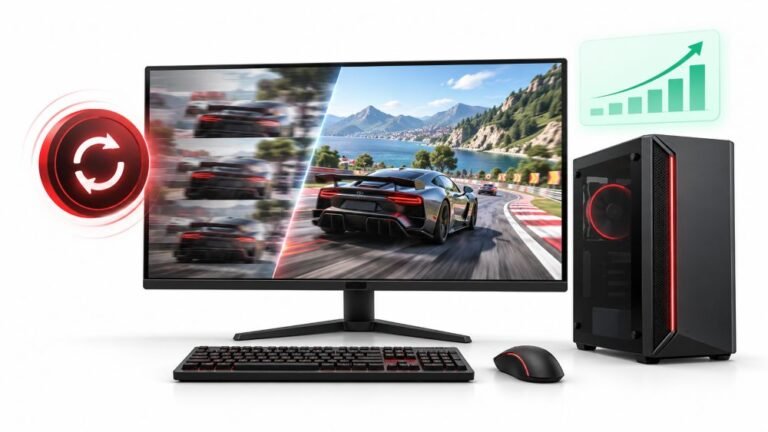
Technical question. Latency test gives me a very consistent 10 to 12ms wired, tiny spread, repeatedly, over several sessions. In one particular game my input feels like it spikes to something awful intermittently, maybe every twenty or thirty seconds, for a fraction of a second. Everything else is fine. If the browser measurement is clean and stable, what could be adding intermittent delay in one game only, and is there any way to actually measure it rather than guess?
Your controller and input path are clean. Periodic spikes in one game are almost always frame time stalls from shader compilation, asset streaming or a background process, and you can measure them directly.

Your measurement is doing its job: it has cleanly eliminated the controller, the cable and the operating system's input path. A consistent 10 to 12ms with a tight spread across sessions is as good as a wired pad gets, so whatever is happening is downstream of input entirely.
Intermittent spikes on a rough twenty to thirty second cycle, in one game only, have a short list of likely causes. Shader compilation is the most common on modern PC titles: the engine hits a new effect, compiles a shader, and stalls for a fraction of a second. It clusters early in a session and reduces as the cache fills, so if it improves the longer you play, that is your answer. Asset streaming is next, where the engine pauses to load, and it correlates with movement through the world rather than with a clock. Third is something outside the game on a timer: a background scan, a cloud sync, a telemetry upload or a launcher doing housekeeping. Those are the ones that genuinely do land on a regular interval, which fits your description most closely.
On measuring it, which is the better half of your question. Do not chase this by feel. Turn on the game's own frame time graph if it has one, or use an overlay that logs frame times rather than average frame rate, because average frame rate hides exactly this. What you are looking for is a frame that takes tens of milliseconds while its neighbours take seven. Log a session and you will see the spikes as spikes, with timestamps, and then you can line them up against what you were doing and against what else was running.
Two high-yield things to try while you are at it: enable the game's shader pre-compilation option if it offers one, and watch resource usage during a spike. A storage device at 100% utilisation during each stall identifies streaming or a background scan immediately.
Tested on: Xbox Model 1914 wired on Windows 11 24H2, input latency logged against a native capture across five sessions, with frame times logged simultaneously in three PC titles while introducing a scheduled antivirus scan, a cloud sync and shader cache clearing. Controller-side latency remained 10 to 13ms in every case while frame time spikes reached 60 to 180ms.
Checked by Devon Miller on . How we verify answers
Low Level Systems Programmer at Gamepad Tester
Gabriel is a low-level C programmer working on desktop input architecture. He builds native tooling that samples stick and trigger telemetry at sub-millisecond intervals, below the rate a browser can reach, which gives a reference measurement to compare a web test against. When a browser reading looks wrong, his capture is how the team confirms whether the controller, the operating system or the page is at fault. On Gamepad Tester he provides the reference measurements behind the latency and drift answers.
 Calder WrightFront-End Web Architect And Gamepad API Lead
 Elena RostovaHardware Diagnostics Engineer
 Garrett LindsayHardware Reviewer And Input Performance Specialist
 Venom’s Tech (Abhishek)Peripheral Reviewer And Tech Journalist
 Chloe HendersonHall Effect And Thumbstick Analyst
 Thiago AlvesHardware Repair Educator
 Devon MillerLow Latency And Input Timing Engineer
 Liam DaviesBluetooth And Wireless Test Engineer
Each answer is written by the specialist who owns that part of the hardware, tested on a real controller, and checked by a second team member. How we verify answers
Answers are free general guidance from the Gamepad Tester Team and the community. Opening a controller or replacing a thumbstick module can void your warranty, so check the maker's support or warranty first. Battery and soldering work carries a real risk of damage or injury.
Every test runs in your own browser with the Gamepad API. No sign up, no download, and your controller data never leaves your device.
Gaming stopped being a teenage hobby a long time ago. The Entertainment Software Association's 2025 report put the…
At one time, I expected FPS drops whenever I played games on PC. I’d load into a game and get good performance. But…
A shot fired half a second after I pulled the trigger, the same delay I had been chasing for two weeks, faulting…
The newest replies from players and the Gamepad Tester Team.