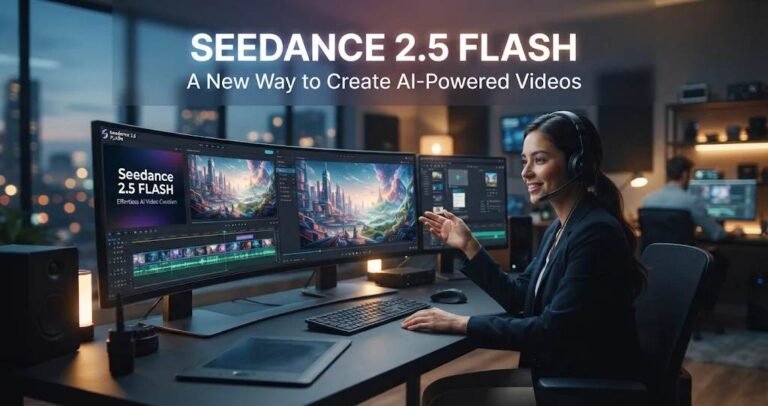
Seedance 2.5 Flash: A New Way to Create AI-Powered Videos
Content creators, marketers, and businesses are finding creating images and videos more and more effortless via AI. As…

On my Xbox, I feel the triggers buzz in racing games. On my PC with the same controller, the main rumble works but the triggers never vibrate. Your vibration test makes the trigger motors buzz fine. What's different?
Trigger rumble needs the game to send trigger vibration through a newer Windows controller interface, and the connection to support it. Many PC games and setups only send standard rumble. Steam Input or older interfaces can drop trigger rumble. Your test proves the motors work.

Your vibration test result settles the hardware question: the trigger motors work. The difference is in how PC games talk to the controller.
Standard rumble uses the two main motors and is supported by the classic XInput interface almost every PC game uses. Trigger rumble, which Microsoft calls impulse triggers, needs the game to use a newer Windows controller interface that supports it, and to actually send trigger effects. Some PC games do this; many do not, even if the console version does.
The connection and software matter too. Translation layers such as Steam Input can pass through standard rumble but may not pass trigger rumble for every game. Try the game with Steam Input disabled if it is a Steam game.
Some games also have a separate trigger vibration option in their settings that is off by default on PC.
If a game supports trigger rumble on PC and it still does not work, connect with a USB cable or the Xbox Wireless Adapter and update the controller firmware, then try again.
Tested on: Applies to Xbox Wireless Controllers with PC games on Windows 11. Browser trigger rumble per MDN's GamepadHapticActuator documentation; game support varies.
Checked by Simon Fletcher on . How we verify answers
Haptics And Rumble Test Engineer at Gamepad Tester
Camila works on vibration and haptics, with a background in audio and signal work that transfers directly: a rumble motor is a frequency-and-amplitude problem, and the difference between a weak motor, a flat waveform and a browser that is not sending anything is audible and measurable before it is visible. She tests both motors independently, the DualSense haptic layer and the adaptive triggers, across the connections that support them and the ones that silently do not. On Gamepad Tester she owns the vibration test and the rumble faults topic.
 Calder WrightFront-End Web Architect And Gamepad API Lead
 Elena RostovaHardware Diagnostics Engineer
 Garrett LindsayHardware Reviewer And Input Performance Specialist
 Venom’s Tech (Abhishek)Peripheral Reviewer And Tech Journalist
 Chloe HendersonHall Effect And Thumbstick Analyst
 Thiago AlvesHardware Repair Educator
 Devon MillerLow Latency And Input Timing Engineer
 Liam DaviesBluetooth And Wireless Test Engineer
Each answer is written by the specialist who owns that part of the hardware, tested on a real controller, and checked by a second team member. How we verify answers
Answers are free general guidance from the Gamepad Tester Team and the community. Opening a controller or replacing a thumbstick module can void your warranty, so check the maker's support or warranty first. Battery and soldering work carries a real risk of damage or injury.
Every test runs in your own browser with the Gamepad API. No sign up, no download, and your controller data never leaves your device.
Content creators, marketers, and businesses are finding creating images and videos more and more effortless via AI. As…
Bilibili Gaming defeated G2 Esports 3-1 in São Paulo on March 22, 2026, to win an international League of Legends…
Most gaming setup advice stops at the desk. The room around it gets ignored, which is strange when the room decides…
The newest replies from players and the Gamepad Tester Team.

