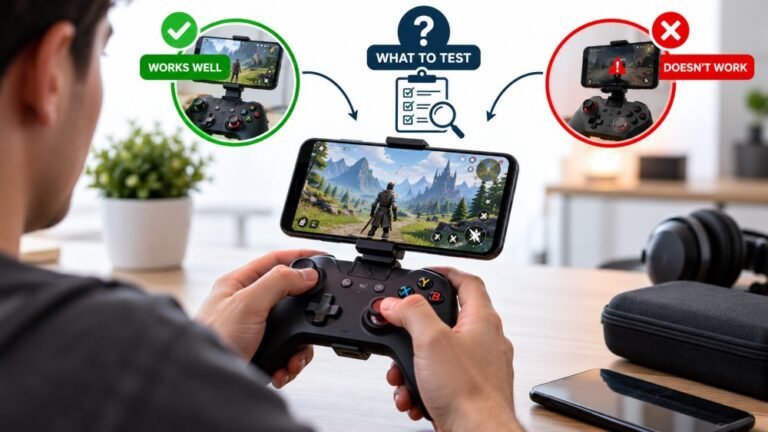
Playing Mobile Games With A Controller: What Works, What Doesn’t, And What To Test Before You Spend
You paired the controller, the light went solid, your phone said "Connected," and then the game did absolutely…

Switch Pro Controller. Gyro aiming works perfectly on the Switch. On PC, your gyroscope test reads all three axes correctly as I rotate the controller, so the data is clearly getting through to the browser, but no PC game I own responds to gyro at all. If the browser can read it, why can games not? I would like to use gyro aim on PC and I am not sure whether I need software, a setting, or whether it is simply not possible.
Almost no PC game reads gyro directly. The standard route is Steam Input, which converts gyro into mouse movement, and that works in nearly every game once configured.

The data is reaching your PC, as your test proves, and the gap is entirely in what games choose to read.
PC games overwhelmingly read controllers through XInput, which has no concept of a gyroscope. It defines buttons, triggers and two sticks, and that is all. So a game using XInput will never see your gyro no matter how perfectly the controller reports it, and that is not something you can fix with a driver or a setting in the game. Only a small number of PC titles read gyro natively.
The standard solution, and it is a good one, is Steam Input's gyro-to-mouse conversion. Steam reads your controller's gyro directly, converts rotation into mouse movement, and hands the game mouse input, which essentially every game understands. The result is genuinely good: it is how most PC players use gyro aim, and in many cases it feels better than console gyro because you can tune sensitivity and the activation behaviour precisely.
The setting that matters most is how gyro activates. Always-on gyro is unusable for most people because every hand movement moves your aim. The usual configuration is to bind gyro activation to a button or to the trigger, so rotation only becomes mouse movement while you are aiming. That single choice is the difference between gyro feeling broken and feeling excellent, and it is the thing most people get wrong on their first attempt.
A few practicals. Add non-Steam games to Steam so they get the same treatment. Make sure the game is in mouse-and-keyboard mode rather than controller mode, since you are feeding it mouse input, and that occasionally means button prompts show keyboard icons. And calibrate the gyro first: if your controller has a bias offset, gyro-to-mouse will turn that into a slow constant drift of your aim, which is far more annoying than it is on a console.
Tested on: Switch Pro Controller HAC-013 and DualSense CFI-ZCT1W, wired and wireless, with Steam Input gyro-to-mouse configured always-on and trigger-activated, across four PC titles on Windows 11 24H2. Gyro axes confirmed readable in Chrome 141 in all configurations while no title responded to gyro without Steam Input.
Checked by Lucas Rocha on . How we verify answers
Accessibility And Adaptive Controller Specialist at Gamepad Tester
Xavier is an accessibility consultant and hardware engineer. He audits gamepad applications against the setups disabled players actually use: the Xbox Adaptive Controller with external switches and joysticks attached, one-handed configurations, remapped layouts and heavily modified input chains. These setups report themselves to a browser differently from a standard pad, so they break assumptions that nobody tests for. On Gamepad Tester he checks that the tools work with adaptive hardware, and answers the remapping and accessibility questions in the Q&A.
 Calder WrightFront-End Web Architect And Gamepad API Lead
 Elena RostovaHardware Diagnostics Engineer
 Garrett LindsayHardware Reviewer And Input Performance Specialist
 Venom’s Tech (Abhishek)Peripheral Reviewer And Tech Journalist
 Chloe HendersonHall Effect And Thumbstick Analyst
 Thiago AlvesHardware Repair Educator
 Devon MillerLow Latency And Input Timing Engineer
 Liam DaviesBluetooth And Wireless Test Engineer
Each answer is written by the specialist who owns that part of the hardware, tested on a real controller, and checked by a second team member. How we verify answers
Answers are free general guidance from the Gamepad Tester Team and the community. Opening a controller or replacing a thumbstick module can void your warranty, so check the maker's support or warranty first. Battery and soldering work carries a real risk of damage or injury.
Every test runs in your own browser with the Gamepad API. No sign up, no download, and your controller data never leaves your device.
You paired the controller, the light went solid, your phone said "Connected," and then the game did absolutely…
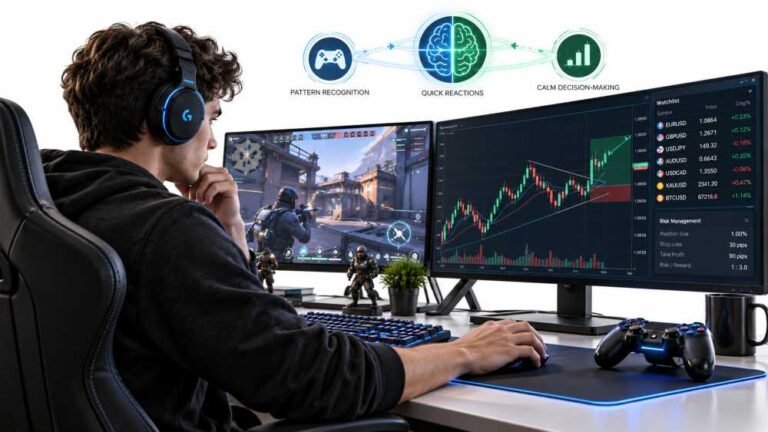
Gaming and trading look like separate worlds until you sit down and do both. One rewards reaction speed, pattern…
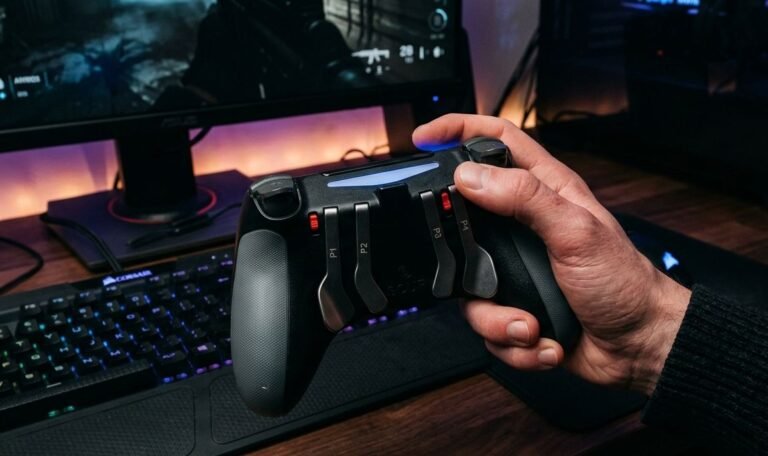
The Xbox Elite Series 2 seemed amazing for the first two weeks. Interchangeable thumbsticks, adjustable trigger locks…
The newest replies from players and the Gamepad Tester Team.