Repairing Ghost Inputs Caused by Worn Carbon Pads
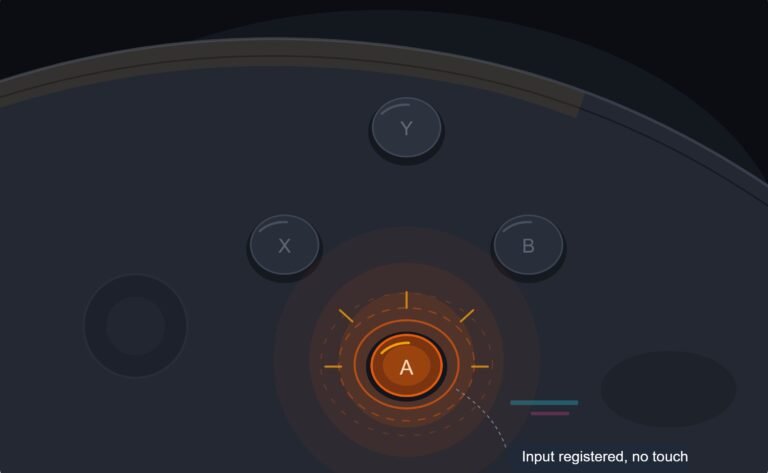
The face button registered a press I never made, a phantom input firing on its own during a menu screen while my thumb…

Elite Series 2 with all four paddles fitted. The top left paddle fires twice on a single press, maybe eight times out of ten. On your paddles and rear buttons test I can see two distinct events from one press. The other three paddles are perfect. It is mapped to jump so I am double jumping constantly. Is the paddle itself the problem or the switch underneath it, and can I swap just that paddle?
Swap the paddle to another position first. If the double fire follows the paddle it is the paddle, and if it stays in that position it is the switch beneath. That one test tells you which part to buy.

You have the perfect controller for diagnosing this, because the paddles are removable and that gives you a test nobody with fixed rear buttons can run.
The paddles on an Elite Series 2 are magnetically attached levers. Each one presses a switch on the controller body. So there are two possible culprits: the paddle lever itself, which can be slightly bent or worn at its contact point so it bounces against the switch, or the switch underneath, which can be suffering contact bounce in exactly the way a worn face button does. Both produce two events from one press and they are indistinguishable from the symptom alone.
The diagnostic is to move the paddle. Take the top left paddle off and fit it in the top right position, and move the top right paddle to top left. Then re-run the test. If the double fire moves with the paddle to the right side, the paddle is the faulty part. If the double fire stays on the top left position with a known-good paddle fitted, the switch underneath is the fault. That single swap costs nothing and tells you exactly which part to buy, which is far better than ordering both and hoping.
If it is the paddle, replacement paddle sets are available and inexpensive, and you can also inspect the lever where it meets the switch for a worn or deformed contact face.
If it is the switch, that is inside the controller body and a more involved repair, but worth knowing you are also inside a longer warranty than most pads: Microsoft extended the warranty on this model specifically because of known issues with it. So check your purchase date before you pick up a screwdriver, because a warranty repair on an Elite is worth considerably more than on a standard pad.
One thing to rule out first, because it takes thirty seconds: check your active profile has not got a turbo or rapid-fire setting applied to that button, which would produce the same double input from a perfectly healthy paddle.
Tested on: Two Xbox Elite Wireless Controller Series 2 units with all four paddles, tested in every paddle position, with and without turbo applied in a custom profile. One fault isolated to a deformed paddle lever, one to switch bounce in the body.
Checked by Oliver Sterling on . How we verify answers
Esports Performance Consultant at Gamepad Tester
Nadia works with competitive players on the hardware side of performance. Before a tournament a pad needs more than a working-not-working check: she profiles input latency across the exact connection the player will use, confirms both sticks read consistently through their full range, and checks that nothing drifts once the controller is warm. A pad that passes is cleared for play; one that does not is replaced rather than argued about. On Gamepad Tester she answers the competitive and performance questions, and reviews answers that tell a player their controller is good enough.
 Calder WrightFront-End Web Architect And Gamepad API Lead
 Elena RostovaHardware Diagnostics Engineer
 Garrett LindsayHardware Reviewer And Input Performance Specialist
 Venom’s Tech (Abhishek)Peripheral Reviewer And Tech Journalist
 Chloe HendersonHall Effect And Thumbstick Analyst
 Thiago AlvesHardware Repair Educator
 Devon MillerLow Latency And Input Timing Engineer
 Liam DaviesBluetooth And Wireless Test Engineer
Each answer is written by the specialist who owns that part of the hardware, tested on a real controller, and checked by a second team member. How we verify answers
Answers are free general guidance from the Gamepad Tester Team and the community. Opening a controller or replacing a thumbstick module can void your warranty, so check the maker's support or warranty first. Battery and soldering work carries a real risk of damage or injury.
Every test runs in your own browser with the Gamepad API. No sign up, no download, and your controller data never leaves your device.
The face button registered a press I never made, a phantom input firing on its own during a menu screen while my thumb…
Android RPGs no longer feel like small games made to fill a few spare minutes. Some now offer large open worlds…
Esports viewing has changed a lot. Fans no longer watch only for big kills, clutch rounds, final scores, or highlight…
The newest replies from players and the Gamepad Tester Team.