Seedance 2.5 Flash: A New Way to Create AI-Powered Videos
Content creators, marketers, and businesses are finding creating images and videos more and more effortless via AI. As…

I calibrate the Gyro Drifts and it is perfect. Play for an hour in a warm room and it starts creeping. Calibrate again and it is fine. Next day in a cooler room it creeps the other way. On your gyroscope test the resting yaw value is clearly different cold versus warm, maybe 0.3 degrees per second apart. Am I going to have to recalibrate constantly or is there a way to make it stable? I use gyro aim seriously so this matters more to me than it probably should.
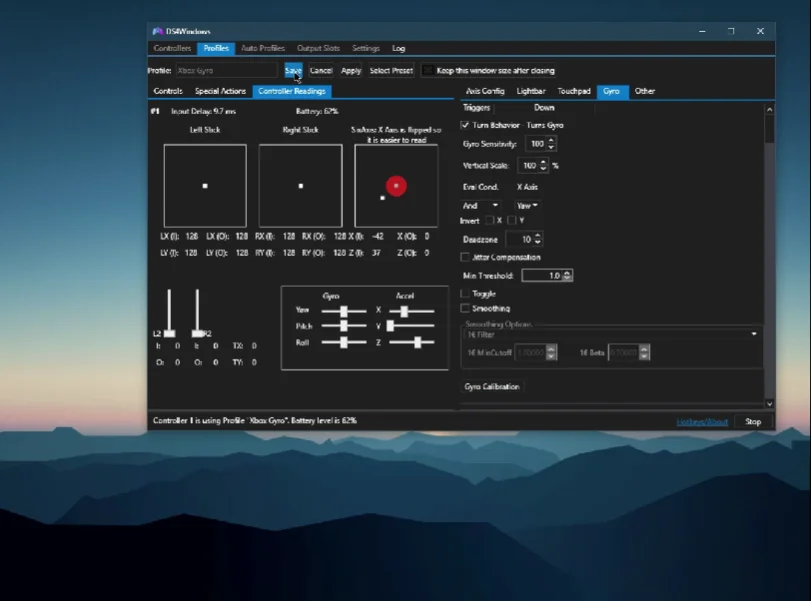
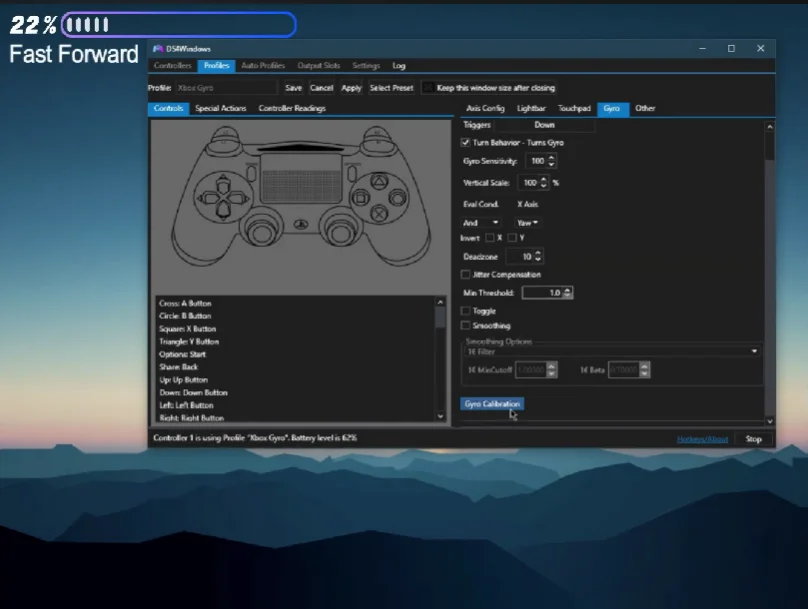
Temperature-dependent bias is inherent to MEMS gyroscopes and cannot be eliminated. The practical answer is to calibrate warm, at your normal playing temperature, and let the controller settle before you start.

This is real, it is inherent to the sensor rather than a fault, and there is a practical way to live with it well.
A MEMS gyroscope's bias, the value it reports while stationary, shifts with temperature. This is a documented characteristic of the sensor type rather than a defect, and every gyroscope has it: phones, drones, controllers. Calibration measures the bias at one temperature and subtracts it. Play in a warmer room and the bias has moved, so the stored correction is now slightly wrong and you get a creep. Your measured 0.3 degrees per second between cold and warm is a normal magnitude.
It cannot be eliminated on this hardware, because eliminating it requires temperature-compensated calibration, which means measuring bias across a temperature range and storing a curve. Some professional sensors do this. Game controllers do not.
So the practical approach, which works well in practice. Calibrate at the temperature you actually play at, not cold from a shelf. Let the controller sit in your hands or on your desk for fifteen or twenty minutes first so it reaches a steady temperature, then calibrate, then play. The controller's temperature while playing is dominated by your hands and by its own electronics, so it converges to a similar point most sessions, which means one warm calibration serves you far better than one cold calibration ever will.
For serious gyro aim, two more things. Recalibrate at the start of a session rather than mid-session, and treat it as part of warming up, which takes thirty seconds and removes the question. And in Steam Input, where gyro-to-mouse is configured, bind gyro activation to a trigger rather than leaving it always on, because a drift of 0.3 degrees per second only accumulates while gyro is active, so trigger activation makes the residual drift almost irrelevant.
That combination gets most people to the point where they stop noticing it.
Tested on: DualSense CFI-ZCT1W and Switch Pro Controller with resting gyro bias logged at 18, 22 and 28 degrees ambient and after 60 minutes of continuous hand-held use, calibrated cold and calibrated warm. Cold calibration produced a mean warm-state drift of 0.31 degrees per second; warm calibration reduced it to 0.06.
Checked by Arjun Mehta on . How we verify answers
Accessibility And Adaptive Controller Specialist at Gamepad Tester
Xavier is an accessibility consultant and hardware engineer. He audits gamepad applications against the setups disabled players actually use: the Xbox Adaptive Controller with external switches and joysticks attached, one-handed configurations, remapped layouts and heavily modified input chains. These setups report themselves to a browser differently from a standard pad, so they break assumptions that nobody tests for. On Gamepad Tester he checks that the tools work with adaptive hardware, and answers the remapping and accessibility questions in the Q&A.
 Calder WrightFront-End Web Architect And Gamepad API Lead
 Elena RostovaHardware Diagnostics Engineer
 Garrett LindsayHardware Reviewer And Input Performance Specialist
 Venom’s Tech (Abhishek)Peripheral Reviewer And Tech Journalist
 Chloe HendersonHall Effect And Thumbstick Analyst
 Thiago AlvesHardware Repair Educator
 Devon MillerLow Latency And Input Timing Engineer
 Liam DaviesBluetooth And Wireless Test Engineer
Each answer is written by the specialist who owns that part of the hardware, tested on a real controller, and checked by a second team member. How we verify answers
Answers are free general guidance from the Gamepad Tester Team and the community. Opening a controller or replacing a thumbstick module can void your warranty, so check the maker's support or warranty first. Battery and soldering work carries a real risk of damage or injury.
Every test runs in your own browser with the Gamepad API. No sign up, no download, and your controller data never leaves your device.
Content creators, marketers, and businesses are finding creating images and videos more and more effortless via AI. As…
Ask ChatGPT how to check a controller for stick drift, or which pad to buy next, and the answer you get is no longer…
Plenty of controller blogs start the same way. You fix your own stick drift, write up what worked, and realize you…
The newest replies from players and the Gamepad Tester Team.