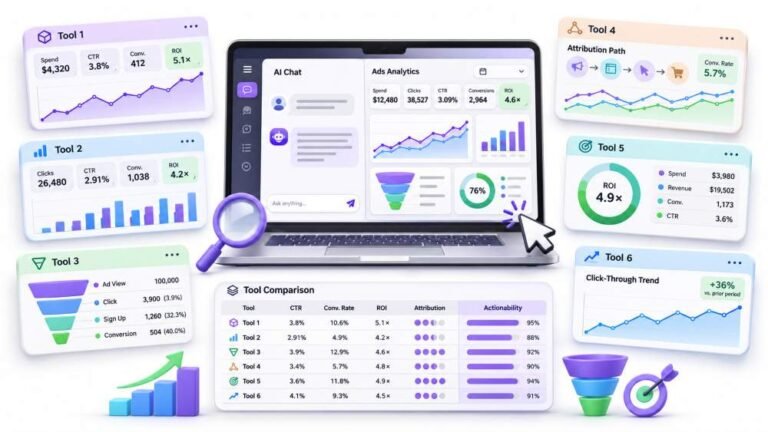
6 Best ChatGPT Ads Tracking Tools In 2026 (Actionability Comparison)
Ask ChatGPT how to check a controller for stick drift, or which pad to buy next, and the answer you get is no longer…

I want to show my controller inputs on my Twitch stream like other streamers do. Can I use your gamepad viewer as a browser source in OBS? I tried and it shows the controller image but nothing moves.
Yes, a gamepad viewer page can be used as an OBS browser source. If nothing moves, press a button after the source loads, refresh the source, and make sure Steam or another tool is not hiding the controller. Test the same page in a normal browser first.

This works, and when the image shows but nothing moves, it is usually one of a few small things.
Wake-up press. Browsers, including the one inside OBS, only start reporting a controller after a button press while the page is loaded. Add the source, then press a button on the controller. If you added the source before connecting the controller, refresh the browser source from its properties.
Test outside OBS. Open the same viewer page in Chrome. If it moves there, the controller and page are fine and the issue is the OBS source. If it does not move there either, fix that first.
Other software. Steam Input or remapping tools can change what browsers see, or present a virtual controller. If the viewer shows the wrong buttons or nothing, close them or check which controller the page has detected.
Source settings. In the browser source properties, avoid options that shut the source down when it is not visible, and set a width and height that match the overlay.
Once it moves, choose the layout that matches your controller so viewers see the right button labels.
Tested on: Applies to Xbox and PlayStation controllers with OBS browser sources on Windows 11. Browser controller behaviour per the W3C Gamepad specification.
Checked by Rebecca Wright on . How we verify answers
UI And Visual Feedback Designer at Gamepad Tester
Marcus is a UI and UX designer specialising in controller mapping interfaces, with a background in real-time 3D and WebGL controller models. His work here is the visual side of diagnosis: an on-screen pad that matches the controller in the player's hands, button and trigger states that respond the instant an input is read, and a layout where an abnormal reading stands out without needing a legend. On Gamepad Tester he designs the tester interfaces and reviews answers that depend on reading the on-screen display correctly.
 Calder WrightFront-End Web Architect And Gamepad API Lead
 Elena RostovaHardware Diagnostics Engineer
 Garrett LindsayHardware Reviewer And Input Performance Specialist
 Venom’s Tech (Abhishek)Peripheral Reviewer And Tech Journalist
 Chloe HendersonHall Effect And Thumbstick Analyst
 Thiago AlvesHardware Repair Educator
 Devon MillerLow Latency And Input Timing Engineer
 Liam DaviesBluetooth And Wireless Test Engineer
Each answer is written by the specialist who owns that part of the hardware, tested on a real controller, and checked by a second team member. How we verify answers
Answers are free general guidance from the Gamepad Tester Team and the community. Opening a controller or replacing a thumbstick module can void your warranty, so check the maker's support or warranty first. Battery and soldering work carries a real risk of damage or injury.
Every test runs in your own browser with the Gamepad API. No sign up, no download, and your controller data never leaves your device.
Ask ChatGPT how to check a controller for stick drift, or which pad to buy next, and the answer you get is no longer…
Plenty of controller blogs start the same way. You fix your own stick drift, write up what worked, and realize you…
If you play games on a PC, whether that means ranked matches every night or a slow campaign on the weekend, you know…
The newest replies from players and the Gamepad Tester Team.

