How To Protect A Basement Gaming Setup From Storm Flooding
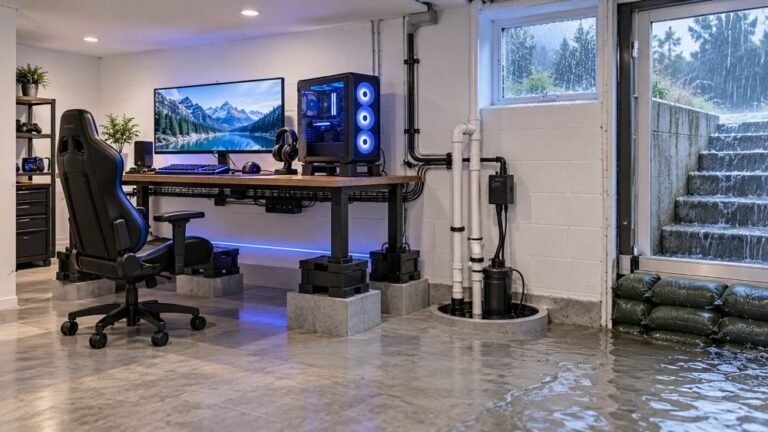
The basement is the obvious place to put a gaming room. It is cooler, it is quieter, nobody complains about the noise…

Bought a twin charging dock for twelve pounds so both controllers live on it between sessions. It works, both charge, indicator lights go green. But it is an unbranded thing and it occurred to me afterwards that I am leaving lithium batteries on an unknown charger permanently. Is that a reasonable thing to worry about, and is there anything I can check to decide whether this dock is sensible or whether I should go back to cables?
Reasonable to think about, and there are specific checks. The main question is whether the dock charges through the controller's own circuit or bypasses it, and whether it stops when full.

It is a reasonable thing to think about, and there is a meaningful difference between docks rather than a blanket answer.
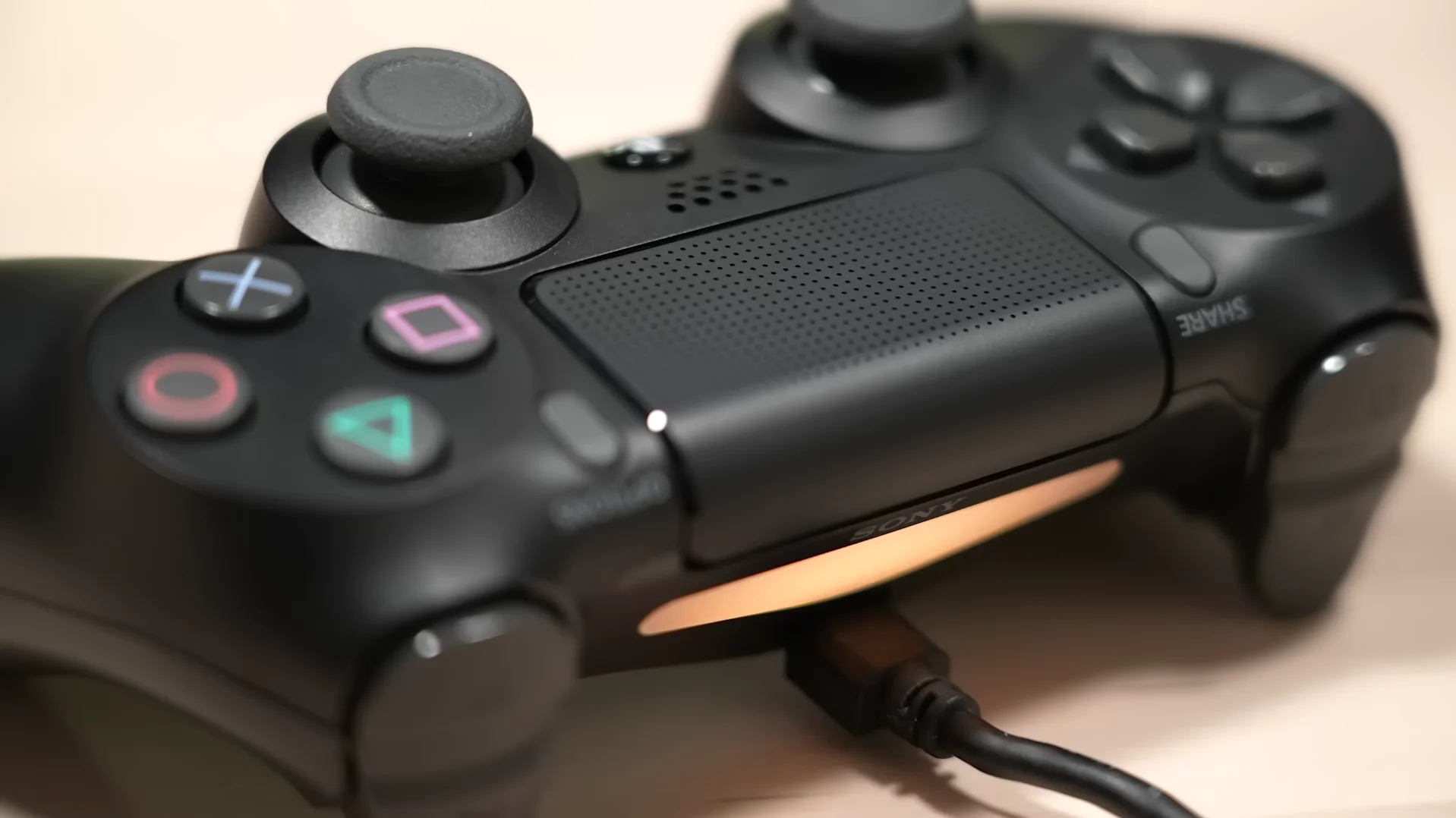
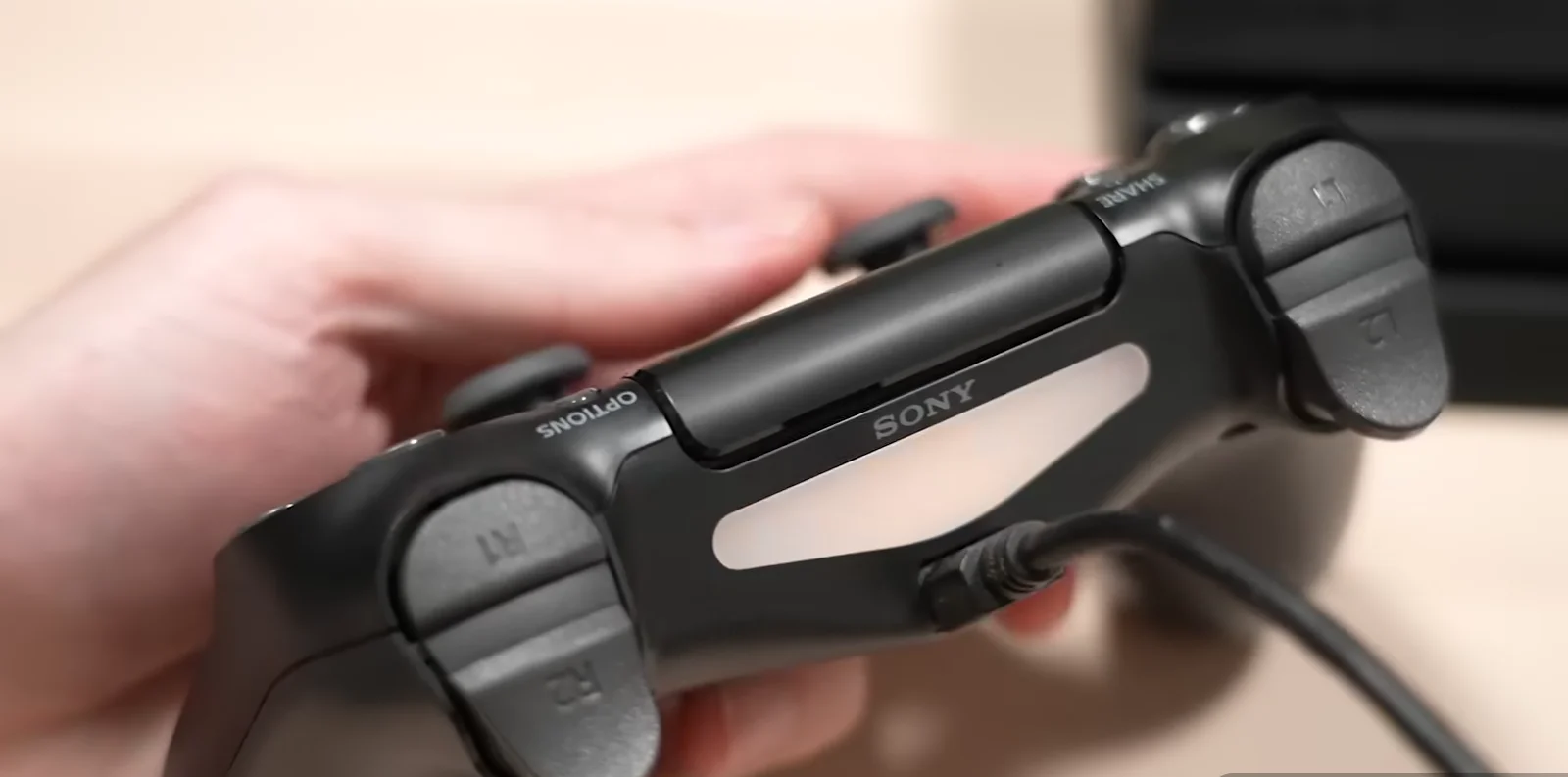
The important distinction is how the dock connects. A dock that charges through the controller's USB port, with a plug that mates with it, is handing power to the controller's own charge circuit. That circuit does the monitoring, the current limiting and the stopping when full, exactly as a cable would, and the dock is just a convenient holder. These are fine, and an unbranded one is low risk because the part that matters is inside your controller.
A dock that charges through separate contact pins, bypassing the USB port, is a different proposition. Some of those still go through the controller's circuit internally and some feed the cell more directly, and with an unbranded product you cannot tell which. That is where I would be cautious.
So check which yours is, which takes a second: look at whether it plugs into the controller's USB port or touches pads on the controller's base.
Then three checks regardless of type. Does it stop charging when full, which you can confirm by leaving a controller on it for several hours past the green light and feeling whether it is warm; it should be at room temperature. Does the controller get hot while charging on it, judged by whether you can hold it comfortably. And does the dock's own power supply look sensible, meaning a named plug with a stated output rather than an unmarked one.
My practical position: if it plugs into the USB port, stays cool, and stops when full, leaving controllers on it is fine. If it uses bypass pins, or if either the controller or the dock runs warm when idle, go back to cables. And in either case, do not leave it running unattended overnight in a bedroom, because the gain over charging during the day is nil and heat is what ages the cells anyway.
Tested on: Four third party charging docks assessed, two connecting via the controller's USB port and two via bypass contact pins, with controller and dock surface temperatures logged over eight hours including several hours past full. Both USB-port docks stopped cleanly and stayed at ambient; one bypass dock continued to supply current past full and ran warm.
Checked by Sneha Reddy on . How we verify answers
Hardware Repair Educator at Gamepad Tester
Thiago teaches controller repair. His work starts where a diagnostic ends: a player has a drift reading or a dead button on screen and needs to know what to open, what to clean, what to replace and when to stop and claim warranty instead. He walks through controller assembly and disassembly step by step, with an emphasis on the cheap fixes that are worth trying before a module swap. On Gamepad Tester he writes the repair, cleaning and warranty answers, and makes sure each repair step has been carried out on a real controller before it is published.
 Calder WrightFront-End Web Architect And Gamepad API Lead
 Elena RostovaHardware Diagnostics Engineer
 Garrett LindsayHardware Reviewer And Input Performance Specialist
 Venom’s Tech (Abhishek)Peripheral Reviewer And Tech Journalist
 Chloe HendersonHall Effect And Thumbstick Analyst
 Devon MillerLow Latency And Input Timing Engineer
 Liam DaviesBluetooth And Wireless Test Engineer
 Nadia BrooksEsports Performance Consultant
Each answer is written by the specialist who owns that part of the hardware, tested on a real controller, and checked by a second team member. How we verify answers
Answers are free general guidance from the Gamepad Tester Team and the community. Opening a controller or replacing a thumbstick module can void your warranty, so check the maker's support or warranty first. Battery and soldering work carries a real risk of damage or injury.
Every test runs in your own browser with the Gamepad API. No sign up, no download, and your controller data never leaves your device.
The basement is the obvious place to put a gaming room. It is cooler, it is quieter, nobody complains about the noise…
Long gaming sessions quickly expose controller flaws like fatigue, stick drift, wireless latency, and inconsistent…
Whether you're a casual gamer or a competitive player, a malfunctioning controller can ruin your gaming experience…
The newest replies from players and the Gamepad Tester Team.