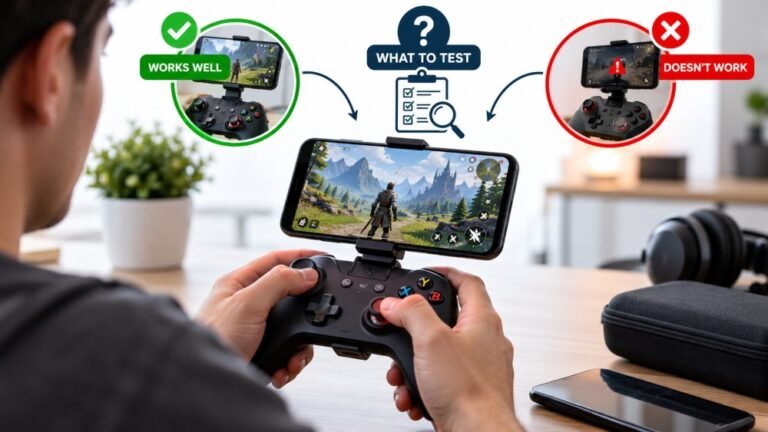
Playing Mobile Games With A Controller: What Works, What Doesn’t, And What To Test Before You Spend
You paired the controller, the light went solid, your phone said "Connected," and then the game did absolutely…

Bought a cheap wired gamepad and it has a switch on the back that says X and D. In D mode some games don't work and the triggers act strange. In X mode it shows on your tester as an Xbox 360 controller. What's the difference and which one is right?
X is XInput, the Xbox controller standard that almost every modern PC game supports. D is DirectInput, an older standard some old games and emulators prefer. Use X mode by default and switch to D only for a game that needs it.

The switch chooses which language the controller speaks to Windows.
X mode is XInput, Microsoft's standard for Xbox-style controllers. Almost every modern PC game supports it, with rumble, separate analog triggers and correct button prompts. That is why the tester shows it as an Xbox 360 controller: it is pretending to be one, which is exactly what you want for most games.
D mode is DirectInput, an older and more flexible standard. Some older games, flight and racing titles, and some emulators work better with it or only see DirectInput devices. Its downsides are what you noticed: many modern games ignore DirectInput controllers, buttons can be numbered differently, rumble often does not work, and triggers may be reported differently.
So leave it in X mode for nearly everything. Switch to D only for a game that does not detect the controller in X mode, and switch back afterwards. Change modes with the controller unplugged or restart it after switching, since most pads only read the switch when they power on.
The tester helps here: in X mode you should see a standard layout; in D mode you will often see a non-standard device with different button numbers.
Tested on: Applies to generic USB gamepads with XInput and DirectInput modes on Windows 11 with Chrome or Edge. Mapping behaviour per the W3C Gamepad specification's standard and non-standard layouts.
Checked by Vikram Singh on . How we verify answers
Embedded Systems And Firmware Programmer at Gamepad Tester
Alistair is an embedded systems programmer. He writes custom firmware for third-party PC gamepads and builds input-parsing test rigs on microcontrollers such as the Arduino and Raspberry Pi Pico, which means he can see what a controller is sending at the wire level rather than guessing from what the operating system reports. That is usually the fastest way to settle whether a fault is in the pad, the driver or the browser. On Gamepad Tester he answers the firmware and driver questions, including the ones where an update has broken a working controller.
 Calder WrightFront-End Web Architect And Gamepad API Lead
 Elena RostovaHardware Diagnostics Engineer
 Garrett LindsayHardware Reviewer And Input Performance Specialist
 Venom’s Tech (Abhishek)Peripheral Reviewer And Tech Journalist
 Chloe HendersonHall Effect And Thumbstick Analyst
 Thiago AlvesHardware Repair Educator
 Devon MillerLow Latency And Input Timing Engineer
 Liam DaviesBluetooth And Wireless Test Engineer
Each answer is written by the specialist who owns that part of the hardware, tested on a real controller, and checked by a second team member. How we verify answers
Answers are free general guidance from the Gamepad Tester Team and the community. Opening a controller or replacing a thumbstick module can void your warranty, so check the maker's support or warranty first. Battery and soldering work carries a real risk of damage or injury.
Every test runs in your own browser with the Gamepad API. No sign up, no download, and your controller data never leaves your device.
You paired the controller, the light went solid, your phone said "Connected," and then the game did absolutely…
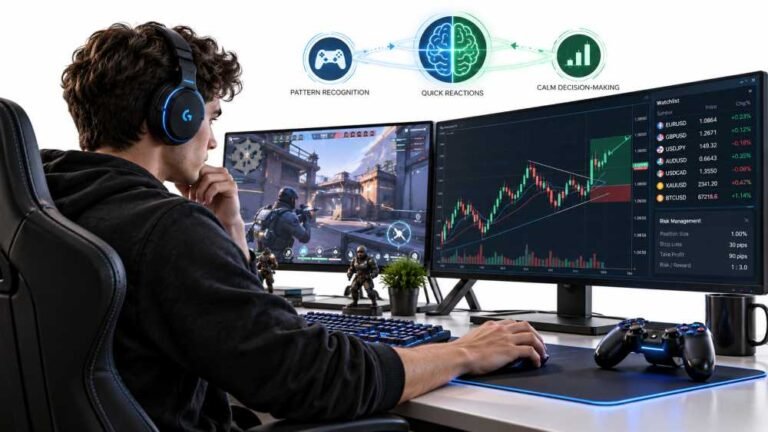
Gaming and trading look like separate worlds until you sit down and do both. One rewards reaction speed, pattern…
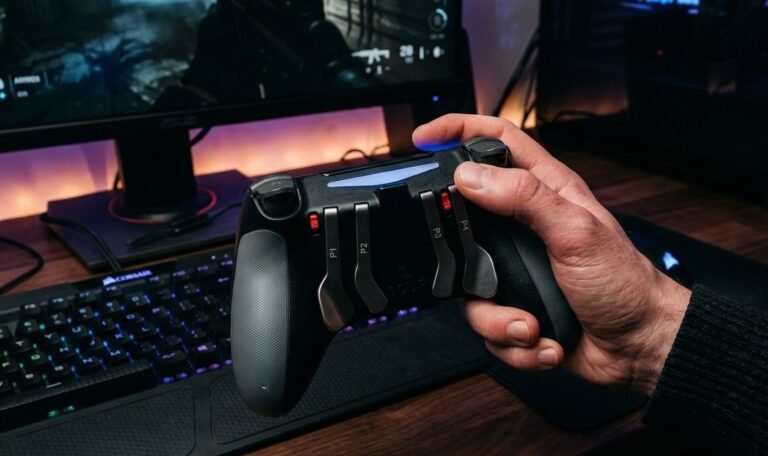
The Xbox Elite Series 2 seemed amazing for the first two weeks. Interchangeable thumbsticks, adjustable trigger locks…
The newest replies from players and the Gamepad Tester Team.