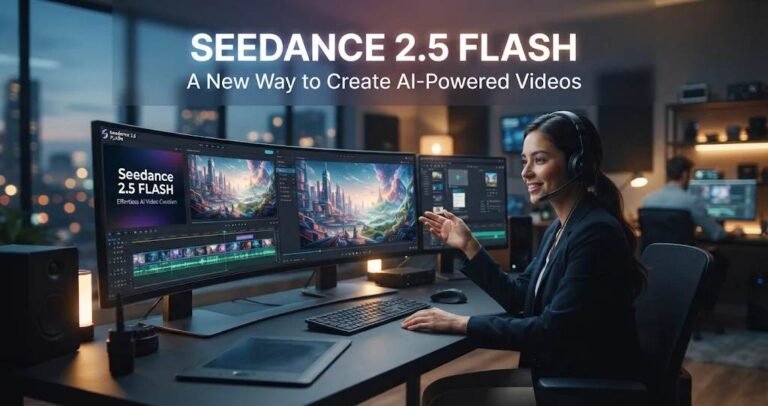
Seedance 2.5 Flash: A New Way to Create AI-Powered Videos
Content creators, marketers, and businesses are finding creating images and videos more and more effortless via AI. As…

Trying Xbox Cloud Gaming in Chrome on my laptop. The game loads but my controller does nothing, it keeps saying connect a controller. Your gamepad tester sees the controller fine in another tab. Why would cloud gaming not see it?
Cloud gaming in a browser reads the controller the same way our tester does, so the controller and browser are fine. The usual causes are the game tab not being focused, needing a button press after it loads, or Steam or DS4Windows changing what the browser sees.

Good diagnostic step already: if our tester sees the controller, the browser can read it. Browser-based cloud gaming services use the same Gamepad API, so the cause is usually one of a few small things.
Focus and wake-up. Browsers only pass controller input to the tab in front, and only after a button press while that tab is active. With the tester open in another tab, the controller may be talking to that tab. Close the tester, click once inside the cloud gaming tab, then press a button.
Other software. Steam, DS4Windows or other remapping tools can present a virtual controller or claim the device. If the cloud service sees a different controller than the one you expect, or sees two, close those tools fully and reload the page.
The service's own support. Most cloud services work with Xbox controllers in Chrome and Edge, and many support PlayStation controllers too, but some games inside the service expect specific controllers. Check the game's tile for controller support.
After that, reload the cloud page and press a button before the game starts.
Tested on: Applies to Xbox and PlayStation controllers in Chrome and Edge on Windows 11. Browser controller behaviour per the W3C Gamepad specification.
Checked by Chris Evans Jr. on . How we verify answers
Browser Compatibility Tester at Gamepad Tester
Simon audits browser compatibility. The Gamepad API is implemented unevenly: a DualSense exposes adaptive triggers and haptics in one browser and not another, button indexes shift between engines, and Safari and Chrome disagree on when a controller becomes visible to a page. He tests each release of the tools here across Chromium and WebKit builds and documents the differences instead of hiding them. On Gamepad Tester he handles the questions where a controller works in one browser but not another, and reviews the rumble and haptics answers.
 Calder WrightFront-End Web Architect And Gamepad API Lead
 Elena RostovaHardware Diagnostics Engineer
 Garrett LindsayHardware Reviewer And Input Performance Specialist
 Venom’s Tech (Abhishek)Peripheral Reviewer And Tech Journalist
 Chloe HendersonHall Effect And Thumbstick Analyst
 Thiago AlvesHardware Repair Educator
 Devon MillerLow Latency And Input Timing Engineer
 Liam DaviesBluetooth And Wireless Test Engineer
Each answer is written by the specialist who owns that part of the hardware, tested on a real controller, and checked by a second team member. How we verify answers
Answers are free general guidance from the Gamepad Tester Team and the community. Opening a controller or replacing a thumbstick module can void your warranty, so check the maker's support or warranty first. Battery and soldering work carries a real risk of damage or injury.
Every test runs in your own browser with the Gamepad API. No sign up, no download, and your controller data never leaves your device.
Content creators, marketers, and businesses are finding creating images and videos more and more effortless via AI. As…
Ask ChatGPT how to check a controller for stick drift, or which pad to buy next, and the answer you get is no longer…
Plenty of controller blogs start the same way. You fix your own stick drift, write up what worked, and realize you…
The newest replies from players and the Gamepad Tester Team.