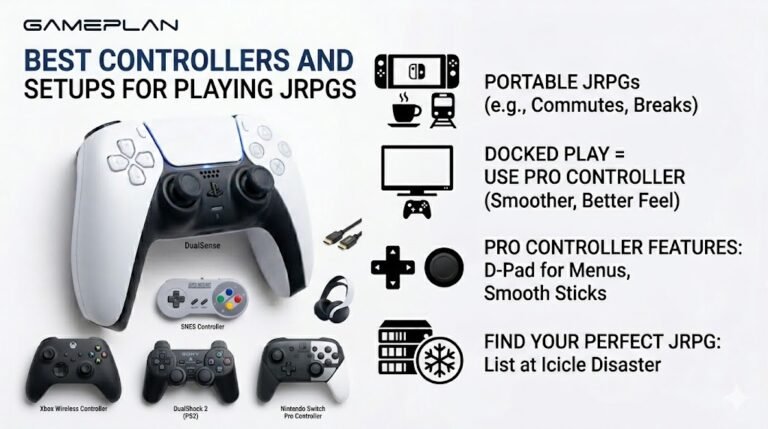
Best Controllers and Setups for Playing JRPGs
Nobody ever talks about controller ergonomics when they recommend JRPGs, and honestly, that is a mistake. These are…

When I plug my headphones into my PC, sound still comes out of the speakers too. Your speaker test plays from both. I want the speakers to go quiet when headphones are in. How?
On many PCs, front and rear jacks can act as one device or as separate devices. Check the audio app's setting for whether outputs mute each other, turn on jack detection, and in Windows choose the headphones as the output when they are plugged in.

This usually comes down to how the audio chip treats your jacks.
On many desktop PCs, the audio software, often the Realtek audio app, has a setting that decides whether the front and rear outputs are one device or two. As one device with no muting, both play at once, as you are hearing. Look for an option to make the outputs separate devices, or to mute the rear output when front headphones are plugged in.
Check jack detection too. If it is off, the PC does not know the headphones were plugged in, so it never mutes the speakers.
If your speakers are USB or Bluetooth and the headphones use the jack, they are separate devices anyway. Then Windows plays to whichever device is selected; check nothing such as a stereo mix or duplicate output feature is sending audio to both.
After changing settings, run the speaker test with headphones in. Sound should play only in the headphones.
Tested on: Applies to desktop PCs on Windows 11 with onboard audio. Steps per Microsoft's sound troubleshooting guide.
Checked by Tyler Vance on . How we verify answers
Low Level Systems Programmer at Gamepad Tester
Gabriel is a low-level C programmer working on desktop input architecture. He builds native tooling that samples stick and trigger telemetry at sub-millisecond intervals, below the rate a browser can reach, which gives a reference measurement to compare a web test against. When a browser reading looks wrong, his capture is how the team confirms whether the controller, the operating system or the page is at fault. On Gamepad Tester he provides the reference measurements behind the latency and drift answers.
 Calder WrightFront-End Web Architect And Gamepad API Lead
 Elena RostovaHardware Diagnostics Engineer
 Garrett LindsayHardware Reviewer And Input Performance Specialist
 Venom’s Tech (Abhishek)Peripheral Reviewer And Tech Journalist
 Chloe HendersonHall Effect And Thumbstick Analyst
 Thiago AlvesHardware Repair Educator
 Devon MillerLow Latency And Input Timing Engineer
 Liam DaviesBluetooth And Wireless Test Engineer
Each answer is written by the specialist who owns that part of the hardware, tested on a real controller, and checked by a second team member. How we verify answers
Answers are free general guidance from the Gamepad Tester Team and the community. Opening a controller or replacing a thumbstick module can void your warranty, so check the maker's support or warranty first. Battery and soldering work carries a real risk of damage or injury.
Every test runs in your own browser with the Gamepad API. No sign up, no download, and your controller data never leaves your device.
Nobody ever talks about controller ergonomics when they recommend JRPGs, and honestly, that is a mistake. These are…
Content creators, marketers, and businesses are finding creating images and videos more and more effortless via AI. As…
Bilibili Gaming defeated G2 Esports 3-1 in São Paulo on March 22, 2026, to win an international League of Legends…
The newest replies from players and the Gamepad Tester Team.

