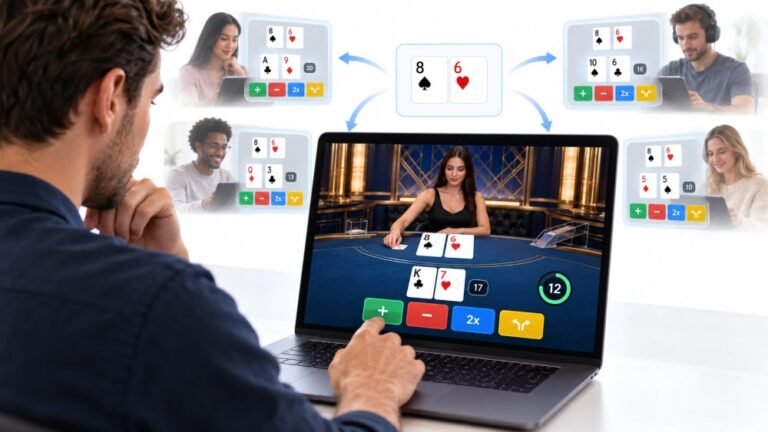
One Deal, Unlimited Inputs: How Infinite Blackjack Handles Thousands Of Decisions At Once
Every controller test starts the same way. You press a button, the screen confirms it, and for a split second you are…

My dad, who's 74, struggles to open files because his double clicks are too slow and Windows treats them as two single clicks. On your mouse test both clicks register fine. Can Windows be made more forgiving?
Yes. Windows lets you slow down the double-click speed in the mouse settings, so slower double clicks still count. You can also set folders to open with a single click, which avoids double clicking altogether.

Windows can definitely be made more forgiving, and your test result shows the mouse itself is fine. The issue is timing: Windows only treats two clicks as a double click if they come within a set time.
To slow it down, open Settings, Bluetooth & devices, Mouse, then Additional mouse settings. On the Buttons tab, move the double-click speed slider towards slow. There is a test folder icon next to it; your dad can practise on it until the setting feels comfortable.
Another option many people prefer: make folders and files open with a single click. In File Explorer options, choose single-click to open an item. Files then open like web links, with no double clicking at all. Selecting a file is done by hovering instead, which takes a moment to get used to but is often easier.
A few more things that help. Increase the pointer size in Accessibility settings so the cursor is easier to see. A larger mouse with a comfortable shape helps steady hands. And pressing Enter after selecting a file with a single click also opens it.
Tested on: Applies to mice on Windows 11. Settings per Windows mouse and File Explorer options.
Checked by Divya Nair on . How we verify answers
Technical Content Strategist at Gamepad Tester
Fiona writes the technical guides. Controller diagnostics carry a lot of vocabulary that means nothing to the person holding the pad, from circularity error and polling rate to deadzone tolerance, and a reading nobody can interpret is not a diagnosis. Her work is explaining those concepts in plain language, in the order a player actually needs them, without softening the numbers into vagueness. On Gamepad Tester she edits the guides and the Q&A answers for clarity before they are published.
 Calder WrightFront-End Web Architect And Gamepad API Lead
 Elena RostovaHardware Diagnostics Engineer
 Garrett LindsayHardware Reviewer And Input Performance Specialist
 Venom’s Tech (Abhishek)Peripheral Reviewer And Tech Journalist
 Chloe HendersonHall Effect And Thumbstick Analyst
 Thiago AlvesHardware Repair Educator
 Devon MillerLow Latency And Input Timing Engineer
 Liam DaviesBluetooth And Wireless Test Engineer
Each answer is written by the specialist who owns that part of the hardware, tested on a real controller, and checked by a second team member. How we verify answers
Answers are free general guidance from the Gamepad Tester Team and the community. Opening a controller or replacing a thumbstick module can void your warranty, so check the maker's support or warranty first. Battery and soldering work carries a real risk of damage or injury.
Every test runs in your own browser with the Gamepad API. No sign up, no download, and your controller data never leaves your device.
Every controller test starts the same way. You press a button, the screen confirms it, and for a split second you are…
Is your gamepad feeling a little...lazy? Maybe your character in your favorite game isn't running when you press the…
Content creators, marketers, and businesses are finding creating images and videos more and more effortless via AI. As…
The newest replies from players and the Gamepad Tester Team.