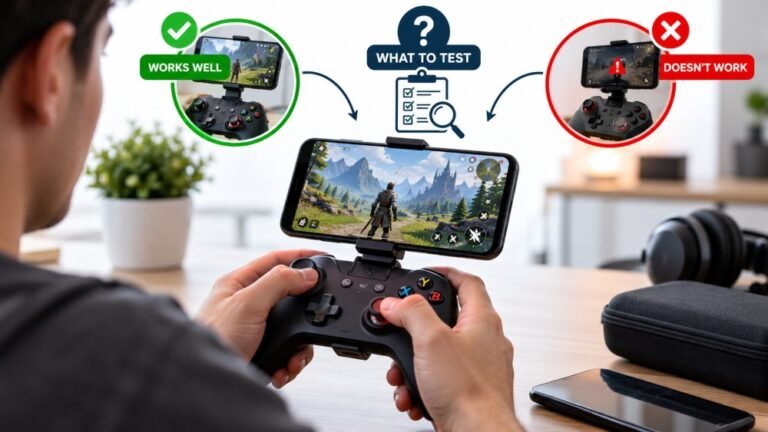
Playing Mobile Games With A Controller: What Works, What Doesn’t, And What To Test Before You Spend
You paired the controller, the light went solid, your phone said "Connected," and then the game did absolutely…

My kids want to play Roblox on our PC with a controller. My Xbox controller works in some games on Roblox but not others, and my PS4 controller seems hit and miss. Is it the controller or Roblox?
It is mostly Roblox. Roblox supports controllers, but each experience is built by a different creator, and many are designed for keyboard and mouse only. Xbox-style controllers work most reliably on PC; PlayStation controllers can be hit and miss without Steam Input.

Your observation that it works in some games and not others is the key. Roblox itself supports controllers, but every Roblox experience is made by a different creator, and the creator decides whether controller controls are built in. Many experiences, especially smaller ones, are designed for keyboard and mouse only, so the controller does little or nothing there.
The controller type matters too. On PC, Xbox-style controllers are the most reliable because Windows supports them natively. PlayStation controllers can work, but support is less consistent.
If the PS4 controller is the one you want to use, Steam Input can present it as an Xbox-style controller. Roblox is not a Steam game, but you can add the Roblox player to Steam as a non-Steam game and launch it from Steam. Some families simply keep the Xbox controller for Roblox to avoid the extra step.
Use our tester to rule out the hardware: if every button and stick works there, the controller is fine, and a game that ignores it was not built for controllers.
Tested on: Applies to Xbox and PlayStation controllers with Roblox on Windows 11. Steam Input steps per Valve's documentation.
Checked by Priya Patel on . How we verify answers
Mobile Browser Compatibility Engineer at Gamepad Tester
Chris works on mobile web input. Phone browsers are the hardest place to test a controller: a Bluetooth clip-on pad may connect to the phone but stay invisible to the page, iOS and Android expose the Gamepad API at different moments, and a backgrounded tab stops polling entirely. He works through those cases so a mobile player gets the same test result a desktop player would. On Gamepad Tester he answers the mobile questions, including controllers that pair with a phone but send no input to the browser.
 Calder WrightFront-End Web Architect And Gamepad API Lead
 Elena RostovaHardware Diagnostics Engineer
 Garrett LindsayHardware Reviewer And Input Performance Specialist
 Venom’s Tech (Abhishek)Peripheral Reviewer And Tech Journalist
 Chloe HendersonHall Effect And Thumbstick Analyst
 Thiago AlvesHardware Repair Educator
 Devon MillerLow Latency And Input Timing Engineer
 Liam DaviesBluetooth And Wireless Test Engineer
Each answer is written by the specialist who owns that part of the hardware, tested on a real controller, and checked by a second team member. How we verify answers
Answers are free general guidance from the Gamepad Tester Team and the community. Opening a controller or replacing a thumbstick module can void your warranty, so check the maker's support or warranty first. Battery and soldering work carries a real risk of damage or injury.
Every test runs in your own browser with the Gamepad API. No sign up, no download, and your controller data never leaves your device.
You paired the controller, the light went solid, your phone said "Connected," and then the game did absolutely…
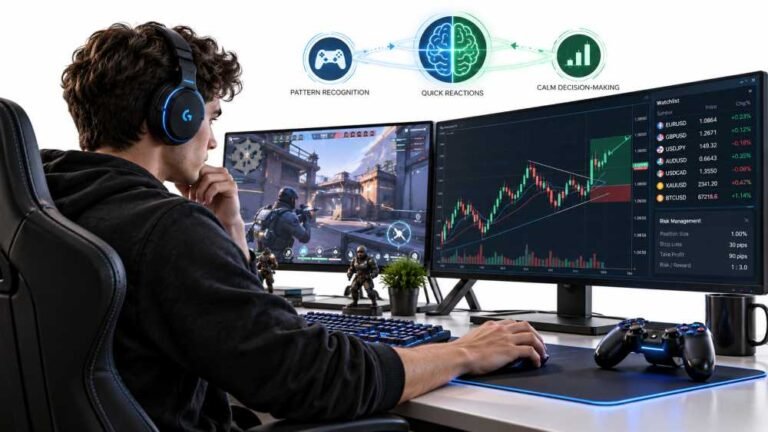
Gaming and trading look like separate worlds until you sit down and do both. One rewards reaction speed, pattern…
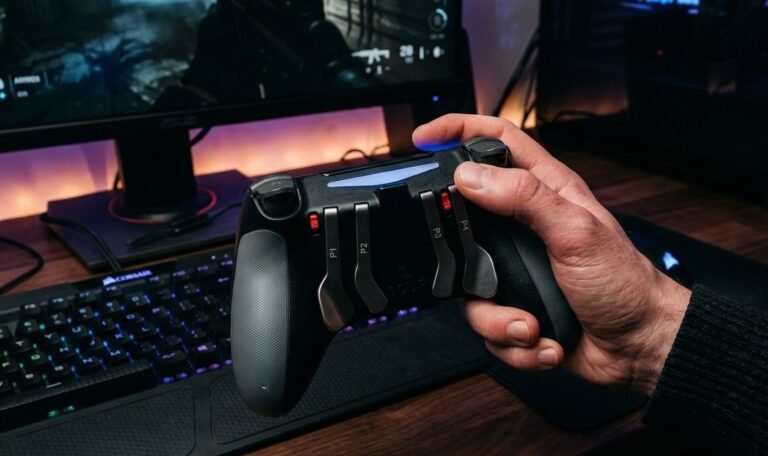
The Xbox Elite Series 2 seemed amazing for the first two weeks. Interchangeable thumbsticks, adjustable trigger locks…
The newest replies from players and the Gamepad Tester Team.