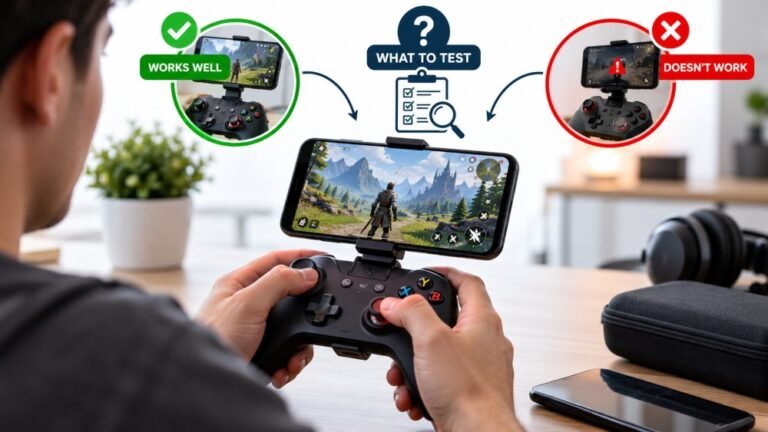
Playing Mobile Games With A Controller: What Works, What Doesn’t, And What To Test Before You Spend
You paired the controller, the light went solid, your phone said "Connected," and then the game did absolutely…

New to leverless. I have the 8BitDo all-button arcade controller, the Switch and PC one. When I press left and right at the same time my character sometimes walks, sometimes stands still, and the button test on your site shows both left and right lit at once in one mode but neither in another. I'm confused what is correct. Is my controller broken or is this a setting? I want to be tournament legal.
Nothing is broken. You are seeing SOCD cleaning, the rule a leverless controller applies when opposite directions are held at once. The button test shows the controller's output after that rule, so different modes give different results by design.

Welcome to leverless. What you are seeing is called SOCD, short for simultaneous opposing cardinal directions. On a stick you physically cannot hold left and right together. On an all-button controller you can, so the controller needs a rule for what to send when you do. That rule is SOCD cleaning, and the 8BitDo Arcade Controller supports switching between modes plus a tournament lock.
The common modes behave like this. Neutral sends neither left nor right when both are held. Last input priority sends whichever of the two you pressed most recently, which is why your character sometimes walks: it follows your latest press. No cleaning sends both at once, which is what you saw when both lit up in the test. For up and down, the usual setup gives up priority, so up plus down becomes up.
The button test shows the controller's output after cleaning, which makes it the perfect place to check your mode. Hold left, add right, and see what lights.
On legality, rules differ by event and they do change. Many events accept left plus right as neutral with up priority, but check the rules for each tournament you enter. Once you are set, use the tournament lock so a stray press cannot change your mode mid match. I would avoid the no-cleaning mode for competitive play, because games handle both directions at once inconsistently.
Tested on: Applies to the 8BitDo Arcade Controller (all-button) for Switch and Windows over USB-C on Windows 11 with Chrome or Edge. SOCD and tournament lock features per 8BitDo's product page.
Checked by Nadia Brooks on . How we verify answers
Fighting Game Hardware Analyst at Gamepad Tester
Matheus analyses hardware for the fighting game community, where a few milliseconds and a single simultaneous-input conflict decide whether a combo comes out. He tests arcade fightsticks, leverless hitbox-style controllers and custom builds for execution window errors, SOCD conflicts, missed simultaneous presses and the button-rollover limits that only appear under fast input. On Gamepad Tester he answers the questions about fightsticks and leverless pads, and the ones where a controller tests perfectly but still drops inputs in a game.
 Calder WrightFront-End Web Architect And Gamepad API Lead
 Elena RostovaHardware Diagnostics Engineer
 Garrett LindsayHardware Reviewer And Input Performance Specialist
 Venom’s Tech (Abhishek)Peripheral Reviewer And Tech Journalist
 Chloe HendersonHall Effect And Thumbstick Analyst
 Thiago AlvesHardware Repair Educator
 Devon MillerLow Latency And Input Timing Engineer
 Liam DaviesBluetooth And Wireless Test Engineer
Each answer is written by the specialist who owns that part of the hardware, tested on a real controller, and checked by a second team member. How we verify answers
Answers are free general guidance from the Gamepad Tester Team and the community. Opening a controller or replacing a thumbstick module can void your warranty, so check the maker's support or warranty first. Battery and soldering work carries a real risk of damage or injury.
Every test runs in your own browser with the Gamepad API. No sign up, no download, and your controller data never leaves your device.
You paired the controller, the light went solid, your phone said "Connected," and then the game did absolutely…
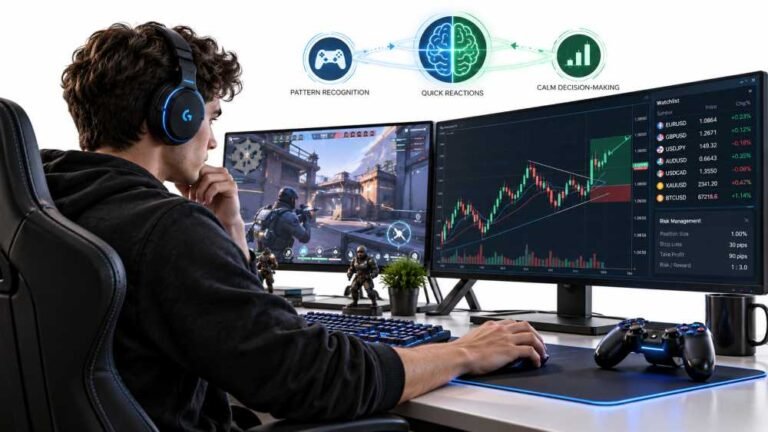
Gaming and trading look like separate worlds until you sit down and do both. One rewards reaction speed, pattern…
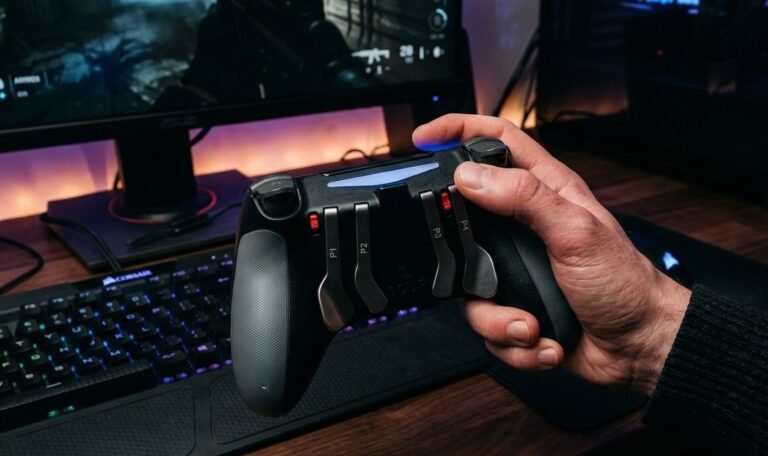
The Xbox Elite Series 2 seemed amazing for the first two weeks. Interchangeable thumbsticks, adjustable trigger locks…
The newest replies from players and the Gamepad Tester Team.