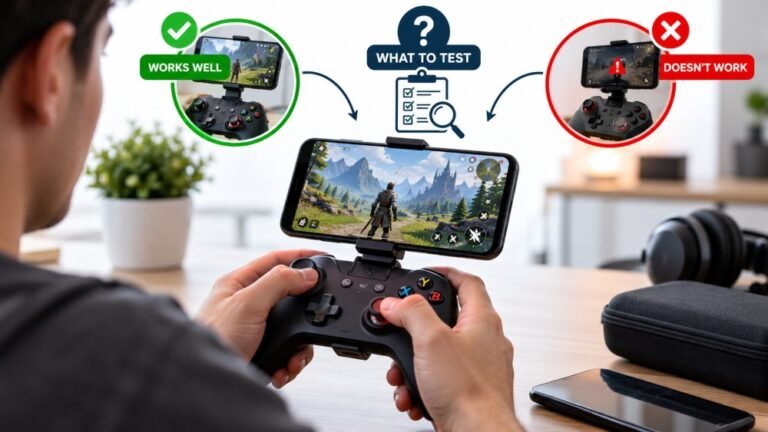
Playing Mobile Games With A Controller: What Works, What Doesn’t, And What To Test Before You Spend
You paired the controller, the light went solid, your phone said "Connected," and then the game did absolutely…

I stream games from my gaming PC to my laptop with Sunshine and Moonlight. Video and keyboard work, but my Xbox controller on the laptop does nothing in games on the host. What's missing?
On a Windows host, Sunshine creates a virtual controller for your input, which needs its gamepad driver installed on the host. Check Sunshine's documentation and logs for gamepad driver errors, install the driver it asks for, restart, and check controller support is enabled in Moonlight's settings.

When video and keyboard work but the controller does not, the gamepad path on the host is usually missing a piece.
How it works. Moonlight on your laptop reads your controller and sends its inputs to Sunshine on the host. On Windows, Sunshine then creates a virtual controller so games on the host see it. That virtual controller relies on a gamepad driver installed on the host.
Check the host. Open Sunshine's web interface or logs and look for messages about the gamepad or virtual controller. Sunshine's documentation explains which driver it needs on Windows; install it if missing, then restart the host.
Check Moonlight. In Moonlight's settings on the laptop, make sure gamepad input is enabled, and check whether multiple controllers mode or mouse emulation options are set the way you want.
Check locally. Our gamepad tester on the laptop confirms the controller works there before streaming.
Avoid conflicts. On the host, close Steam Big Picture or remapping tools that might grab the virtual controller, or configure Steam Input for it.
Tested on: Applies to Sunshine on Windows hosts with Moonlight clients. Driver requirements per Sunshine's documentation, which can change between versions.
Checked by Vikram Singh on . How we verify answers
Embedded Systems And Firmware Programmer at Gamepad Tester
Alistair is an embedded systems programmer. He writes custom firmware for third-party PC gamepads and builds input-parsing test rigs on microcontrollers such as the Arduino and Raspberry Pi Pico, which means he can see what a controller is sending at the wire level rather than guessing from what the operating system reports. That is usually the fastest way to settle whether a fault is in the pad, the driver or the browser. On Gamepad Tester he answers the firmware and driver questions, including the ones where an update has broken a working controller.
 Calder WrightFront-End Web Architect And Gamepad API Lead
 Elena RostovaHardware Diagnostics Engineer
 Garrett LindsayHardware Reviewer And Input Performance Specialist
 Venom’s Tech (Abhishek)Peripheral Reviewer And Tech Journalist
 Chloe HendersonHall Effect And Thumbstick Analyst
 Thiago AlvesHardware Repair Educator
 Devon MillerLow Latency And Input Timing Engineer
 Liam DaviesBluetooth And Wireless Test Engineer
Each answer is written by the specialist who owns that part of the hardware, tested on a real controller, and checked by a second team member. How we verify answers
Answers are free general guidance from the Gamepad Tester Team and the community. Opening a controller or replacing a thumbstick module can void your warranty, so check the maker's support or warranty first. Battery and soldering work carries a real risk of damage or injury.
Every test runs in your own browser with the Gamepad API. No sign up, no download, and your controller data never leaves your device.
You paired the controller, the light went solid, your phone said "Connected," and then the game did absolutely…
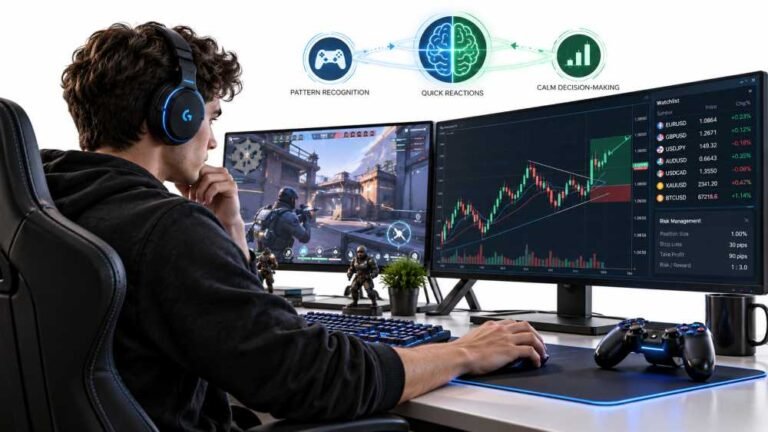
Gaming and trading look like separate worlds until you sit down and do both. One rewards reaction speed, pattern…
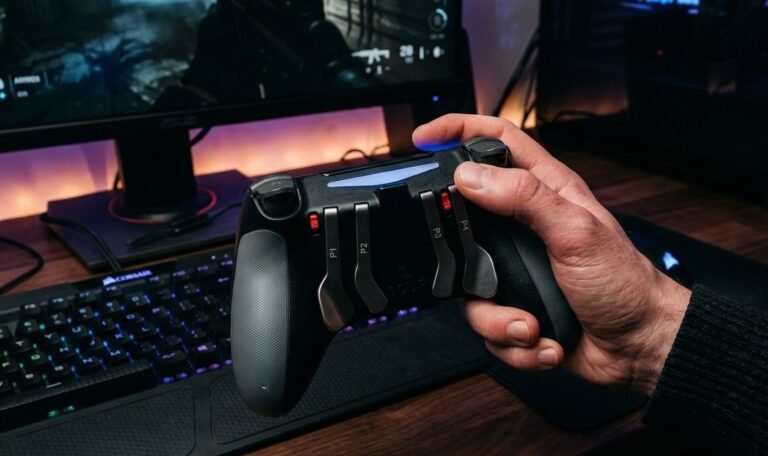
The Xbox Elite Series 2 seemed amazing for the first two weeks. Interchangeable thumbsticks, adjustable trigger locks…
The newest replies from players and the Gamepad Tester Team.