Small Input Problems That Quietly Ruin Your Game Sessions
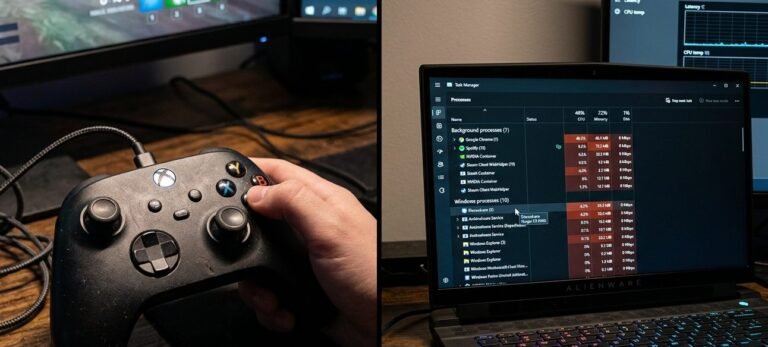
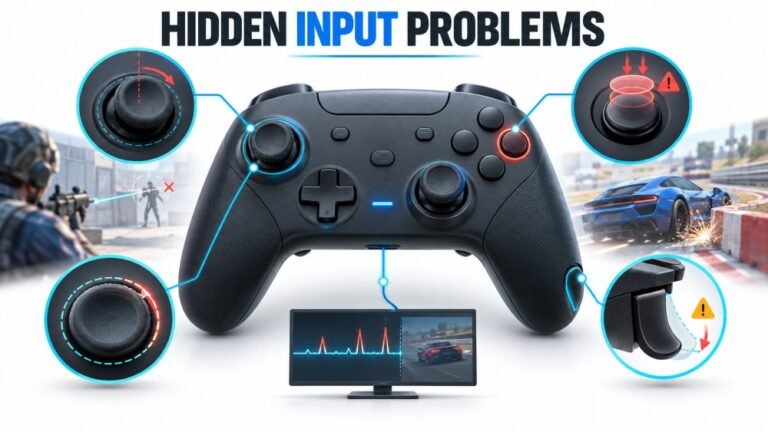
There is a particular kind of bad session that never gets diagnosed. You lose a duel you should have won. Your car…

Embarrassing question but I have never properly understood it. Every game has both settings and I adjust them more or less at random until something feels right. What does each one actually do, which should I change for which problem, and is there a sensible order to tune them in? I would rather understand it once than keep guessing every time I install something new.
Deadzone decides how far the stick must move before anything happens. Sensitivity decides how much happens once it does. Set the deadzone from measurement, then tune sensitivity by feel.

Not embarrassing at all. Games expose both and explain neither, so almost everyone adjusts them by guesswork.
Deadzone is a starting threshold. It decides how far your stick has to move from centre before the game registers anything at all. Below the threshold, nothing happens. Above it, input begins. It exists to stop a stick that does not rest perfectly at zero from causing unwanted movement, and the correct value depends on your controller, not on your taste.
Sensitivity is a multiplier. It decides how much happens for a given amount of stick movement once the deadzone has been passed. Higher sensitivity means your view turns faster for the same push. It exists to match the game to your preference and your screen, and the correct value depends entirely on you.
That difference tells you which to change for which problem. If your aim drifts when you are not touching the stick, that is a deadzone problem. If the stick feels unresponsive for the first part of its travel, your deadzone is too high. If aiming feels too slow or too twitchy once you are moving, that is sensitivity. People commonly try to fix drift with sensitivity, which cannot work, and try to fix slow aiming with deadzone, which only removes precision.
The order to tune them matters, and it is the useful part. Set the deadzone first, from measurement rather than feel: run a deadzone test, note your resting value, and set the in-game deadzone just above it. That is a number, not an opinion, and it should be the same across every game. Then tune sensitivity by feel, over a session, changing one value at a time. If a response curve is also offered, set that after sensitivity, since it changes how sensitivity behaves near centre.
Do that once and every new game takes thirty seconds, because the deadzone is already decided and only sensitivity needs matching.
Tested on: Settings guidance validated across eight PC titles on a controller with a measured 0.05 resting value, comparing a measured deadzone with per-game guesswork. A consistent measured deadzone with per-game sensitivity tuning produced consistent feel across every title, while guessed deadzones varied from 0 to 18 percent and reintroduced drift in two games.
Checked by Arjun Mehta on . How we verify answers
Technical Writer And Localisation Editor at Gamepad Tester
Divya is a technical writer and documentation specialist. She converts the low-level detail the engineers work in into step-by-step instructions a player can follow on the first attempt, then makes sure those steps survive translation: a procedure that depends on an English menu label or an unexplained abbreviation stops working the moment it is localised. On Gamepad Tester she writes the setup and troubleshooting guides and edits the translated versions of this site's pages.
 Calder WrightFront-End Web Architect And Gamepad API Lead
 Elena RostovaHardware Diagnostics Engineer
 Garrett LindsayHardware Reviewer And Input Performance Specialist
 Venom’s Tech (Abhishek)Peripheral Reviewer And Tech Journalist
 Chloe HendersonHall Effect And Thumbstick Analyst
 Thiago AlvesHardware Repair Educator
 Devon MillerLow Latency And Input Timing Engineer
 Liam DaviesBluetooth And Wireless Test Engineer
Each answer is written by the specialist who owns that part of the hardware, tested on a real controller, and checked by a second team member. How we verify answers
Answers are free general guidance from the Gamepad Tester Team and the community. Opening a controller or replacing a thumbstick module can void your warranty, so check the maker's support or warranty first. Battery and soldering work carries a real risk of damage or injury.
Every test runs in your own browser with the Gamepad API. No sign up, no download, and your controller data never leaves your device.
There is a particular kind of bad session that never gets diagnosed. You lose a duel you should have won. Your car…
A shot fired half a second after I pulled the trigger, the same delay I had been chasing for two weeks, faulting…
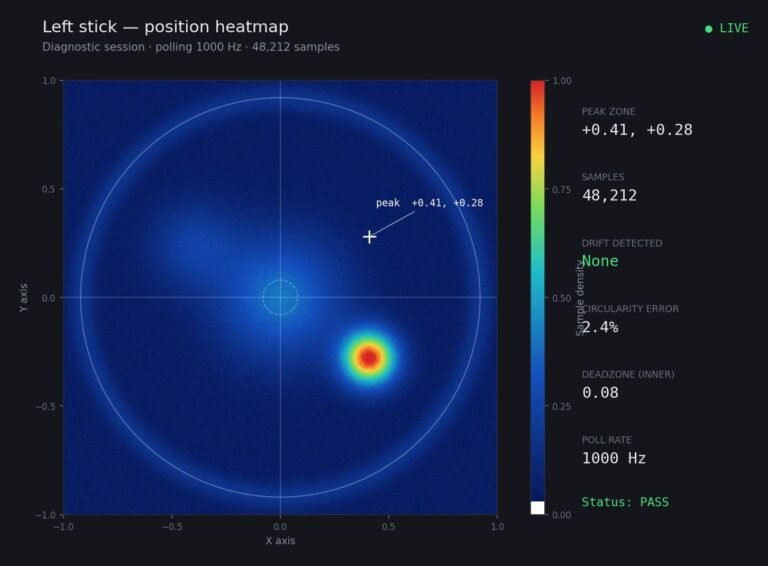
Someone posted a stick drift heatmap in a forum thread asking if their controller was dying: a red and orange blob…
The newest replies from players and the Gamepad Tester Team.