Smart Floor Lamp Setup For Your Gaming Room: A Beginner’s Matter Guide
A good gaming setup is more than a fast controller and a sharp screen. The light around you changes how long you can…

When I attach my left Joy-Con to the Switch, nothing happens. It doesn't show as connected and doesn't charge. It works wirelessly when detached. The right one works fine attached.
The Joy-Con talks to the console through metal contacts on the rail. Dirt, a loose rail or bent pins stop it connecting and charging. Clean the rail contacts gently, slide it fully until it clicks, update the controllers, and test on another console. A worn rail connector needs repair.

When a Joy-Con attaches to the console, it connects and charges through small metal contacts on the rail. Since wireless works, the Joy-Con itself is fine; the rail connection is the suspect.
Clean the contacts. Turn the console off. Look at the rail on both the Joy-Con and the console for dirt or debris. Wipe the contacts gently with a cotton bud lightly dampened with isopropyl alcohol, and let them dry.
Attach it properly. Slide the Joy-Con all the way down until it clicks. A Joy-Con that stops slightly short does not connect. Check the release button and the latch are not stuck.
Update. In System Settings, Controllers and Sensors, use the option to update controllers.
Test. Try the Joy-Con on another Switch, and try another Joy-Con on your console's left rail. That shows which side is at fault.
If the console's rail is at fault, or the Joy-Con's contacts look bent, it is a repair. Nintendo's repair service handles rail and connector issues.
Tested on: Applies to Joy-Con on Nintendo Switch. Settings per Nintendo Switch system menus.
Checked by Thiago Alves on . How we verify answers
Data Analyst, Stick Drift And Wear Patterns at Gamepad Tester
Sarah is a data scientist working on stick drift diagnostics. Working from the anonymised test exports players attach to their questions, she looks for the patterns that distinguish a stick that needs recalibrating from one whose potentiometer is physically worn out, and at what point in a module's life the reading usually starts to move. The aim is a practical answer to the question players actually ask: clean it, calibrate it, or replace it. On Gamepad Tester she reviews the drift answers and the thresholds quoted in them.
 Calder WrightFront-End Web Architect And Gamepad API Lead
 Elena RostovaHardware Diagnostics Engineer
 Garrett LindsayHardware Reviewer And Input Performance Specialist
 Venom’s Tech (Abhishek)Peripheral Reviewer And Tech Journalist
 Chloe HendersonHall Effect And Thumbstick Analyst
 Thiago AlvesHardware Repair Educator
 Devon MillerLow Latency And Input Timing Engineer
 Liam DaviesBluetooth And Wireless Test Engineer
Each answer is written by the specialist who owns that part of the hardware, tested on a real controller, and checked by a second team member. How we verify answers
Answers are free general guidance from the Gamepad Tester Team and the community. Opening a controller or replacing a thumbstick module can void your warranty, so check the maker's support or warranty first. Battery and soldering work carries a real risk of damage or injury.
Every test runs in your own browser with the Gamepad API. No sign up, no download, and your controller data never leaves your device.
A good gaming setup is more than a fast controller and a sharp screen. The light around you changes how long you can…
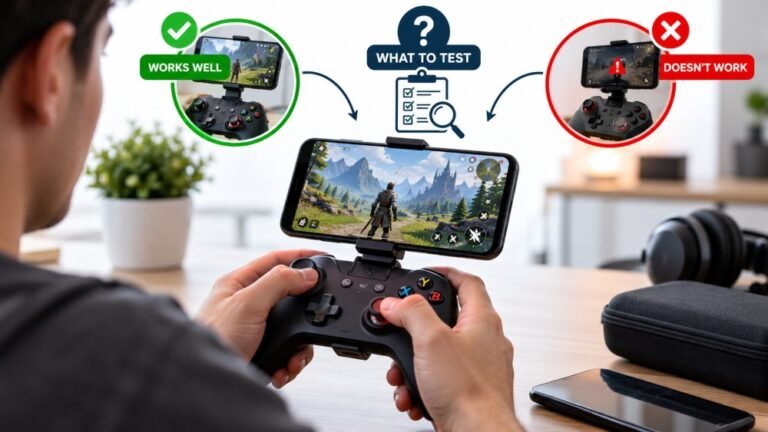
You paired the controller, the light went solid, your phone said "Connected," and then the game did absolutely…
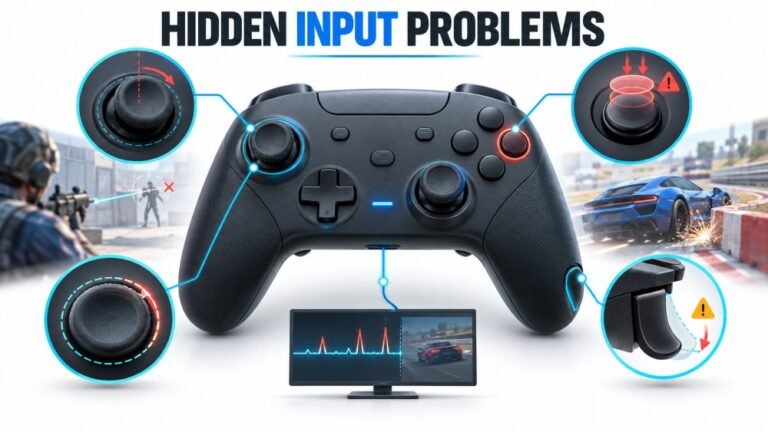
There is a particular kind of bad session that never gets diagnosed. You lose a duel you should have won. Your car…
The newest replies from players and the Gamepad Tester Team.