Repairing Ghost Inputs Caused by Worn Carbon Pads
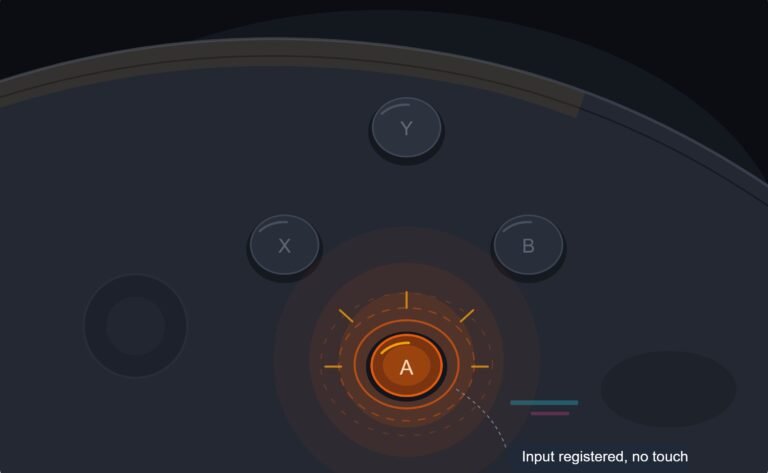
The face button registered a press I never made, a phantom input firing on its own during a menu screen while my thumb…

My gaming mouse has started double clicking when I single click. Folders open when I just want to select them and in games I sometimes fire twice. I found your mouse test, is there a way to test all the buttons including the side ones and actually prove it's the mouse and not Windows?
First rule out the Windows Single-click to open an item setting, which makes folders open on one click by itself. Then use the mouse test's click counter on each button. Extra counts on one button that follow the mouse to another PC mean a worn switch.

Two different things can cause what you describe, and one of them is not the mouse at all.
Windows has a folder option called Single-click to open an item. With it on, a single click opens folders, which looks exactly like a double click in File Explorer. Logitech's own support article lists it as the first thing to check. It will not cause double shots in games, though, so if you see both symptoms the mouse is the likely cause.
The mouse cause is the switch under the button. Each button sits on a small mechanical switch, and as its contacts wear or collect dust they can bounce, briefly making and breaking contact on one press. The computer sees two clicks.
The mouse test separates these. It counts each press per button, so you see the extra click directly, without File Explorer behaviour in the way. Test every button, including the side buttons and the wheel click, and note which one doubles. It is usually the left button, because it does the most work.
Then confirm it travels with the mouse. Run the same test on another computer. If the doubles follow the mouse, it is the switch. If the second computer is clean, look at drivers and software on the first. A short burst of compressed air into the gap around the button sometimes eases a dusty switch, but the lasting fixes are warranty, a switch replacement or a new mouse.
Tested on: Applies to wired and wireless mice on Windows 11 with Chrome, Edge or Firefox. Windows setting check per Logitech's support articles on unintended double clicks.
Checked by Rohan Sharma on . How we verify answers
Endurance Tester And Controller Reviewer at Gamepad Tester
Oliver runs endurance trials. A controller that feels excellent in the shop can lose its button feel in months, so his testing deliberately pushes mechanical face-button switches, bumpers and triggers through extended, repeated actuation to see how quickly tactility and elasticity fall away. The same approach applies to stick modules and to the rubber on the sticks themselves. On Gamepad Tester he contributes the long-term reliability side of the buying guides, and verifies answers about buttons that have gone soft, mushy or inconsistent with age.
 Calder WrightFront-End Web Architect And Gamepad API Lead
 Elena RostovaHardware Diagnostics Engineer
 Garrett LindsayHardware Reviewer And Input Performance Specialist
 Venom’s Tech (Abhishek)Peripheral Reviewer And Tech Journalist
 Chloe HendersonHall Effect And Thumbstick Analyst
 Thiago AlvesHardware Repair Educator
 Devon MillerLow Latency And Input Timing Engineer
 Liam DaviesBluetooth And Wireless Test Engineer
Each answer is written by the specialist who owns that part of the hardware, tested on a real controller, and checked by a second team member. How we verify answers
Answers are free general guidance from the Gamepad Tester Team and the community. Opening a controller or replacing a thumbstick module can void your warranty, so check the maker's support or warranty first. Battery and soldering work carries a real risk of damage or injury.
Every test runs in your own browser with the Gamepad API. No sign up, no download, and your controller data never leaves your device.
The face button registered a press I never made, a phantom input firing on its own during a menu screen while my thumb…
Android RPGs no longer feel like small games made to fill a few spare minutes. Some now offer large open worlds…
Esports viewing has changed a lot. Fans no longer watch only for big kills, clutch rounds, final scores, or highlight…
The newest replies from players and the Gamepad Tester Team.