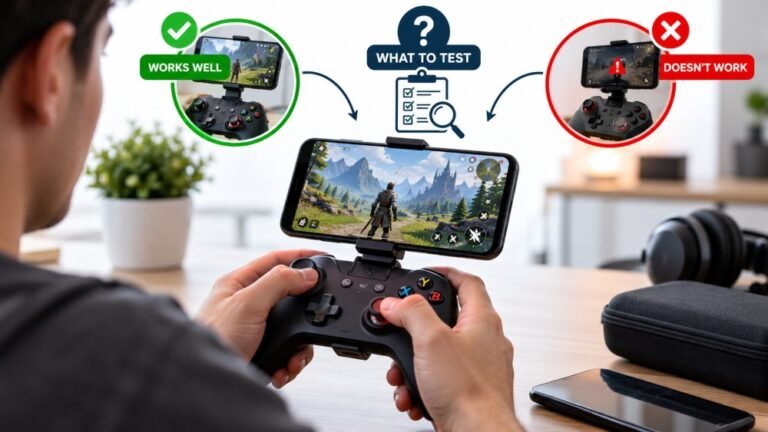
Playing Mobile Games With A Controller: What Works, What Doesn’t, And What To Test Before You Spend
You paired the controller, the light went solid, your phone said "Connected," and then the game did absolutely…

My racing wheel is slightly off centre: with the wheel straight, the car slowly turns left. In your gamepad tester the steering axis reads about -0.03 when the wheel is straight. How do I recentre it?
Many force feedback wheels calibrate their centre when they power on, so turning one on while the wheel is turned or being held sets a wrong centre. Restart the wheel with it straight and untouched, update its software and firmware, and check for a centre option in the wheel software or game.

A small offset like -0.03 is often a centring problem rather than a fault.
Many force feedback wheels run a self-calibration when they power on: they turn lock to lock and set the centre. If the wheel is being held, bumped, or was not straight when it started, the centre can end up slightly off. So the first fix is simple: switch the wheel off, make sure it is straight, power it on, and let it finish calibrating without touching it.
Then check software. Update the wheel's driver software and firmware from the maker. Many wheel apps include a centre or calibration option, and some games let you set the centre or a steering deadzone.
Our gamepad tester is the neutral reference: with the wheel straight and untouched, the steering axis should read very close to 0.00. If it is off in the tester as well as in games, the wheel itself is reporting the offset; if it is fine in the tester but not in one game, check that game's steering calibration.
If it drifts back off centre after each restart, the wheel's position sensor may need attention, and the maker's support is the next step.
Tested on: Applies to USB force feedback racing wheels on Windows 11. Axis readings per the W3C Gamepad specification's non-standard mapping.
Checked by Vikram Singh on . How we verify answers
Retro And Adapter Hardware Specialist at Gamepad Tester
Graham works on legacy input hardware. Older controllers reach a browser through a USB adapter, and the adapter decides what the browser sees: button order changes, axes arrive as buttons, D-pads report as hats, and two adapters for the same console can behave nothing alike. He maps how the common adapters present themselves so that a player with a SNES or Sega pad can read a test result correctly instead of concluding their controller is broken. On Gamepad Tester he answers the adapter and legacy hardware questions.
 Calder WrightFront-End Web Architect And Gamepad API Lead
 Elena RostovaHardware Diagnostics Engineer
 Garrett LindsayHardware Reviewer And Input Performance Specialist
 Venom’s Tech (Abhishek)Peripheral Reviewer And Tech Journalist
 Chloe HendersonHall Effect And Thumbstick Analyst
 Thiago AlvesHardware Repair Educator
 Devon MillerLow Latency And Input Timing Engineer
 Liam DaviesBluetooth And Wireless Test Engineer
Each answer is written by the specialist who owns that part of the hardware, tested on a real controller, and checked by a second team member. How we verify answers
Answers are free general guidance from the Gamepad Tester Team and the community. Opening a controller or replacing a thumbstick module can void your warranty, so check the maker's support or warranty first. Battery and soldering work carries a real risk of damage or injury.
Every test runs in your own browser with the Gamepad API. No sign up, no download, and your controller data never leaves your device.
You paired the controller, the light went solid, your phone said "Connected," and then the game did absolutely…
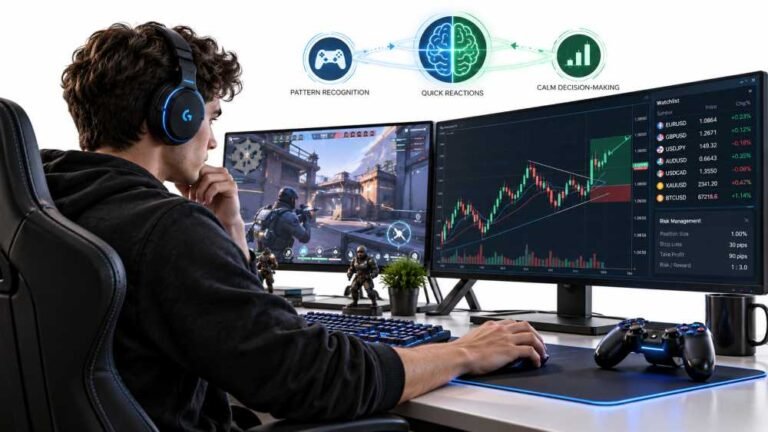
Gaming and trading look like separate worlds until you sit down and do both. One rewards reaction speed, pattern…
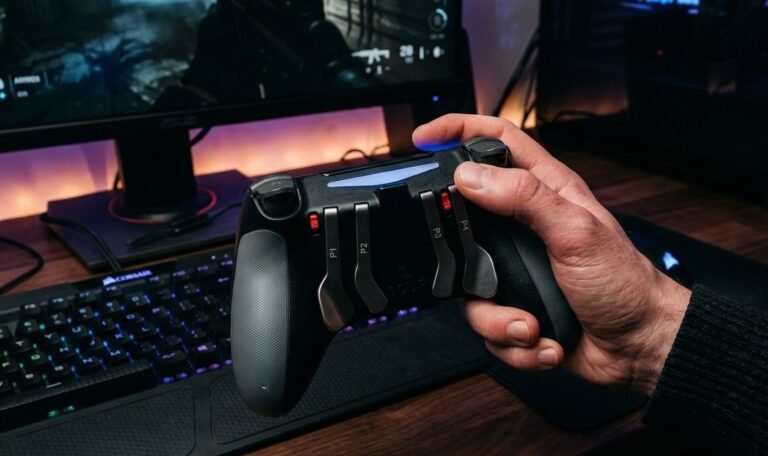
The Xbox Elite Series 2 seemed amazing for the first two weeks. Interchangeable thumbsticks, adjustable trigger locks…
The newest replies from players and the Gamepad Tester Team.