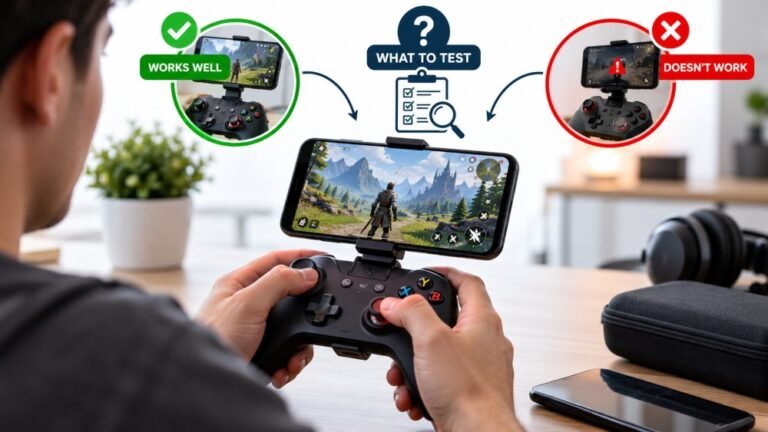
Playing Mobile Games With A Controller: What Works, What Doesn’t, And What To Test Before You Spend
You paired the controller, the light went solid, your phone said "Connected," and then the game did absolutely…

Weird one. In Fortnite my aim slowly drifts to the right, but in every other game it's fine. Your stick drift test shows 0.00 and 0.01 on both sticks, rock solid. I already tried another controller and the same thing happens in Fortnite only. So it can't be the controller, right? What else could it be?
If two controllers drift in one game only, the controller is not the cause. The usual suspects are a second input device the game is also reading, such as a wheel, pedals or a leftover virtual controller, or that game's own Steam Input and deadzone settings.

You have already done the most useful test: two controllers, same symptom, one game. That rules out the hardware, and your clean drift readings confirm it.
When drift appears in one game only, the game is reading something different from what our test sees. These are the causes I find, in order of how often they turn out to be the answer.
A second input device. Many games read every connected controller at once. A racing wheel, pedals, a flight stick, a drawing tablet, or a virtual controller left behind by DS4Windows or remapping software can send a small constant axis value. Our tester lists every connected gamepad, so check whether a second device shows up.
Steam Input. If the game runs through Steam, Steam can apply a per-game configuration, such as a community layout or changed deadzones, that differs from your other games. Resetting that game's controller layout often fixes it.
The game's own settings. A deadzone set to zero, or a look curve with a very aggressive start, can turn normal sensor noise into visible movement. Your readings show the noise is tiny, so this is the least likely cause here, but it is worth a look.
Unplug everything except the controller, restart the game and see whether the drift stops. That one step identifies the second-device case straight away.
Tested on: Applies to Xbox and PlayStation controllers on Windows 11 with Chrome or Edge. Steam Input steps per Valve's Steam Input documentation.
Checked by Elena Rostova on . How we verify answers
Esports Performance Consultant at Gamepad Tester
Nadia works with competitive players on the hardware side of performance. Before a tournament a pad needs more than a working-not-working check: she profiles input latency across the exact connection the player will use, confirms both sticks read consistently through their full range, and checks that nothing drifts once the controller is warm. A pad that passes is cleared for play; one that does not is replaced rather than argued about. On Gamepad Tester she answers the competitive and performance questions, and reviews answers that tell a player their controller is good enough.
 Calder WrightFront-End Web Architect And Gamepad API Lead
 Elena RostovaHardware Diagnostics Engineer
 Garrett LindsayHardware Reviewer And Input Performance Specialist
 Venom’s Tech (Abhishek)Peripheral Reviewer And Tech Journalist
 Chloe HendersonHall Effect And Thumbstick Analyst
 Thiago AlvesHardware Repair Educator
 Devon MillerLow Latency And Input Timing Engineer
 Liam DaviesBluetooth And Wireless Test Engineer
Each answer is written by the specialist who owns that part of the hardware, tested on a real controller, and checked by a second team member. How we verify answers
Answers are free general guidance from the Gamepad Tester Team and the community. Opening a controller or replacing a thumbstick module can void your warranty, so check the maker's support or warranty first. Battery and soldering work carries a real risk of damage or injury.
Every test runs in your own browser with the Gamepad API. No sign up, no download, and your controller data never leaves your device.
You paired the controller, the light went solid, your phone said "Connected," and then the game did absolutely…
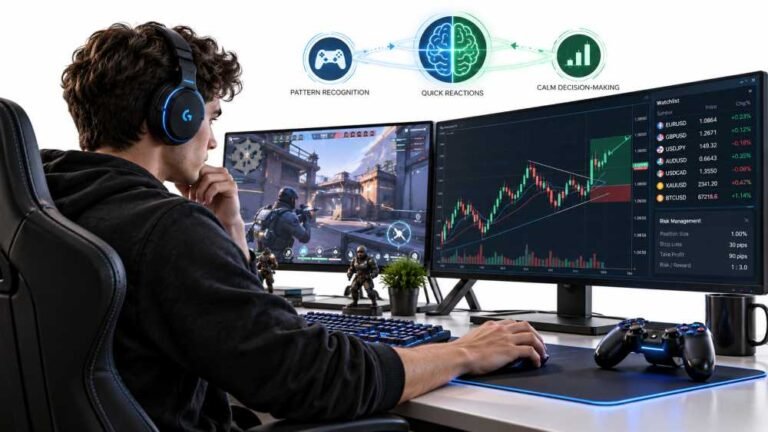
Gaming and trading look like separate worlds until you sit down and do both. One rewards reaction speed, pattern…
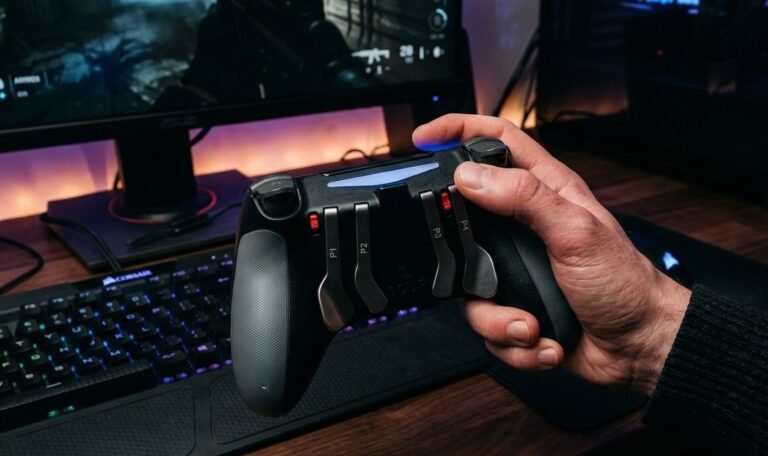
The Xbox Elite Series 2 seemed amazing for the first two weeks. Interchangeable thumbsticks, adjustable trigger locks…
The newest replies from players and the Gamepad Tester Team.