Playing Mobile Games With A Controller: What Works, What Doesn’t, And What To Test Before You Spend
You paired the controller, the light went solid, your phone said "Connected," and then the game did absolutely…

On PC every game thinks my Switch Pro Controller is an Xbox pad, so when the game says press A I have to press B, and X and Y are swapped too. Your tester shows the buttons at the right indexes for what I am physically pressing, so the controller is reporting correctly. It is the games that have it wrong. Is there a proper fix for this or do I just have to learn to read every prompt backwards? It is doing my head in in menu-heavy games.
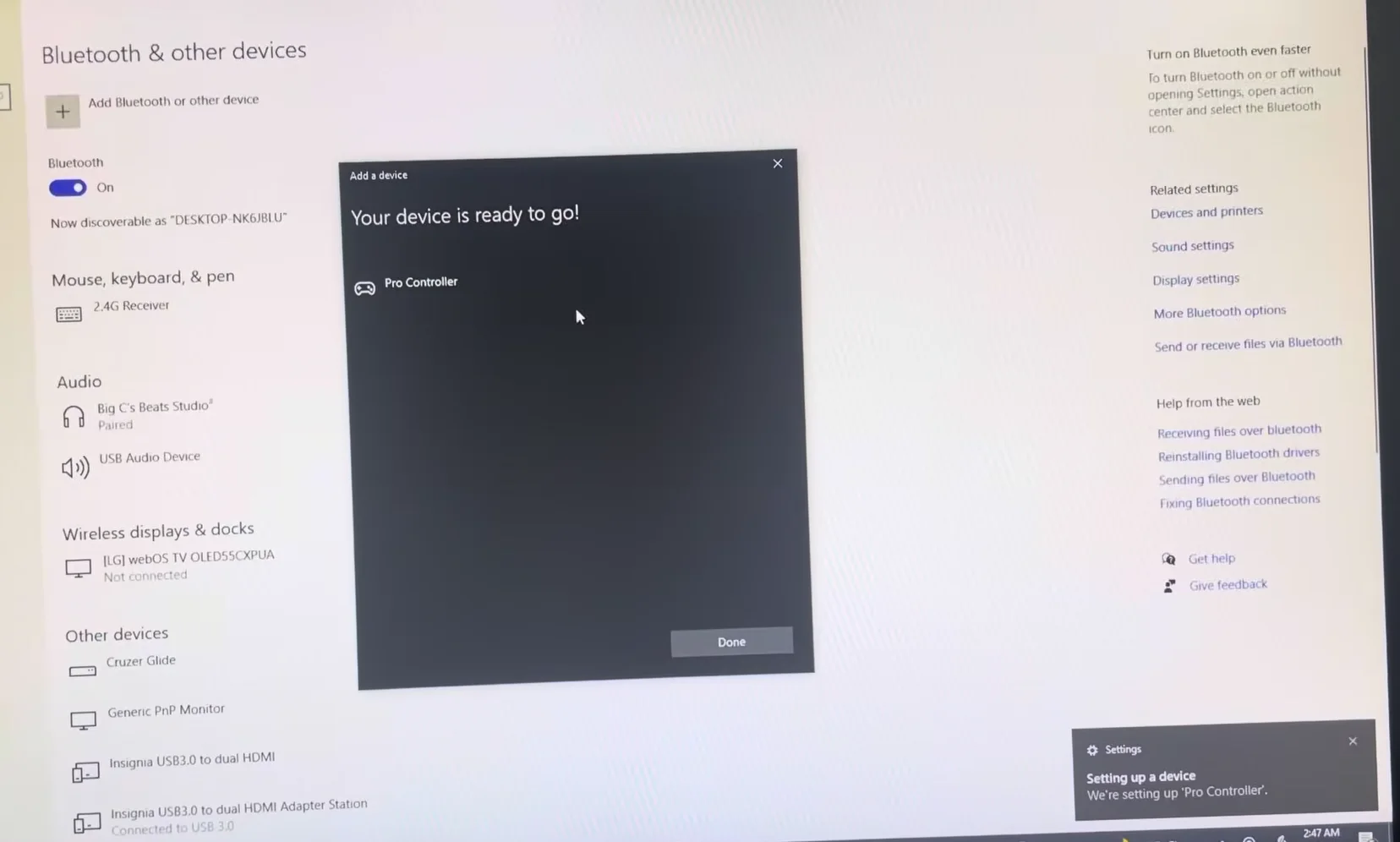
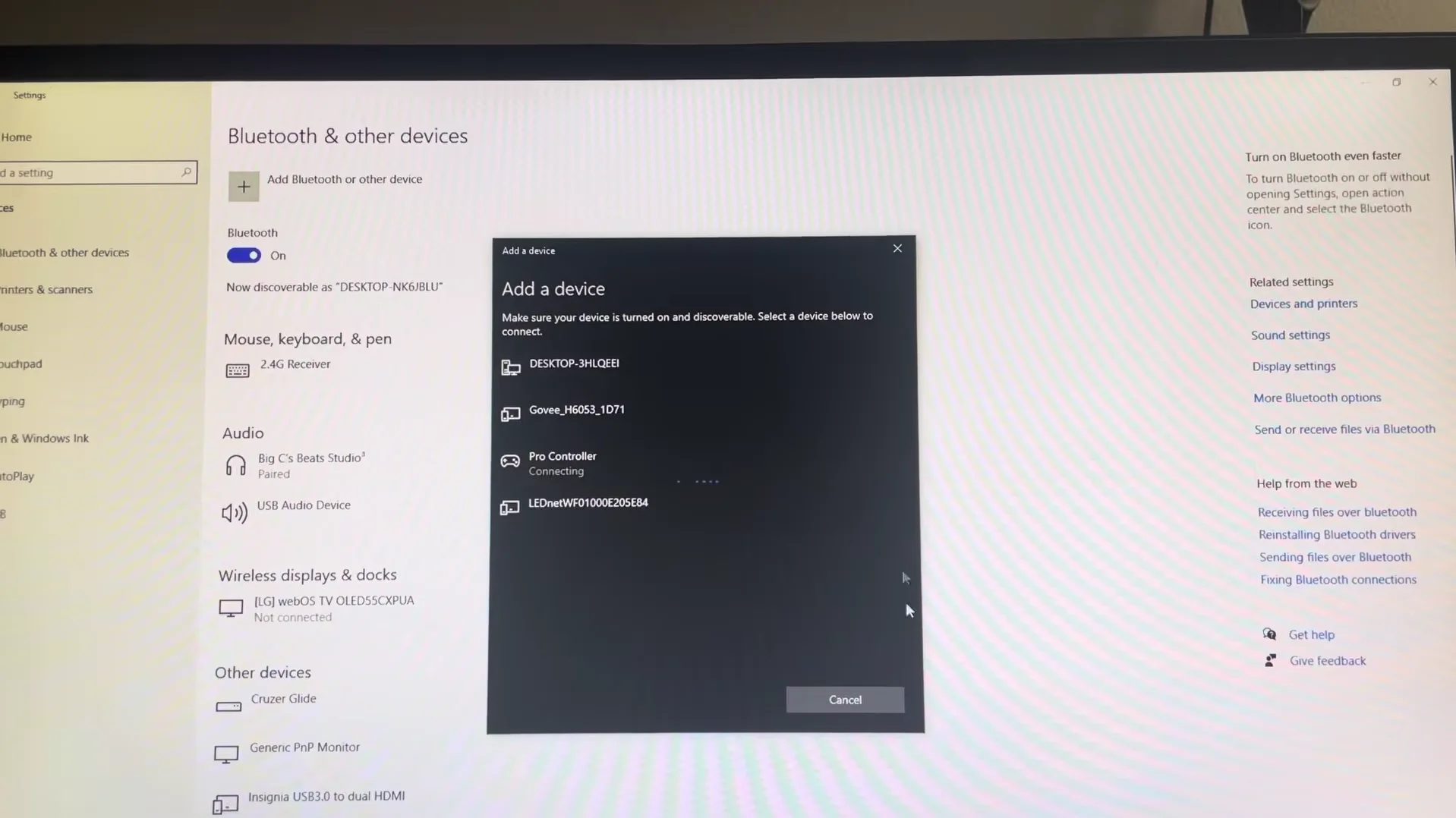
Nintendo's physical layout puts A and B in the opposite positions to Xbox. Your controller is correct and so are the games; the mismatch is the layout itself. Steam Input's button layout setting fixes it properly.

Nothing is faulty and nothing is misreporting. This is a genuine, permanent difference in physical layout, and once you see it the fix is simple.
On an Xbox pad, A is the bottom button and B is the right button. On a Nintendo controller, A is the right button and B is the bottom button. They are mirrored. The standard gamepad mapping that PC games use defines positions, not letters: index 0 is the bottom button, index 1 is the right button. Your Switch Pro Controller correctly reports the bottom button as index 0, which is the position the game calls A. The game then prints the letter A, you look down at your controller, and the button in that position is labelled B. Both devices are behaving correctly and the letters simply disagree.
That is why your tester result looks right, and it is worth understanding, because the fix is not a repair.
Steam handles this properly. In Steam's controller settings there is a button layout option for Nintendo-layout controllers, usually described as using the Nintendo button layout or swapping A and B. Turning it on makes Steam present the buttons in the arrangement the game expects, so prompts and physical positions line up. Set it and it applies across games rather than per title.
Two further notes. Some games have their own glyph setting that lets you choose Xbox, PlayStation or Nintendo prompts, and that is the nicest solution where it exists, because the game then shows you the right letter instead of translating the button. And a related problem worth knowing about, since it is reported constantly: a non-Nintendo third party pad is sometimes detected as a Switch controller by Steam, which swaps the buttons on a controller that did not need swapping. The same setting fixes that in reverse, so if the swap appears on a pad with an Xbox layout, look there first.
Tested on: Switch Pro Controller HAC-013, Joy-Con pair, two third party Switch-layout pads and an Xbox Model 1914 across Steam with the Nintendo layout option on and off, in five PC titles on Windows 11 24H2, with reported button indexes verified in Chrome 141.
Checked by Calder Wright on . How we verify answers
Open Source Contributor And Device ID Specialist at Gamepad Tester
Vikram contributes to open source Gamepad API tooling, with a focus on device identification. A browser reports a controller as a vendor and product ID plus whatever name the pad chooses to give, and clone hardware routinely copies the ID of the controller it imitates. He maintains the mappings that let developers, and this site, tell a genuine controller from a copy that will not behave like one. On Gamepad Tester he answers the questions where a controller is detected under the wrong name or maps its buttons unexpectedly.
 Calder WrightFront-End Web Architect And Gamepad API Lead
 Elena RostovaHardware Diagnostics Engineer
 Garrett LindsayHardware Reviewer And Input Performance Specialist
 Venom’s Tech (Abhishek)Peripheral Reviewer And Tech Journalist
 Chloe HendersonHall Effect And Thumbstick Analyst
 Thiago AlvesHardware Repair Educator
 Devon MillerLow Latency And Input Timing Engineer
 Liam DaviesBluetooth And Wireless Test Engineer
Each answer is written by the specialist who owns that part of the hardware, tested on a real controller, and checked by a second team member. How we verify answers
Answers are free general guidance from the Gamepad Tester Team and the community. Opening a controller or replacing a thumbstick module can void your warranty, so check the maker's support or warranty first. Battery and soldering work carries a real risk of damage or injury.
Every test runs in your own browser with the Gamepad API. No sign up, no download, and your controller data never leaves your device.
You paired the controller, the light went solid, your phone said "Connected," and then the game did absolutely…
Gaming and trading look like separate worlds until you sit down and do both. One rewards reaction speed, pattern…
The Xbox Elite Series 2 seemed amazing for the first two weeks. Interchangeable thumbsticks, adjustable trigger locks…
The newest replies from players and the Gamepad Tester Team.