Smart Floor Lamp Setup For Your Gaming Room: A Beginner’s Matter Guide
A good gaming setup is more than a fast controller and a sharp screen. The light around you changes how long you can…

My Xbox controller works fine with the USB cable on my Series S, but the moment I unplug it, it disconnects and the Xbox button flashes. Tried new batteries. Is the wireless broken?
Usually not broken. Plugged in, the controller talks over the cable and runs on USB power; unplugged, it needs a valid wireless pairing and good battery contacts. Check the contacts, resync with the pair buttons and update firmware. If it still drops the moment you unplug, the wireless module may have failed.

Working wired but not wireless points to two things: power and pairing.
Power first. With the cable in, the controller runs on USB power even if the batteries are flat or the contacts are dirty. Unplugged, it needs the batteries. Check the springs and flat contacts for corrosion or bending, clean them with a cotton bud and isopropyl alcohol, and make sure fresh batteries sit firmly.
Pairing next. If the pairing data is lost, the controller cannot reconnect wirelessly. Press the pair button on the console, then hold the controller's pair button until the logo flashes quickly.
Firmware. While it is plugged in, update the controller in the console's accessories settings; this can fix wireless bugs.
If it still disconnects the instant the cable comes out, test wireless on a PC over Bluetooth or another console. Our connection stability test on a PC shows whether the link holds. If wireless fails everywhere, the wireless module or antenna is faulty, which is a warranty repair.
Tested on: Applies to Xbox Wireless Controllers with Xbox Series X|S consoles. Steps per Xbox support's controller connection guide.
Checked by Liam Davies on . How we verify answers
QA And Test Automation Lead at Gamepad Tester
Tyler leads test automation. Before each change to the tools here goes live, his pipelines drive simulated inputs through the pages across multiple browsers and desktop environments and compare the readings against known-good baselines. It catches the regressions manual testing misses: a button index that shifts, an axis that stops updating, a layout that breaks at one viewport. On Gamepad Tester he signs off releases of the test tools and handles the answers where the tool itself, rather than the controller, is behaving oddly.
 Calder WrightFront-End Web Architect And Gamepad API Lead
 Elena RostovaHardware Diagnostics Engineer
 Garrett LindsayHardware Reviewer And Input Performance Specialist
 Venom’s Tech (Abhishek)Peripheral Reviewer And Tech Journalist
 Chloe HendersonHall Effect And Thumbstick Analyst
 Thiago AlvesHardware Repair Educator
 Devon MillerLow Latency And Input Timing Engineer
 Liam DaviesBluetooth And Wireless Test Engineer
Each answer is written by the specialist who owns that part of the hardware, tested on a real controller, and checked by a second team member. How we verify answers
Answers are free general guidance from the Gamepad Tester Team and the community. Opening a controller or replacing a thumbstick module can void your warranty, so check the maker's support or warranty first. Battery and soldering work carries a real risk of damage or injury.
Every test runs in your own browser with the Gamepad API. No sign up, no download, and your controller data never leaves your device.
A good gaming setup is more than a fast controller and a sharp screen. The light around you changes how long you can…
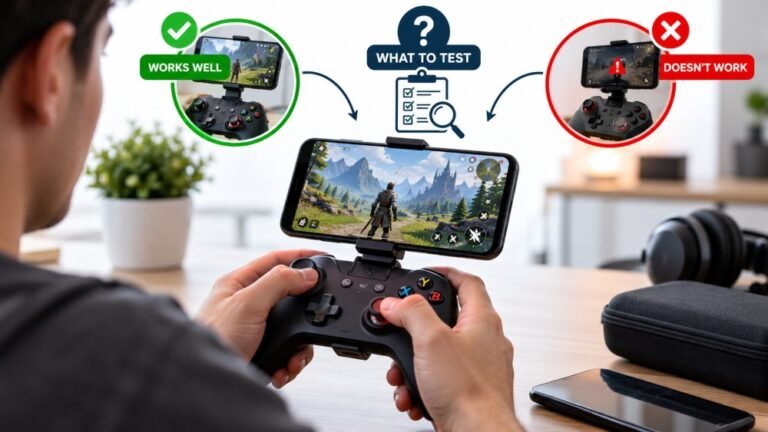
You paired the controller, the light went solid, your phone said "Connected," and then the game did absolutely…
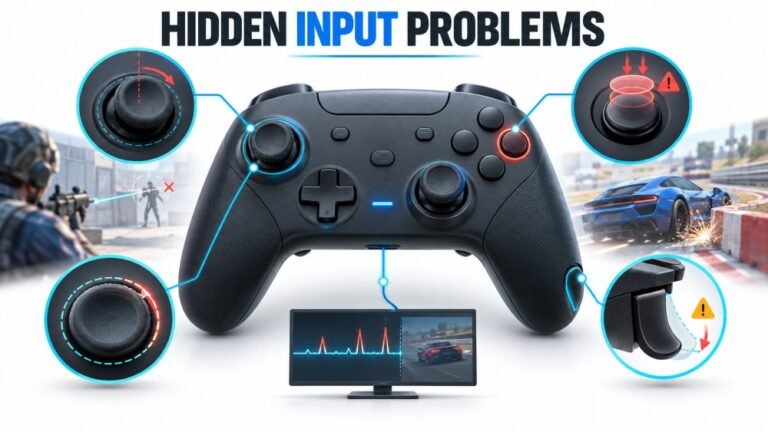
There is a particular kind of bad session that never gets diagnosed. You lose a duel you should have won. Your car…
The newest replies from players and the Gamepad Tester Team.