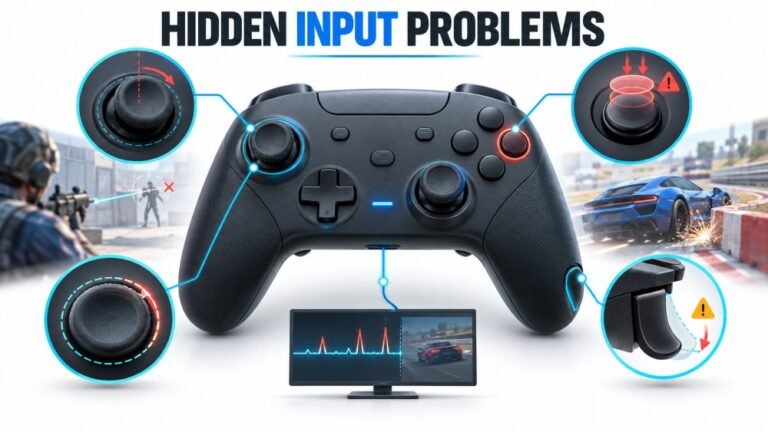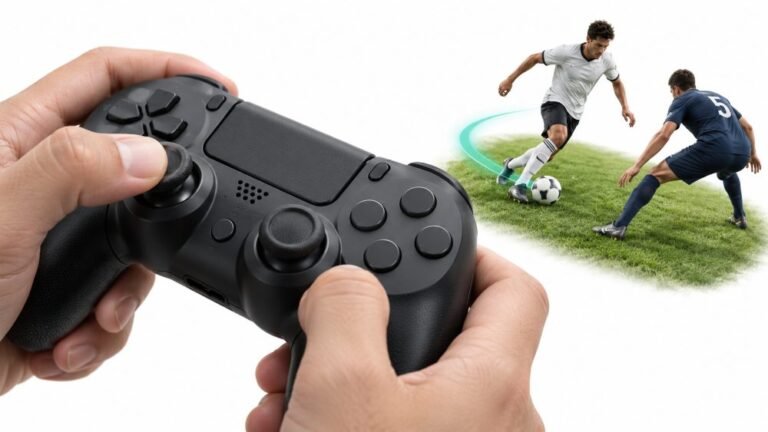
Why Sports Games Feel Better With a Controller
Ask a room full of sports gamers what they play with, and most will hold up an imaginary controller. Ask them why, and…

The RB on my Xbox Series controller has gone soft. It doesn't click anymore and only registers if I press the very middle of it. The button test shows it flickering on and off when I press the edge. Controller is 2 years old and I use RB a lot in Rocket League. Fixable?
A bumper that lost its click and only registers in the middle usually has a worn tactile switch or a cracked bumper hinge. Pressing the edge then misses the switch. Replacing the bumper switch or the bumper piece fixes it, and both are cheap parts.

Bumpers on Xbox Series controllers work like a small seesaw: the plastic bumper pivots on a hinge and presses a tactile switch underneath. When the switch wears, it loses its click and needs more force. When the hinge or the little arm under the bumper wears or cracks, presses near the edge no longer reach the switch at all. Your description, soft feel plus only the middle working, often means both have started.
The flicker in the button test is the clue that the switch itself is struggling: a healthy switch turns on once and stays on until you release it. A flicker on a partial press means the contact is barely closing.
Rocket League players wear bumpers fast because boost and air roll sit there, so this is a very common failure. Replacement bumper switches and bumper pieces are inexpensive, and a repair shop can swap them quickly. If you are handy with a soldering iron, the switch is a straightforward job once the shell is open.
If the controller is still under warranty in your region, check that first before opening it.
Tested on: Applies to Xbox Wireless Controller Model 1914 on Windows 11 with Edge or Chrome. Repair approach per common Xbox controller teardown practice.
Checked by Thiago Alves on . How we verify answers
Endurance Tester And Controller Reviewer at Gamepad Tester
Oliver runs endurance trials. A controller that feels excellent in the shop can lose its button feel in months, so his testing deliberately pushes mechanical face-button switches, bumpers and triggers through extended, repeated actuation to see how quickly tactility and elasticity fall away. The same approach applies to stick modules and to the rubber on the sticks themselves. On Gamepad Tester he contributes the long-term reliability side of the buying guides, and verifies answers about buttons that have gone soft, mushy or inconsistent with age.
 Calder WrightFront-End Web Architect And Gamepad API Lead
 Elena RostovaHardware Diagnostics Engineer
 Garrett LindsayHardware Reviewer And Input Performance Specialist
 Venom’s Tech (Abhishek)Peripheral Reviewer And Tech Journalist
 Chloe HendersonHall Effect And Thumbstick Analyst
 Thiago AlvesHardware Repair Educator
 Devon MillerLow Latency And Input Timing Engineer
 Liam DaviesBluetooth And Wireless Test Engineer
Each answer is written by the specialist who owns that part of the hardware, tested on a real controller, and checked by a second team member. How we verify answers
Answers are free general guidance from the Gamepad Tester Team and the community. Opening a controller or replacing a thumbstick module can void your warranty, so check the maker's support or warranty first. Battery and soldering work carries a real risk of damage or injury.
Every test runs in your own browser with the Gamepad API. No sign up, no download, and your controller data never leaves your device.
Ask a room full of sports gamers what they play with, and most will hold up an imaginary controller. Ask them why, and…
There is a particular kind of bad session that never gets diagnosed. You lose a duel you should have won. Your car…
World of Warcraft Classic is built around smart decisions. Your class, spec, talents, gear, keybinds, and reaction…
The newest replies from players and the Gamepad Tester Team.