Repairing Ghost Inputs Caused by Worn Carbon Pads
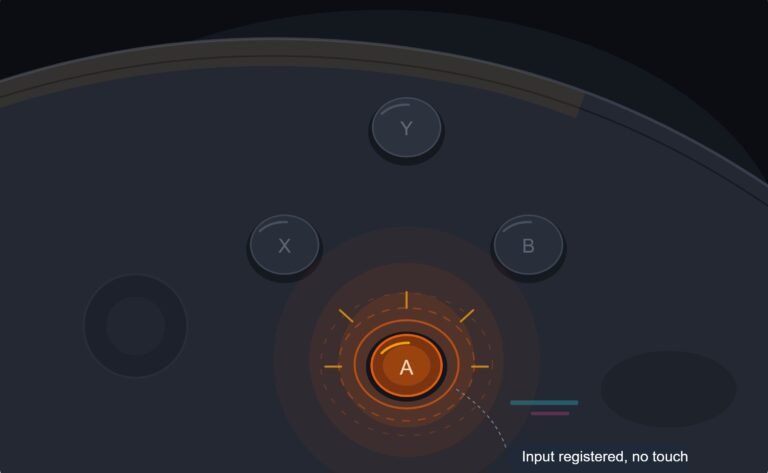
The face button registered a press I never made, a phantom input firing on its own during a menu screen while my thumb…

I'm selling two PS4 controllers online and I want to be honest in the listing. How do I test all the buttons properly, including the touchpad and the share and options ones? I don't have a PS4 anymore, just a Windows laptop. Also is there a way to show the buyer the test results, like a screenshot or something that proves they worked?
Use the button test over USB in Chrome or Edge and work through the controller in a fixed order, including Share, Options, PS and the touchpad click. Add the stick drift, trigger and vibration tests, and take a dated screenshot of each result for the listing.

Testing before you sell is a good habit, and screenshots of clean results tend to help a listing.
Over USB in Chrome or Edge, a DualShock 4 normally appears as Wireless Controller with 18 buttons. That covers the four face buttons, L1 and R1, L2 and R2 as analog values, Share, Options, both stick clicks, the four D-pad directions, the PS button, and on most setups the touchpad click as the last button. The light bar, speaker, headphone jack and the touch surface itself are not exposed to browsers, so check those separately.
The usual mistake is pressing buttons at random and missing one. Go in a fixed order and look for three things on each button: it lights, it releases cleanly when you let go, and it does not register twice. A double read on a single press is an early sign of a worn contact, and a buyer will find it.
For sticks and triggers the button test alone is not enough. Run the stick drift test with hands off, because a buyer's first complaint is usually drift, and the trigger test to confirm L2 and R2 reach a full 1.00. The vibration test checks both rumble motors from the same browser.
For the listing, a screenshot of each test with the date visible on your taskbar is simple and honest. Mention that the light bar, speaker and headphone jack were checked by eye and ear.
Tested on: Applies to DualShock 4 CUH-ZCT1 and CUH-ZCT2 over micro USB on Windows 11 with Chrome or Edge. Button order follows the standard gamepad mapping in the W3C Gamepad specification.
Checked by Calder Wright on . How we verify answers
Hardware QA Lead at Gamepad Tester
Sneha leads manual hardware QA. Her lab takes controllers that arrive with no published specifications, mostly budget and mobile pads, and puts each one through the same fixed set of checks: every button and axis registers, deadzones are inside tolerance, rumble motors both run, the battery holds its claimed runtime, and the pad still passes after a charge cycle or two. Pads that fail are documented rather than quietly dropped. On Gamepad Tester she reviews the answers about cheap controllers behaving unpredictably and about battery and charging faults.
 Calder WrightFront-End Web Architect And Gamepad API Lead
 Elena RostovaHardware Diagnostics Engineer
 Garrett LindsayHardware Reviewer And Input Performance Specialist
 Venom’s Tech (Abhishek)Peripheral Reviewer And Tech Journalist
 Chloe HendersonHall Effect And Thumbstick Analyst
 Thiago AlvesHardware Repair Educator
 Devon MillerLow Latency And Input Timing Engineer
 Liam DaviesBluetooth And Wireless Test Engineer
Each answer is written by the specialist who owns that part of the hardware, tested on a real controller, and checked by a second team member. How we verify answers
Answers are free general guidance from the Gamepad Tester Team and the community. Opening a controller or replacing a thumbstick module can void your warranty, so check the maker's support or warranty first. Battery and soldering work carries a real risk of damage or injury.
Every test runs in your own browser with the Gamepad API. No sign up, no download, and your controller data never leaves your device.
The face button registered a press I never made, a phantom input firing on its own during a menu screen while my thumb…
Android RPGs no longer feel like small games made to fill a few spare minutes. Some now offer large open worlds…
Esports viewing has changed a lot. Fans no longer watch only for big kills, clutch rounds, final scores, or highlight…
The newest replies from players and the Gamepad Tester Team.