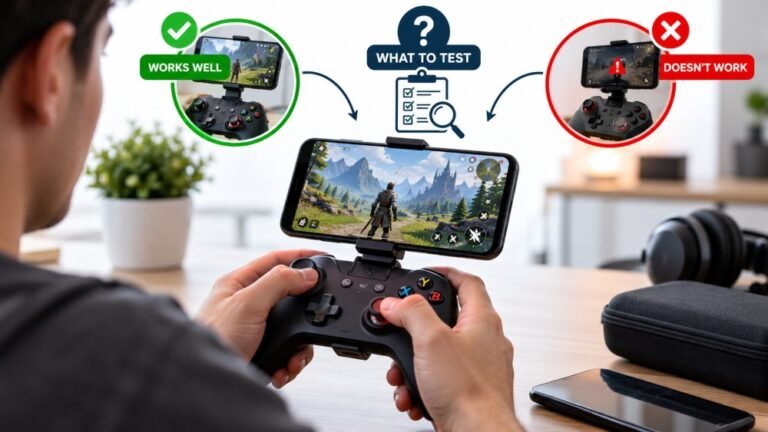
Playing Mobile Games With A Controller: What Works, What Doesn’t, And What To Test Before You Spend
You paired the controller, the light went solid, your phone said "Connected," and then the game did absolutely…

For couch co-op on PC, I have one Xbox controller and one DualSense. Can both play in the same game? Your tester shows both, but in the game only the Xbox one works.
Yes, through Steam Input. Many games only read Xbox-style controllers, which is why only the Xbox controller works. Launch the game from Steam with PlayStation support enabled, and Steam presents both controllers to the game in a way it understands.

Mixing controllers works well, and the tester confirms both are fine. The game is the limit.
Many PC games only read controllers through XInput, the Xbox standard. The Xbox controller speaks that natively; the DualSense does not, so the game ignores it.
Steam Input solves this. With PlayStation controller support enabled in Steam's controller settings, Steam translates the DualSense for games, so both controllers appear in a way the game understands. Launch the game from Steam; if it is not a Steam game, add it as a non-Steam game first.
Then sort out player order. Steam lists connected controllers and lets you reorder them, so you can decide who is player one. Turning controllers on one at a time in the order you want also helps.
A couple of tips. Do not run DS4Windows at the same time, or the DualSense may appear twice. And each controller keeps its own layout in Steam, so the DualSense can show PlayStation prompts in games that support them.
Tested on: Applies to Xbox and PlayStation controllers on Windows 11 with Steam. Steam Input behaviour per Valve's documentation.
Checked by Lucas Rocha on . How we verify answers
UI And Visual Feedback Designer at Gamepad Tester
Marcus is a UI and UX designer specialising in controller mapping interfaces, with a background in real-time 3D and WebGL controller models. His work here is the visual side of diagnosis: an on-screen pad that matches the controller in the player's hands, button and trigger states that respond the instant an input is read, and a layout where an abnormal reading stands out without needing a legend. On Gamepad Tester he designs the tester interfaces and reviews answers that depend on reading the on-screen display correctly.
 Calder WrightFront-End Web Architect And Gamepad API Lead
 Elena RostovaHardware Diagnostics Engineer
 Garrett LindsayHardware Reviewer And Input Performance Specialist
 Venom’s Tech (Abhishek)Peripheral Reviewer And Tech Journalist
 Chloe HendersonHall Effect And Thumbstick Analyst
 Thiago AlvesHardware Repair Educator
 Devon MillerLow Latency And Input Timing Engineer
 Liam DaviesBluetooth And Wireless Test Engineer
Each answer is written by the specialist who owns that part of the hardware, tested on a real controller, and checked by a second team member. How we verify answers
Answers are free general guidance from the Gamepad Tester Team and the community. Opening a controller or replacing a thumbstick module can void your warranty, so check the maker's support or warranty first. Battery and soldering work carries a real risk of damage or injury.
Every test runs in your own browser with the Gamepad API. No sign up, no download, and your controller data never leaves your device.
You paired the controller, the light went solid, your phone said "Connected," and then the game did absolutely…
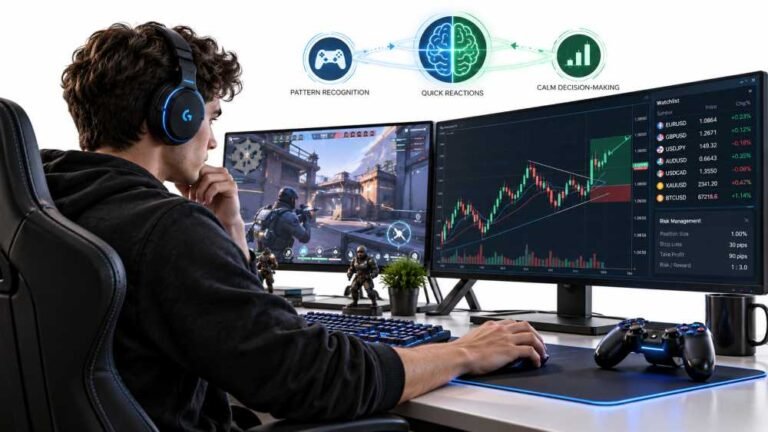
Gaming and trading look like separate worlds until you sit down and do both. One rewards reaction speed, pattern…
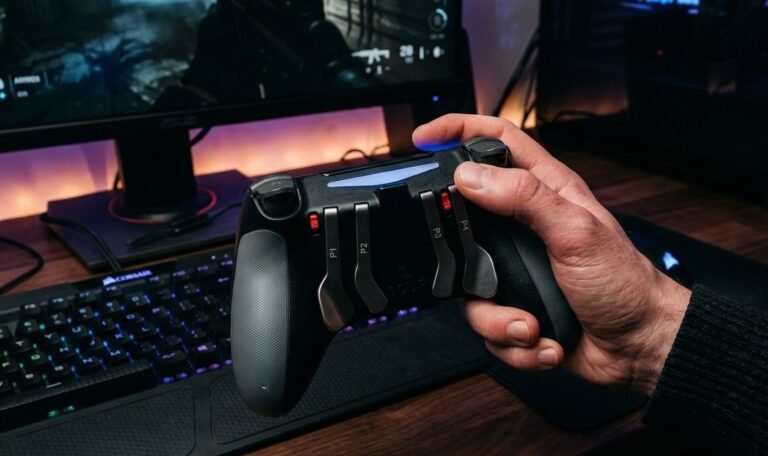
The Xbox Elite Series 2 seemed amazing for the first two weeks. Interchangeable thumbsticks, adjustable trigger locks…
The newest replies from players and the Gamepad Tester Team.