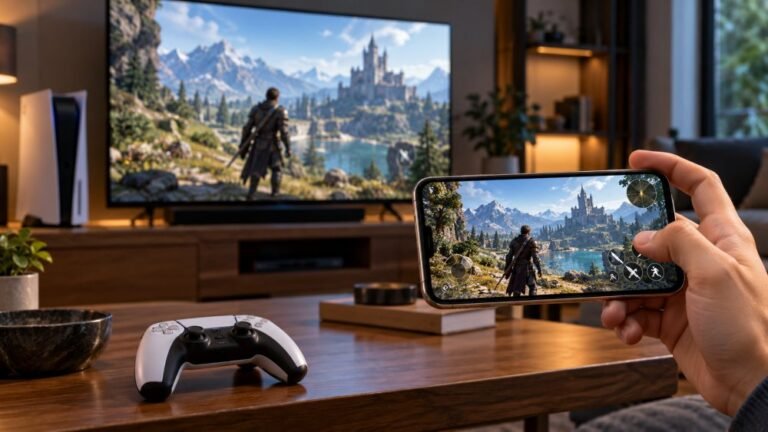
How Well Do Console Games Really Translate To Mobile Gaming?
Mobile gaming has become an increasingly popular way to enjoy video games, with smartphones now capable of running…

My Xbox controller pairs fine with my PC, but my iPhone either doesn't find it or it connects and drops straight away. My partner's Android phone has the same problem. The controller is a few years old. What am I missing?
Update the controller's firmware first. Older Xbox controller firmware used a Bluetooth mode that some phones handle poorly; updated firmware improves phone pairing. Then pair fresh: remove the old pairing, hold the pair button until the logo flashes fast, and add it in the phone's Bluetooth settings.

Controllers that work on a PC but struggle with phones often have older firmware. Microsoft updated Xbox controllers to improve Bluetooth pairing, including with phones, so the update is the first step.
Update the firmware. Connect the controller to your PC with a USB cable and update it with the Xbox Accessories app, or update it on an Xbox console. Fresh batteries help the update complete.
Pair fresh. Remove the controller from the phone's Bluetooth list if it appears there. Then hold the small pair button on top of the controller until the Xbox logo flashes quickly, and select the controller in the phone's Bluetooth settings.
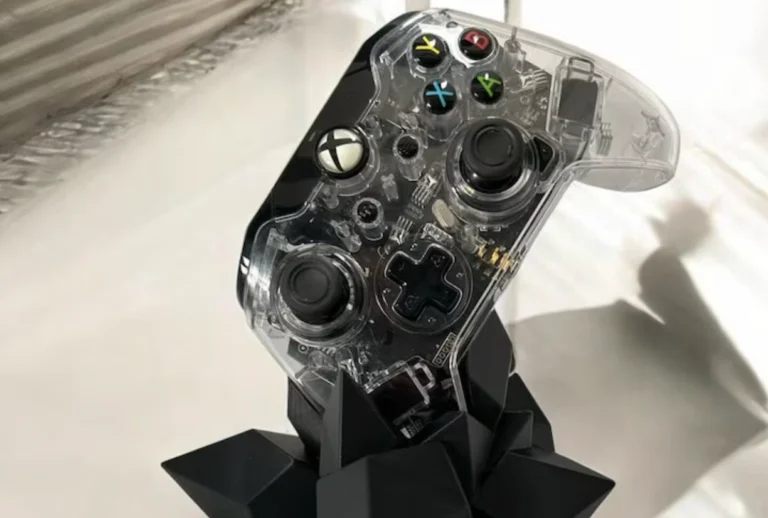
Check the model. Original Xbox One controllers without Bluetooth cannot pair at all; the plastic around the Xbox button and the model number tell you.
After pairing, open our gamepad tester in Safari or Chrome on the phone and press a button to confirm every input works.
If it still drops, turn off the phone's battery saver, move away from busy Wi-Fi, and remember the controller remembers only one Bluetooth device at a time, so pairing it to the phone replaces the PC's Bluetooth pairing.
Tested on: Applies to Xbox Wireless Controllers with iPhone on iOS 26 and Android phones. Steps per Xbox support's update guide and Macworld's pairing guide.
Checked by Liam Davies on . How we verify answers
Mobile Browser Compatibility Engineer at Gamepad Tester
Chris works on mobile web input. Phone browsers are the hardest place to test a controller: a Bluetooth clip-on pad may connect to the phone but stay invisible to the page, iOS and Android expose the Gamepad API at different moments, and a backgrounded tab stops polling entirely. He works through those cases so a mobile player gets the same test result a desktop player would. On Gamepad Tester he answers the mobile questions, including controllers that pair with a phone but send no input to the browser.
 Calder WrightFront-End Web Architect And Gamepad API Lead
 Elena RostovaHardware Diagnostics Engineer
 Garrett LindsayHardware Reviewer And Input Performance Specialist
 Venom’s Tech (Abhishek)Peripheral Reviewer And Tech Journalist
 Chloe HendersonHall Effect And Thumbstick Analyst
 Thiago AlvesHardware Repair Educator
 Devon MillerLow Latency And Input Timing Engineer
 Liam DaviesBluetooth And Wireless Test Engineer
Each answer is written by the specialist who owns that part of the hardware, tested on a real controller, and checked by a second team member. How we verify answers
Answers are free general guidance from the Gamepad Tester Team and the community. Opening a controller or replacing a thumbstick module can void your warranty, so check the maker's support or warranty first. Battery and soldering work carries a real risk of damage or injury.
Every test runs in your own browser with the Gamepad API. No sign up, no download, and your controller data never leaves your device.
Mobile gaming has become an increasingly popular way to enjoy video games, with smartphones now capable of running…
There is a particular kind of bad session that never gets diagnosed. You lose a duel you should have won. Your car…
Gaming does not always have to be complicated. Many players enjoy games that are easy to pick up and fun to play…
The newest replies from players and the Gamepad Tester Team.