
Playing Mobile Games With A Controller: What Works, What Doesn’t, And What To Test Before You Spend
You paired the controller, the light went solid, your phone said "Connected," and then the game did absolutely…

I have a 4 port Mayflash GameCube adapter with a switch on the back. In PC mode your tester sees it but the buttons are in weird places and the triggers show up as axes instead of buttons. In Wii U mode, which is what everyone says to use for Dolphin, the tester sees nothing at all. Is my adapter faulty? I want to check all the buttons on my old GameCube controllers before I use them for Melee in Dolphin.
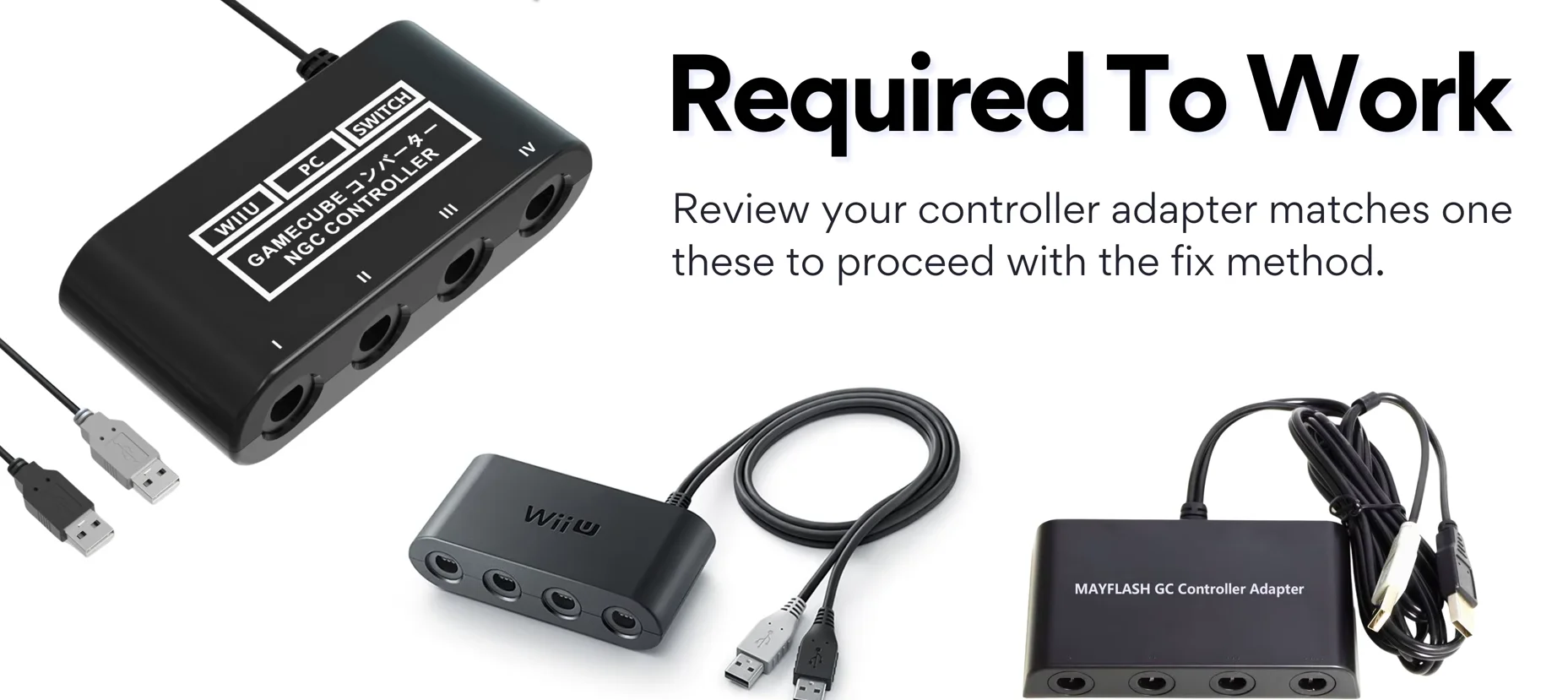
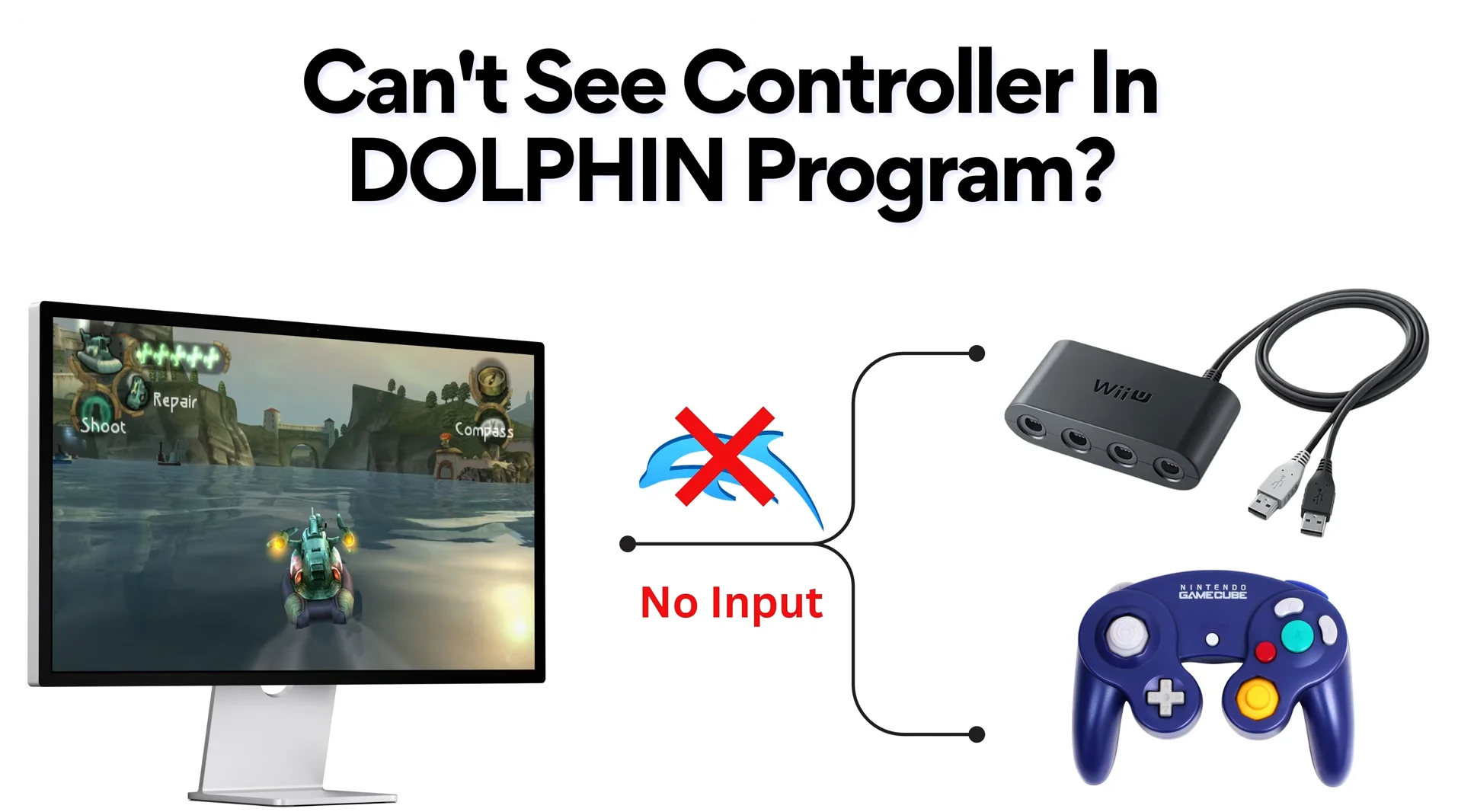
Your adapter is behaving correctly. In PC mode it acts as a generic game controller with a non-standard layout, which browsers can read. In Wii U mode it imitates Nintendo's own adapter and talks to Dolphin through a WinUSB driver, which browsers cannot read. Test in PC mode, play in Wii U mode.

Nothing is wrong with the adapter. The switch genuinely changes what kind of device it is.
In PC mode it presents itself to Windows as an ordinary game controller using the built-in HID driver. Anything that reads standard controllers can see it, browsers included. Because a GameCube pad does not match the modern layout the Gamepad API expects, the browser reports it as a non-standard device, so the button numbers look scrambled. The triggers appearing as axes is correct too: GameCube L and R are analog with a click at the end of their travel, and that click usually shows up as a separate button.
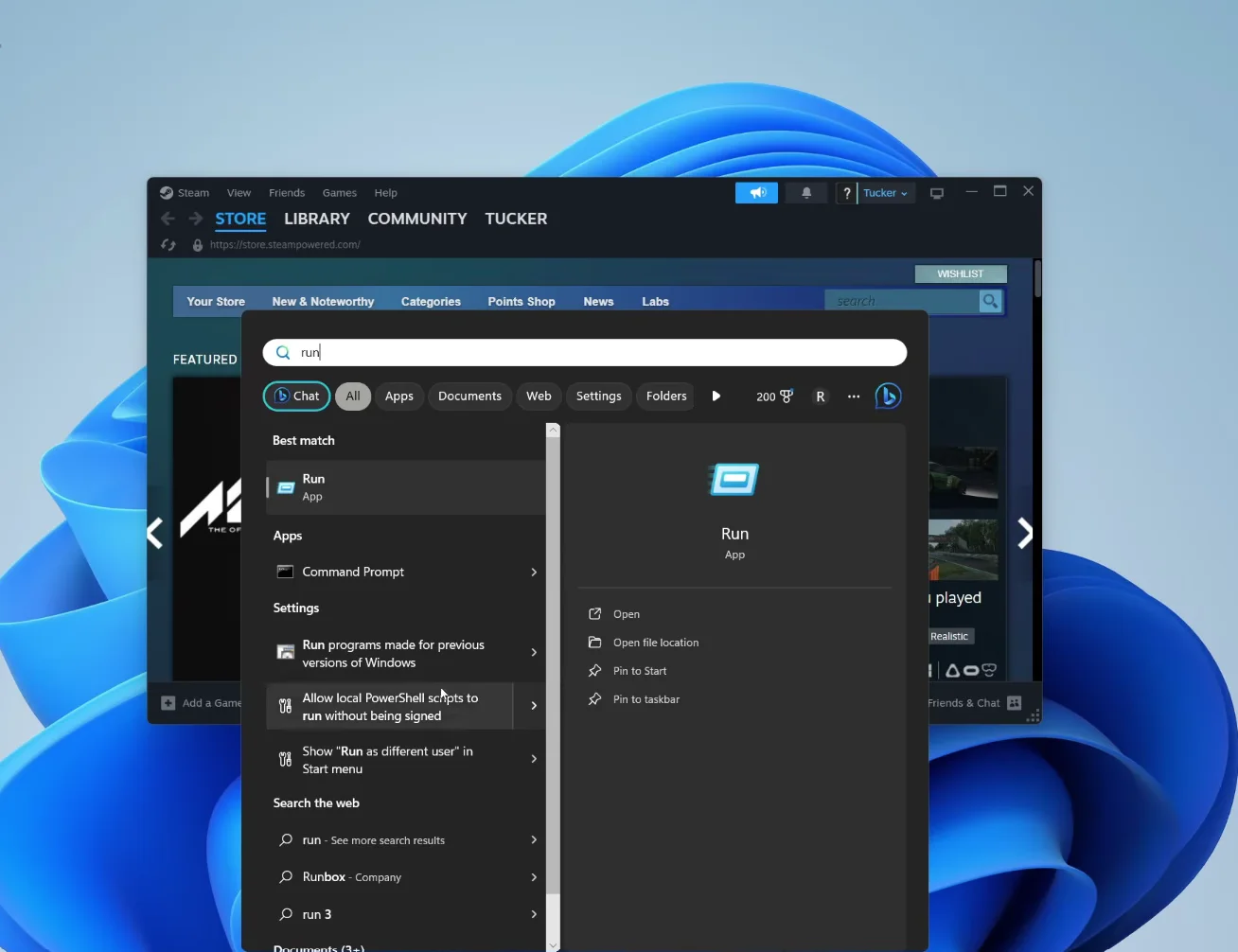
In Wii U mode it imitates Nintendo's official GameCube adapter for Wii U and Switch. Dolphin talks to that device directly over USB, which needs the WinUSB driver assigned with Zadig. At that point it is no longer a game controller as far as Windows is concerned, so browsers and joy.cpl see nothing. That is expected, and it is exactly why Dolphin's direct mode feels faithful.
So use each mode for what it is good at. Switch to PC mode to test buttons, sticks and triggers in the browser. Switch back to Wii U mode, unplug and replug, and play in Dolphin with the GameCube adapter option.
Tested on: Applies to the Mayflash 4-port GameCube adapter on Windows 11 with Chrome or Edge. Mode behaviour per Dolphin community guidance on WinUSB and Zadig and the W3C Gamepad specification's non-standard mapping.
Checked by Vikram Singh on . How we verify answers
Retro And Adapter Hardware Specialist at Gamepad Tester
Graham works on legacy input hardware. Older controllers reach a browser through a USB adapter, and the adapter decides what the browser sees: button order changes, axes arrive as buttons, D-pads report as hats, and two adapters for the same console can behave nothing alike. He maps how the common adapters present themselves so that a player with a SNES or Sega pad can read a test result correctly instead of concluding their controller is broken. On Gamepad Tester he answers the adapter and legacy hardware questions.
 Calder WrightFront-End Web Architect And Gamepad API Lead
 Elena RostovaHardware Diagnostics Engineer
 Garrett LindsayHardware Reviewer And Input Performance Specialist
 Venom’s Tech (Abhishek)Peripheral Reviewer And Tech Journalist
 Chloe HendersonHall Effect And Thumbstick Analyst
 Thiago AlvesHardware Repair Educator
 Devon MillerLow Latency And Input Timing Engineer
 Liam DaviesBluetooth And Wireless Test Engineer
Each answer is written by the specialist who owns that part of the hardware, tested on a real controller, and checked by a second team member. How we verify answers
Answers are free general guidance from the Gamepad Tester Team and the community. Opening a controller or replacing a thumbstick module can void your warranty, so check the maker's support or warranty first. Battery and soldering work carries a real risk of damage or injury.
Every test runs in your own browser with the Gamepad API. No sign up, no download, and your controller data never leaves your device.
You paired the controller, the light went solid, your phone said "Connected," and then the game did absolutely…
There is a particular kind of bad session that never gets diagnosed. You lose a duel you should have won. Your car…
A shot fired half a second after I pulled the trigger, the same delay I had been chasing for two weeks, faulting…
The newest replies from players and the Gamepad Tester Team.

