
Playing Mobile Games With A Controller: What Works, What Doesn’t, And What To Test Before You Spend
You paired the controller, the light went solid, your phone said "Connected," and then the game did absolutely…

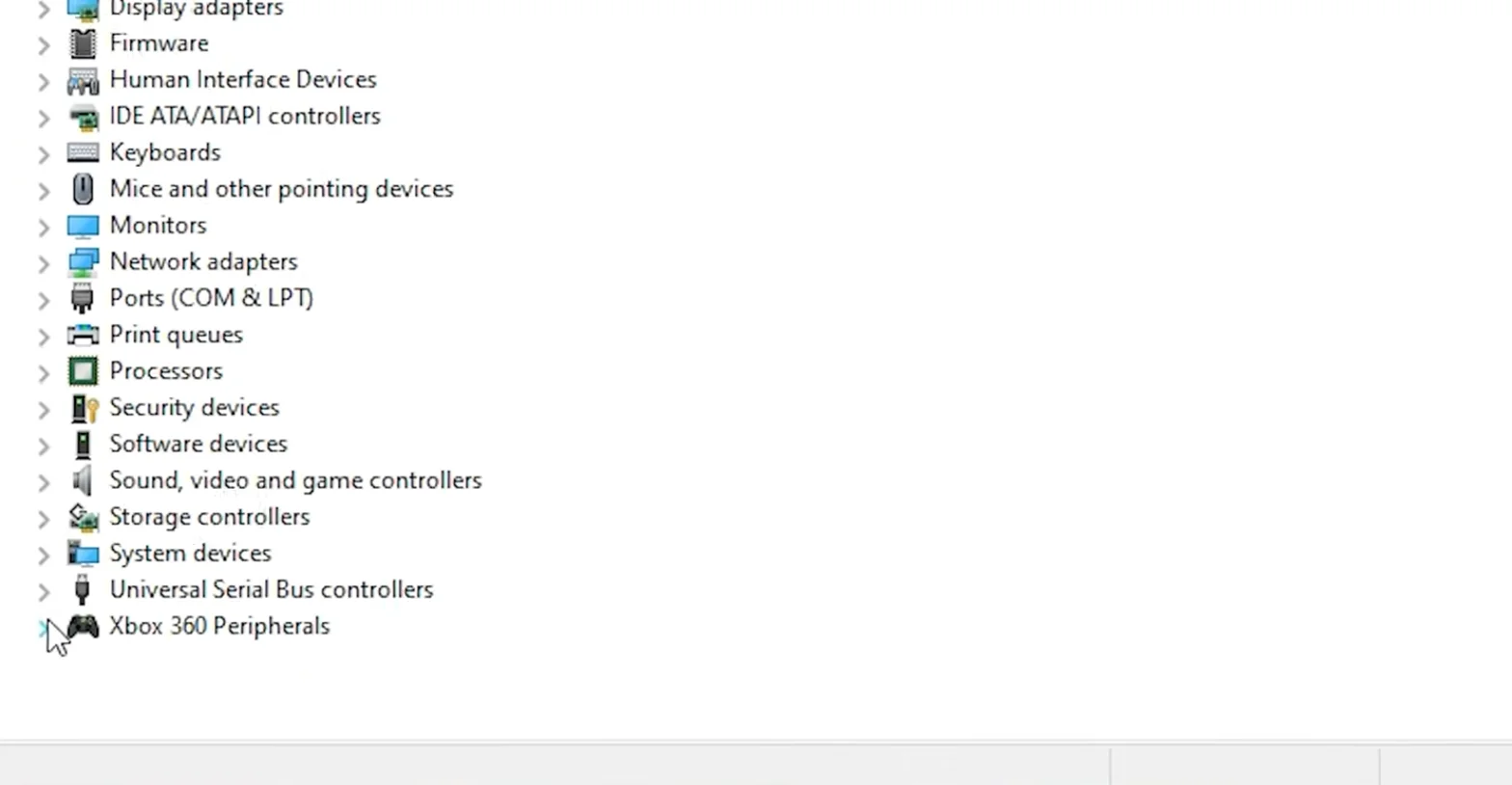
Slightly unusual. I can navigate my motherboard BIOS with the controller, so it clearly works at a hardware level and the port is fine. Boot into Windows and nothing, no device, nothing in Device Manager, nothing in the browser. Works in BIOS, dead in Windows, which seems backwards to me. Three ports, two cables, same story. Is this a driver thing even though Windows shows no device at all to have a driver problem with?
BIOS uses a simple generic USB driver that accepts almost anything. Windows is stricter, so a controller with a malformed descriptor works in BIOS and is rejected by Windows. Usually a clone firmware problem.

It seems backwards but it is actually quite logical, and it points firmly at the controller rather than at your PC.
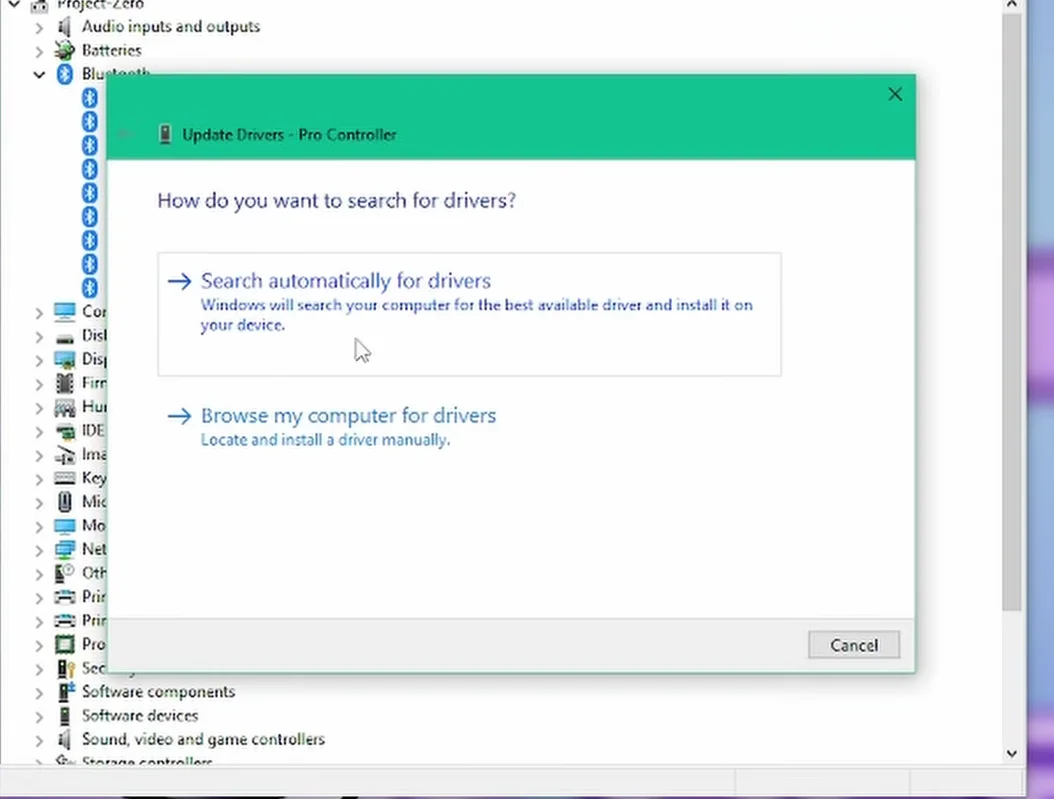
A motherboard BIOS implements a deliberately minimal USB stack. It wants to read a keyboard, a mouse and sometimes a gamepad with as little code as possible, so it is extremely forgiving: it will talk to a device whose descriptor is incomplete or technically invalid, as long as it can extract something usable. Windows is far stricter. It validates the descriptor properly and, if the device declares something inconsistent or malformed, it refuses to create a device node at all. That is why you get nothing in Device Manager rather than a device with a warning triangle: Windows has not accepted it as a device in the first place, so there is nothing for a driver to attach to.
On an unbranded pad, the overwhelmingly likely cause is clone firmware with a copied or hand-edited descriptor that does not quite validate. We see this regularly, and it is why the same controller can work on a console, in a BIOS, or on Linux, and be invisible on Windows.
Things worth trying, all quick. Look for a Mode or Analog switch on the controller, since some generic pads present a different and more valid descriptor in each mode. Try it on a second Windows machine to confirm the behaviour follows the device. Try it on Linux or on a Raspberry Pi if you have one, since a device that enumerates there and not on Windows confirms a validation problem rather than a hardware fault.
If the mode switch does not help and it is invisible on every Windows machine, there is no fix. You cannot patch a descriptor from the host side, and no driver will help because Windows never gets as far as loading one. On an unbranded pad the honest answer is to return it if you can, and to treat BIOS-only operation as a curiosity rather than a usable state.
Tested on: Four unbranded USB pads tested in motherboard BIOS, Windows 11 24H2, Ubuntu 25.04 and macOS 15.3, with descriptors captured where possible. Two pads with malformed descriptors operated in BIOS and on Linux while never creating a device node on Windows; one was resolved by its Mode switch presenting a valid descriptor.
Checked by Lucas Rocha on . How we verify answers
Retro And Adapter Hardware Specialist at Gamepad Tester
Graham works on legacy input hardware. Older controllers reach a browser through a USB adapter, and the adapter decides what the browser sees: button order changes, axes arrive as buttons, D-pads report as hats, and two adapters for the same console can behave nothing alike. He maps how the common adapters present themselves so that a player with a SNES or Sega pad can read a test result correctly instead of concluding their controller is broken. On Gamepad Tester he answers the adapter and legacy hardware questions.
 Calder WrightFront-End Web Architect And Gamepad API Lead
 Elena RostovaHardware Diagnostics Engineer
 Garrett LindsayHardware Reviewer And Input Performance Specialist
 Venom’s Tech (Abhishek)Peripheral Reviewer And Tech Journalist
 Chloe HendersonHall Effect And Thumbstick Analyst
 Thiago AlvesHardware Repair Educator
 Devon MillerLow Latency And Input Timing Engineer
 Liam DaviesBluetooth And Wireless Test Engineer
Each answer is written by the specialist who owns that part of the hardware, tested on a real controller, and checked by a second team member. How we verify answers
Answers are free general guidance from the Gamepad Tester Team and the community. Opening a controller or replacing a thumbstick module can void your warranty, so check the maker's support or warranty first. Battery and soldering work carries a real risk of damage or injury.
Every test runs in your own browser with the Gamepad API. No sign up, no download, and your controller data never leaves your device.
You paired the controller, the light went solid, your phone said "Connected," and then the game did absolutely…
There is a particular kind of bad session that never gets diagnosed. You lose a duel you should have won. Your car…
A shot fired half a second after I pulled the trigger, the same delay I had been chasing for two weeks, faulting…
The newest replies from players and the Gamepad Tester Team.

