Repairing Ghost Inputs Caused by Worn Carbon Pads
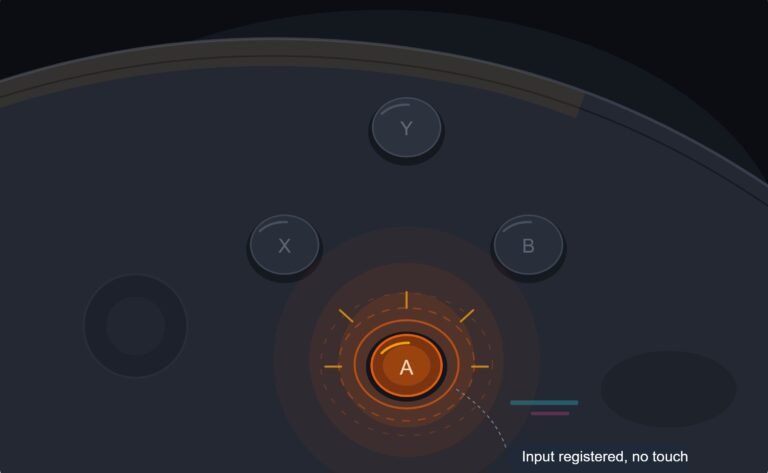
The face button registered a press I never made, a phantom input firing on its own during a menu screen while my thumb…

L3 on my PS5 controller is dying. In Warzone I have to press really hard and sometimes it doesn't sprint at all. Your button test shows L3 only lighting up maybe half the time when I click normally. Everything else works. Is this a cleaning thing or is the button done?
An L3 that registers about half the time is usually a worn or dirty tactile switch under the stick. Cleaning sometimes helps, but the lasting fix is replacing that small switch or the stick module. Remapping sprint is a good stopgap.

The stick click is a small tactile switch sitting under the stick module. Every press of L3 pushes the whole stick down onto it, and in shooters where sprint is on L3, it gets more presses than almost any other button. Two things wear out: the metal dome inside the switch loses its snap, or dirt builds up so the contact does not close cleanly.
The button test tells you which. Press L3 slowly 20 times. If it fails on light presses but works when you press hard, the dome is worn. If it fails randomly at any pressure, dirt or a cracked solder joint is more likely.
Cleaning is worth one try because it costs nothing, but the switch is sealed fairly well, so it helps less often than with stick drift. The lasting repair is a new tactile switch, a cheap part, soldered onto the board, or a full stick module replacement, which also brings a new click switch with it.
While you decide, remap sprint. Most shooters let you use auto sprint or move sprint to a back button or a face button, which takes all the load off L3. On a PS5 you can also swap buttons system-wide in the accessibility settings.
Tested on: Applies to DualSense CFI-ZCT1W on Windows 11 with Chrome or Edge. Button behaviour per the standard gamepad mapping in the W3C Gamepad specification.
Checked by Oliver Sterling on . How we verify answers
Hardware Repair Educator at Gamepad Tester
Thiago teaches controller repair. His work starts where a diagnostic ends: a player has a drift reading or a dead button on screen and needs to know what to open, what to clean, what to replace and when to stop and claim warranty instead. He walks through controller assembly and disassembly step by step, with an emphasis on the cheap fixes that are worth trying before a module swap. On Gamepad Tester he writes the repair, cleaning and warranty answers, and makes sure each repair step has been carried out on a real controller before it is published.
 Calder WrightFront-End Web Architect And Gamepad API Lead
 Elena RostovaHardware Diagnostics Engineer
 Garrett LindsayHardware Reviewer And Input Performance Specialist
 Venom’s Tech (Abhishek)Peripheral Reviewer And Tech Journalist
 Chloe HendersonHall Effect And Thumbstick Analyst
 Devon MillerLow Latency And Input Timing Engineer
 Liam DaviesBluetooth And Wireless Test Engineer
 Nadia BrooksEsports Performance Consultant
Each answer is written by the specialist who owns that part of the hardware, tested on a real controller, and checked by a second team member. How we verify answers
Answers are free general guidance from the Gamepad Tester Team and the community. Opening a controller or replacing a thumbstick module can void your warranty, so check the maker's support or warranty first. Battery and soldering work carries a real risk of damage or injury.
Every test runs in your own browser with the Gamepad API. No sign up, no download, and your controller data never leaves your device.
The face button registered a press I never made, a phantom input firing on its own during a menu screen while my thumb…
Android RPGs no longer feel like small games made to fill a few spare minutes. Some now offer large open worlds…
Esports viewing has changed a lot. Fans no longer watch only for big kills, clutch rounds, final scores, or highlight…
The newest replies from players and the Gamepad Tester Team.